Known Participant
June 13, 2024

All sorts of bugs with the new update...

  • June 13, 2024
  • 5 replies
  • 371 views

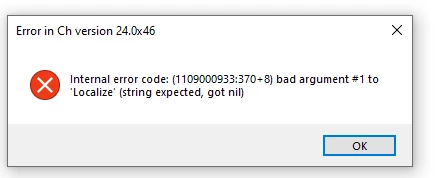
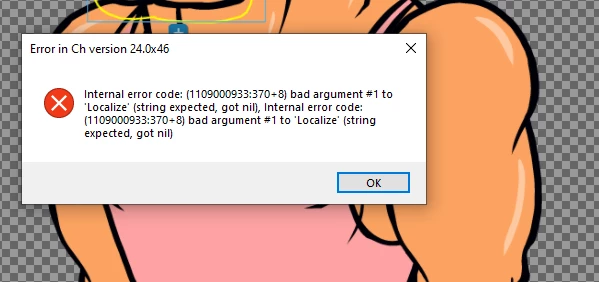
My files don't work anymore due to these errors that appeared. I have not made any changes to my files. Though they are on Dropbox. Would this have any effect on it?


Not had issues before this.


Any ideas?


5 replies

TheOriginalGC
Community Expert
Community Expert
June 24, 2024

This error is because CH is looking in the wrong directory for the files. Go to the record tab and make sure your puppet is selected. On the right side of the screen you will see "puppet" and blue text indicating the path to the puppet files. Click on the blue text and select the proper path. Your images should show up properly after that.

PuppetGuyAuthor
Known Participant
June 20, 2024

These errors are even happening with the default files from the main menu.


I just opened Chloe and I'm getting the exact same errors.

PuppetGuyAuthor
Known Participant
June 19, 2024

Well it looks like I'm halfway there. Now my PSD file shows as missing!


PuppetGuyAuthor
Known Participant
June 19, 2024

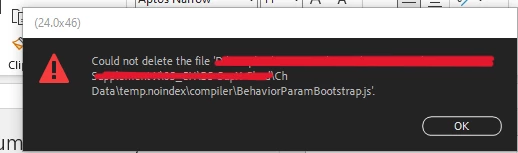
I copied everything to my local drive and still get the same errors...

TheOriginalGC
Community Expert
Community Expert
June 13, 2024

CH does not work well with files that are on the cloud. Try moving your files to a local drive