Participating Frequently
August 9, 2023

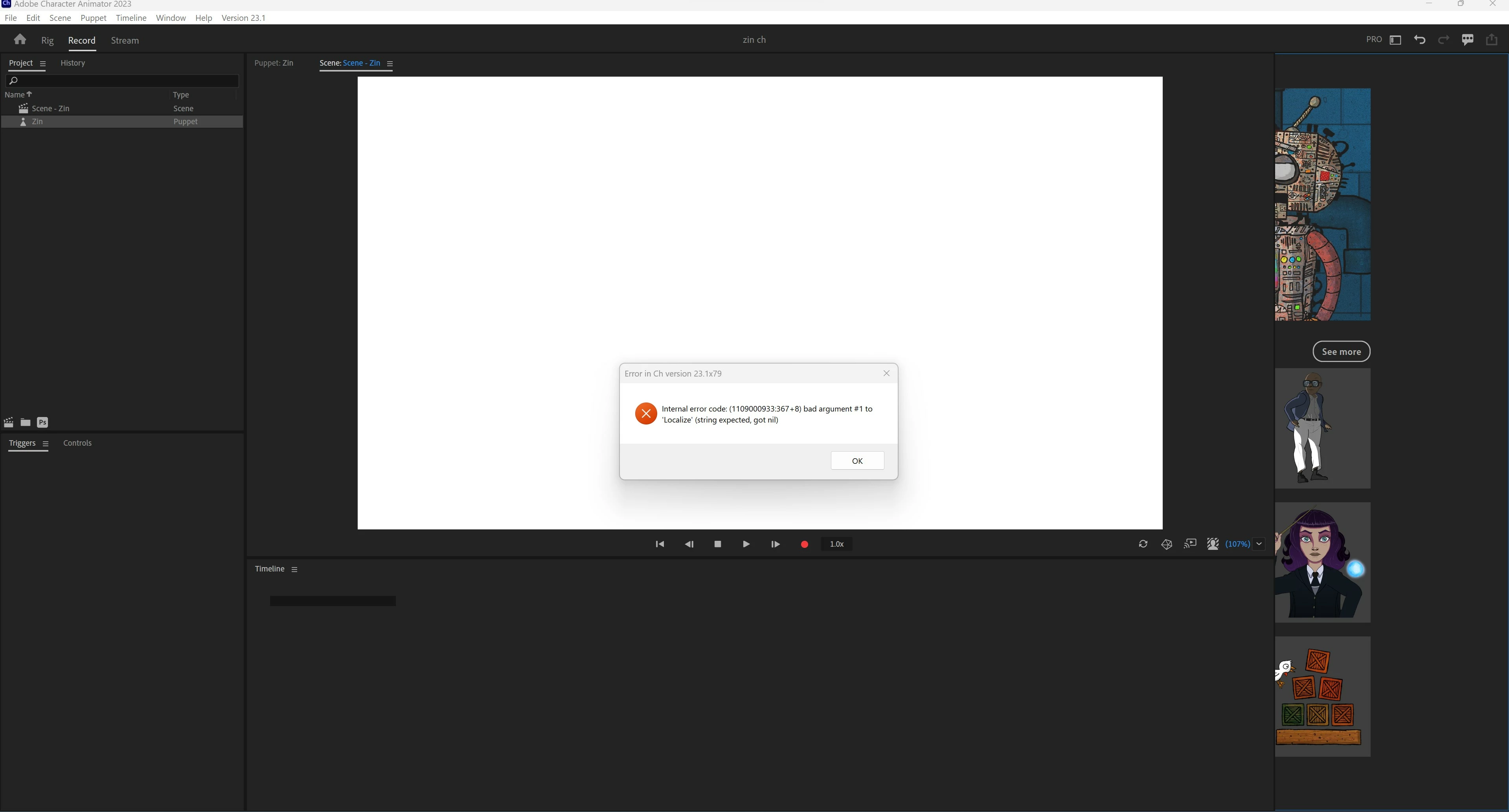
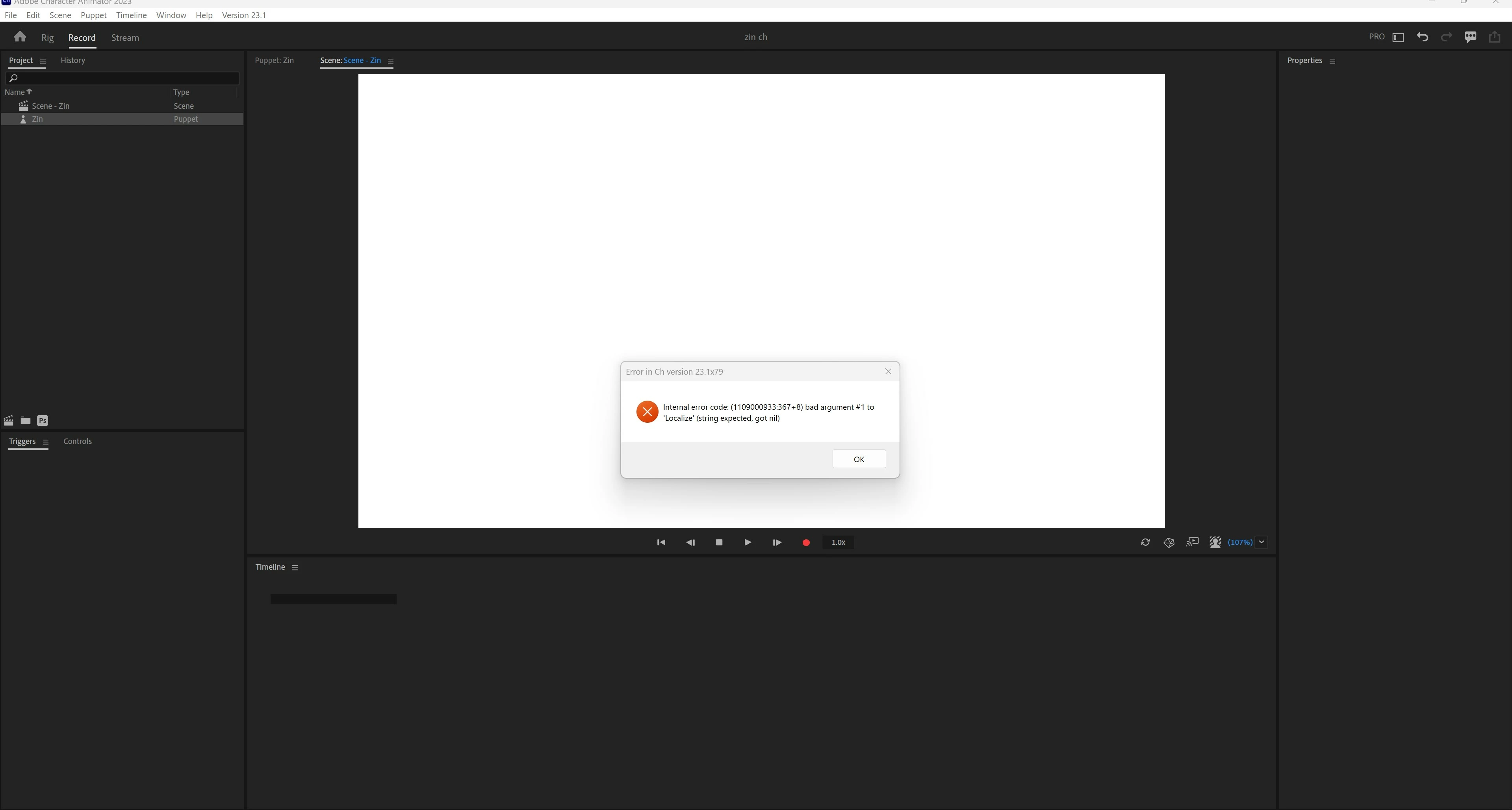
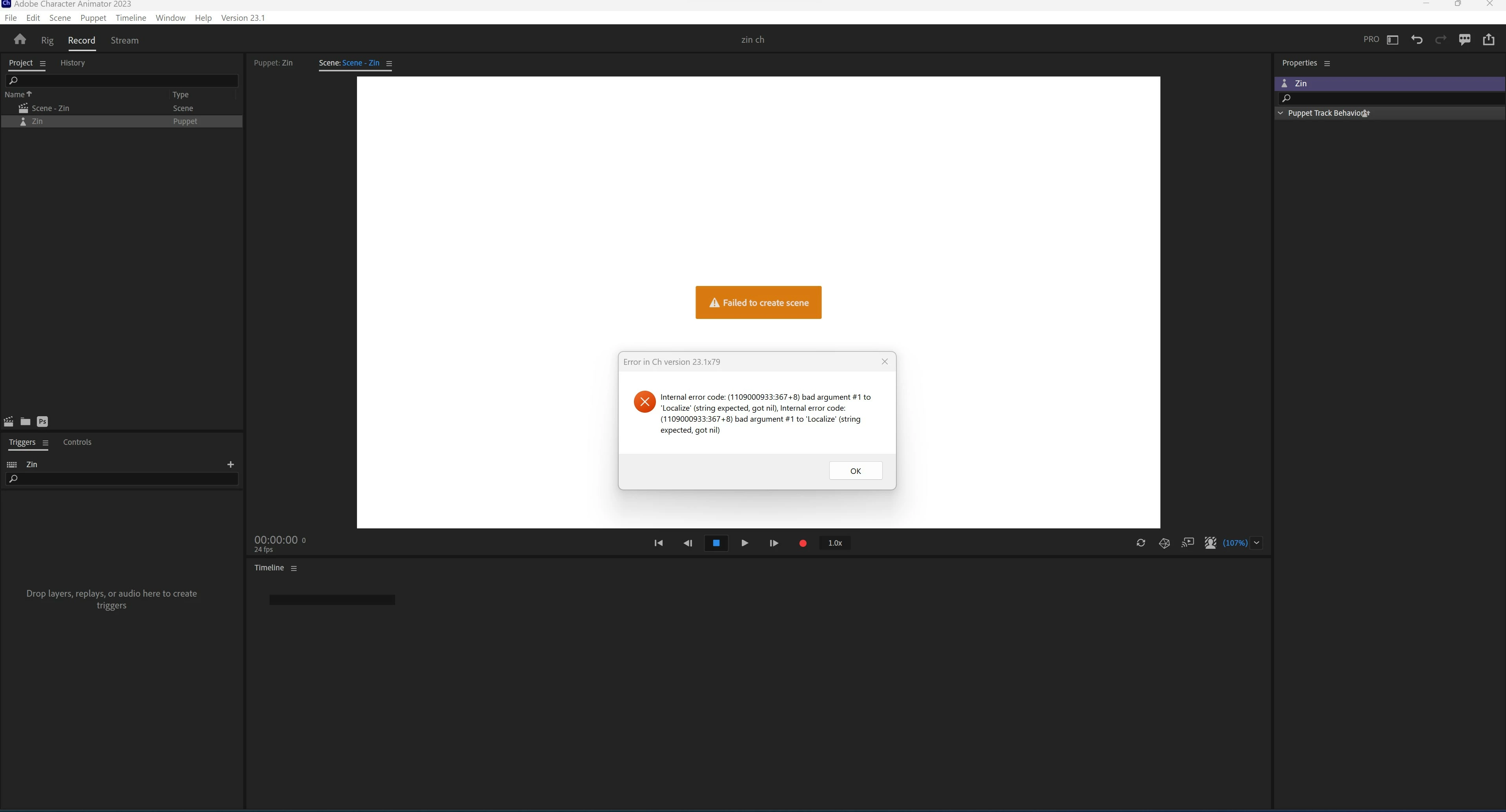
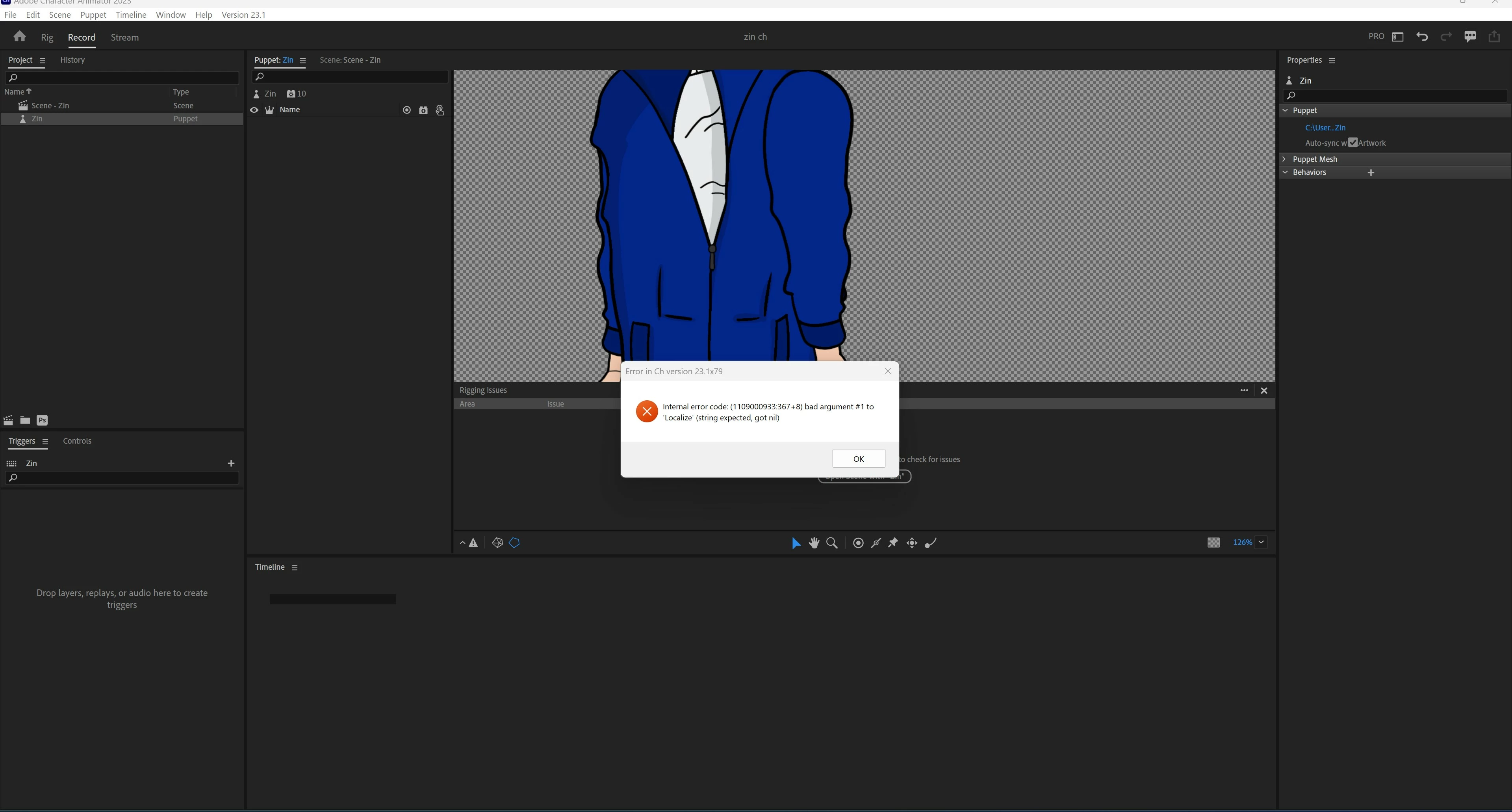
Internal error code: bad argument to localized string expected, got nil

  • August 9, 2023
  • 4 replies
  • 422 views

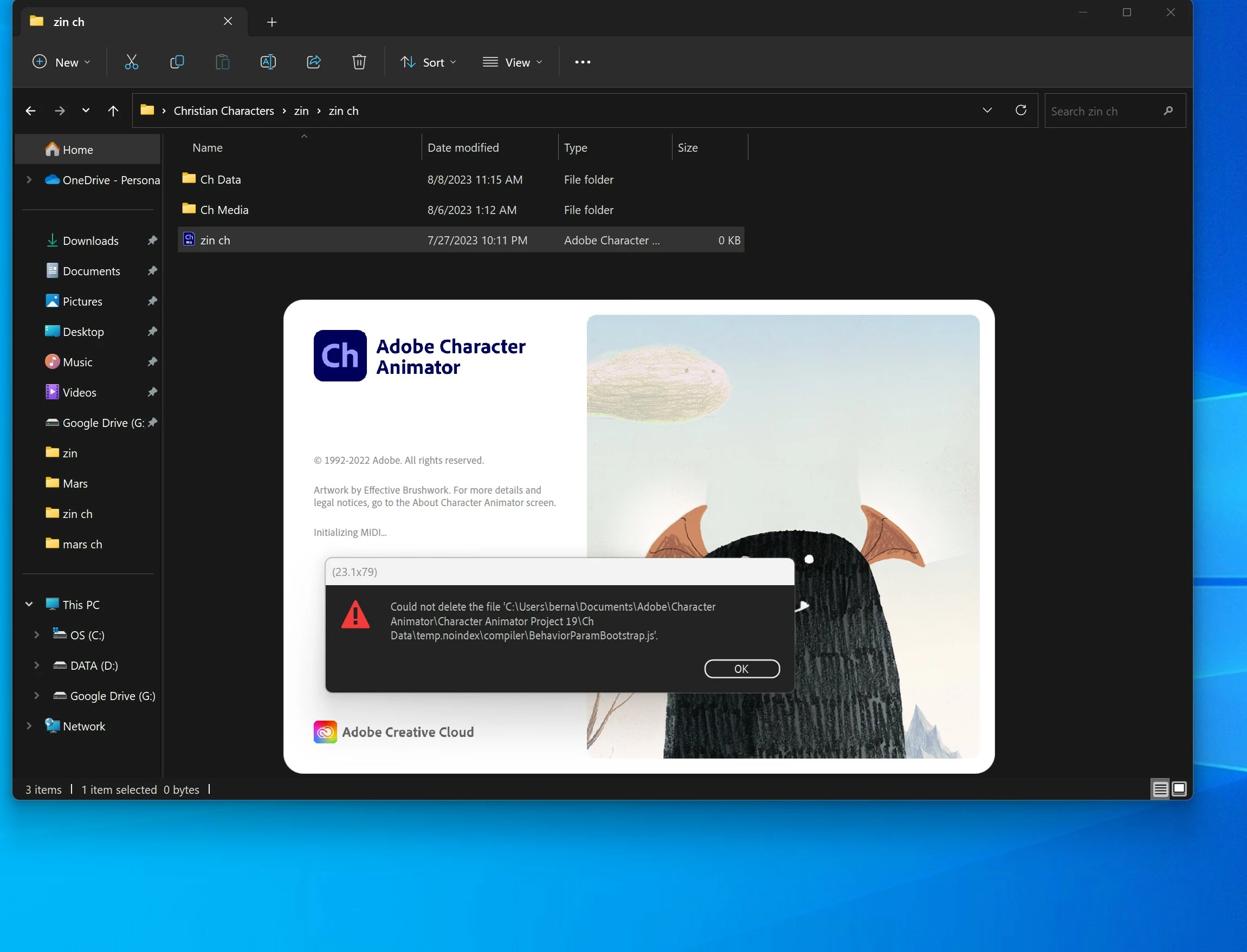
Cant seem to fix it, what did work for 1 day was uninstalling everything including the creative app. but the following day when i opened up character animator these messages keep popping up. cant do nothing to the puppet even on rig mode. the layers wont be shown. see pictures.

been using character animator for years. never had this problem. 
 

4 replies

Bernardo7Author
Participating Frequently
January 15, 2024

Update as of Jan 14 2024. The adobe team couldn't fix it . Even the senior guy couldn't fix it. So they gave me a half a month free of adobe lol.. since I couldn't use it for 3 weeks almost . I switched to adobe animate . It's more time consuming but it's ok, I get to sharpen my drawing skills adobe animate. But honestly some stuff I can do way faster in adobe character animator like the walk cycle . I am bummed out that I can't use adobe character animator. 

Participant
January 12, 2024

Any updates on this? Having the same issues. 

Bernardo7Author
Participating Frequently
August 14, 2023

None of that works . It's been tried. Some guy from the adobe team was trying to fix it for a good 2 hours. I have an appointment this week with a more senior employee to see if he can fix it . 

CoSA_DaveS
Adobe Employee
Adobe Employee
August 13, 2023

Try quitting Ch and deleting the "temp.noindex" folder that is mentioned in that error message. It has only temporary files. If you can't do this from Explorer, reboot the machine first.


Another thing to try: hold down Option or Alt while launching the app (via the launch bar, not by double-clicking the project) — it will then create a new project instead of opening the previous one.