

Participant
August 13, 2023

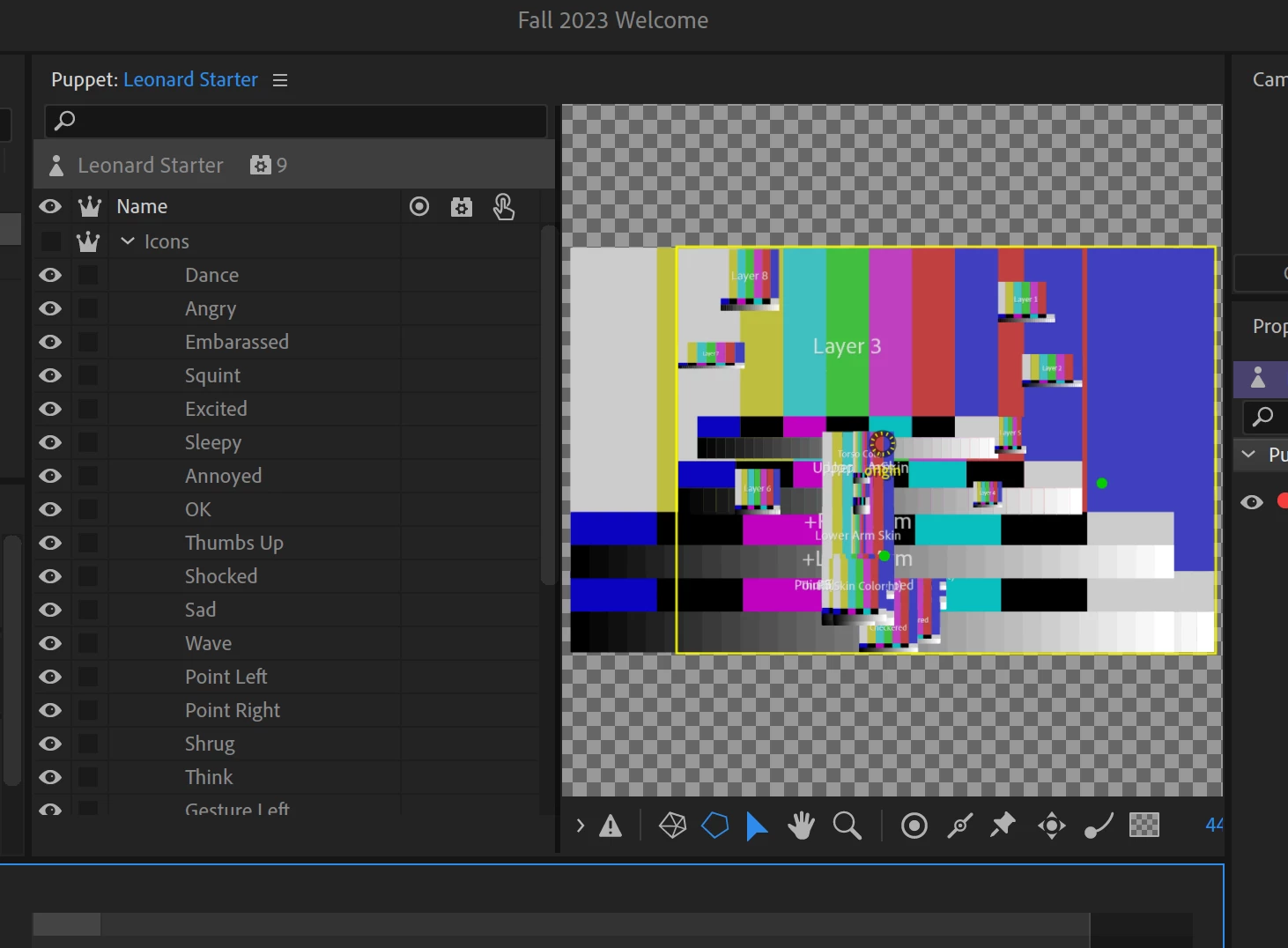
Puppet suddenly turned into test screen

  • August 13, 2023
  • 2 replies
  • 105 views

Anyone else having trouble with their scene all of a sudden looking like this?
2 replies

TheOriginalGC
Community Expert
Community Expert
August 14, 2023

Bill is right. Click on the puppet name in the Project panel and then in the Properties panel, you will see the link to the puppet highlighted in blue. Sometimes clicking on the link is all you need to do, but if necessary, redirect the path to the proper location of the puppet.

Participant
August 13, 2023

You may have moved your artwork or renamed it. CH can find your original if you click on the puppet in the project panel, it will then light up in blue on the right under puppet. That should locate your original.
