DaniilGe
Participant
June 24, 2026

Anchor points return as a solid black mask in material channels

  • June 24, 2026
  • 1 reply
  • 57 views

After updating Substance Painter from version 12.0.3 to 12.1.0, all anchor points connected to material channels no longer return the correct anchor mask. Instead, they produce a completely black mask, even though the anchor levels indicate that the values are within the expected range and are not actually black.

This issue did not occur in version 12.0.3 and appears to have been introduced with the update to 12.1.0.

Expected anchor mask:
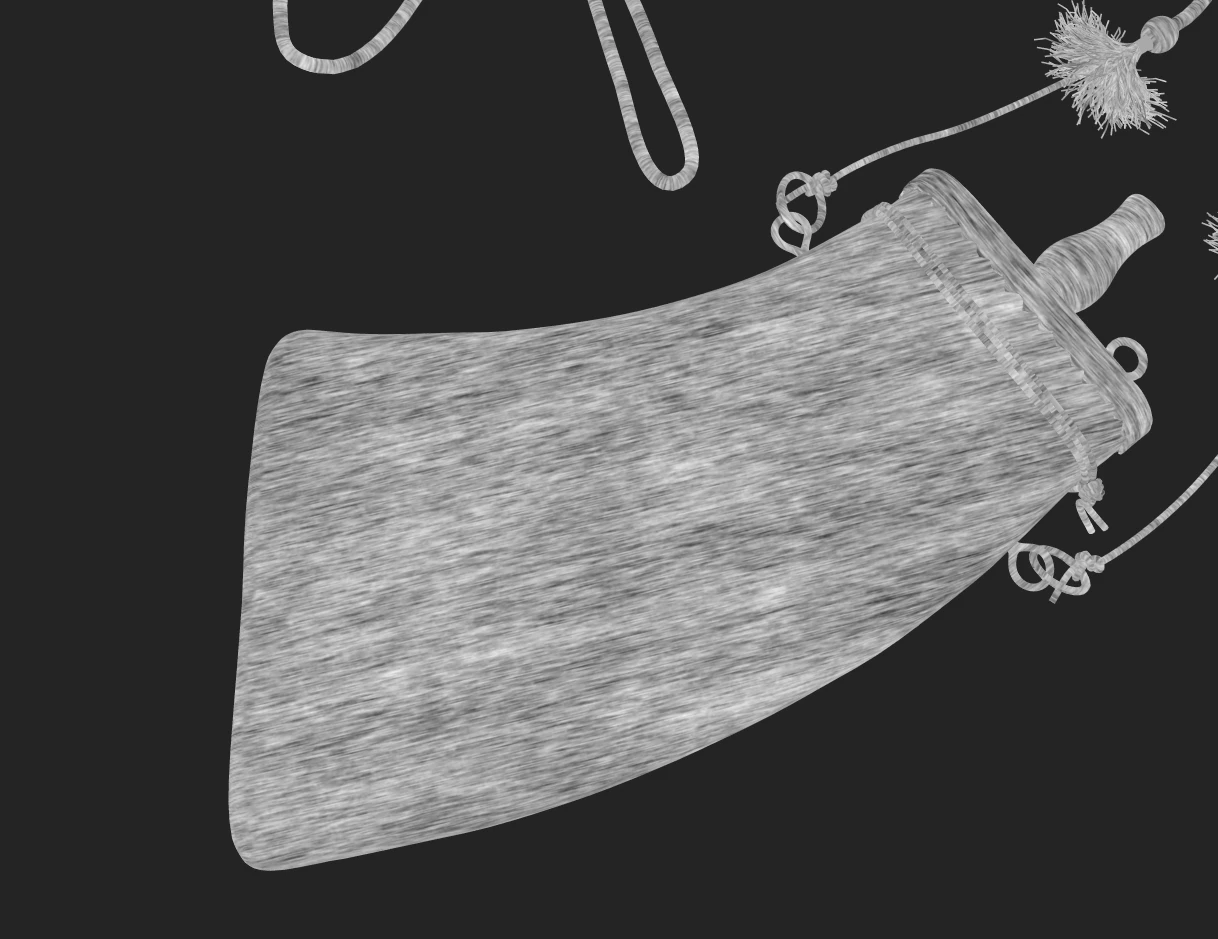
Expected anchor

Returned anchor in material color channel:
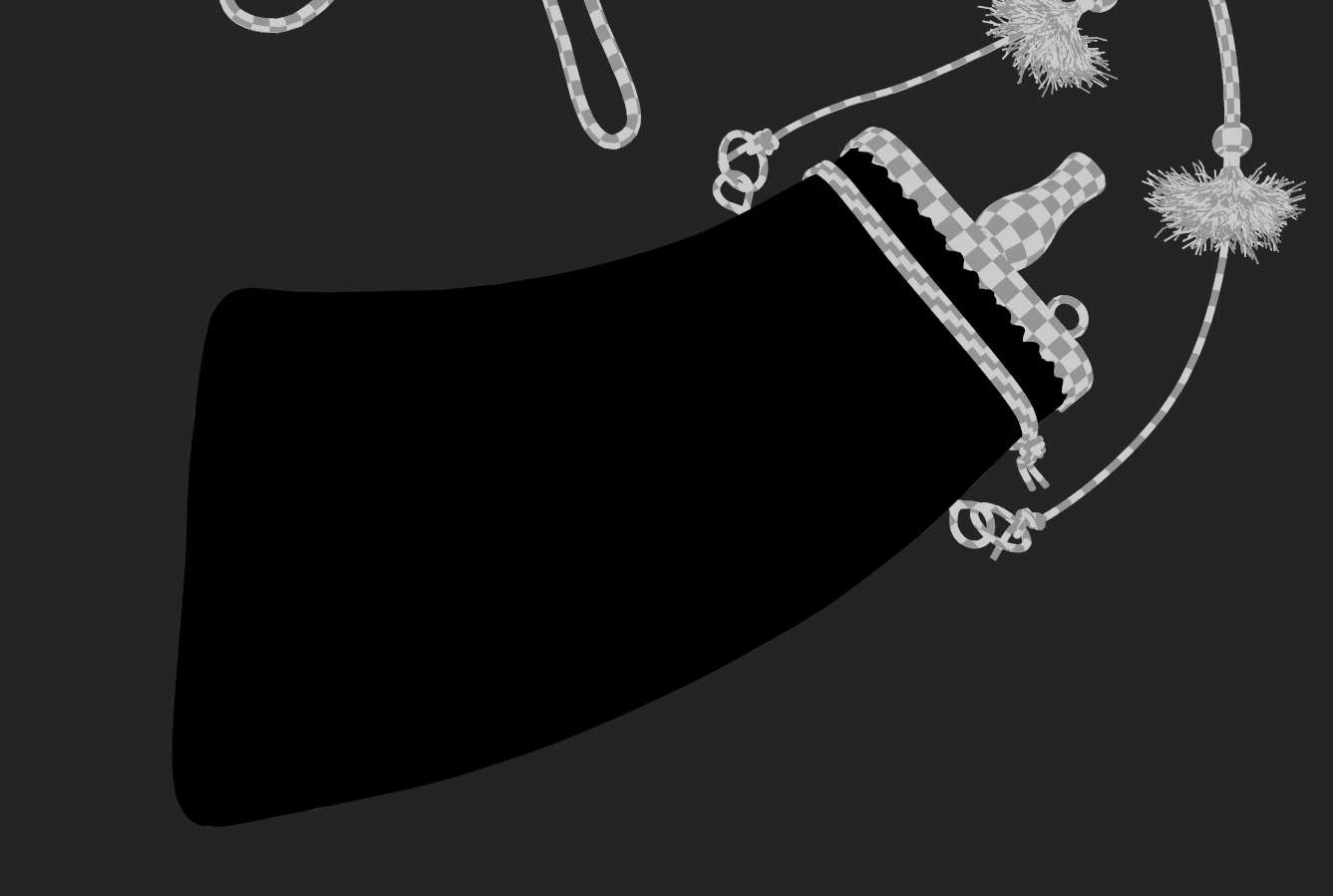
Returned anchor

Anchor values in material color channel:
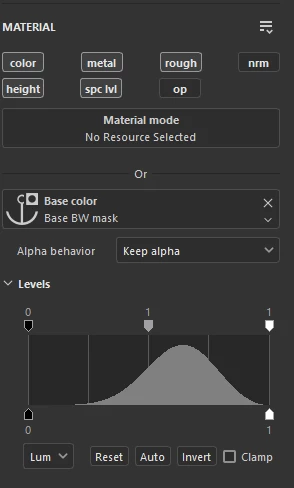
Anchor values

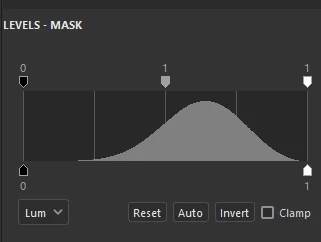
Anchor values in mask:

Anchor values


    1 reply

    Participant
    June 26, 2026

    Yes, same issue here.

    It seems that since version 12.1, anchor points coming from a mask can only be reused inside another mask. However, anchor points placed on a Fill Layer or Paint Layer still work correctly both in masks and in Fill Layers/material channels.

    This breaks previous workflows where a grayscale result built inside a mask could be reused as a Base Color or another material channel through an anchor point.

    DaniilGe
    DaniilGeAuthor
    Participant
    June 28, 2026

    Yeah, I figured it out with the fill layer that day. The problem is that if you already had your anchors set up and then updated the substance file, you'd have to manually fix all the broken anchors. :(