


Participant
May 21, 2023

Artifacts with the opacity channel

  • May 21, 2023
  • 1 reply
  • 172 views

Sometimes when I adjust the opacity of my object, its faces disappear.
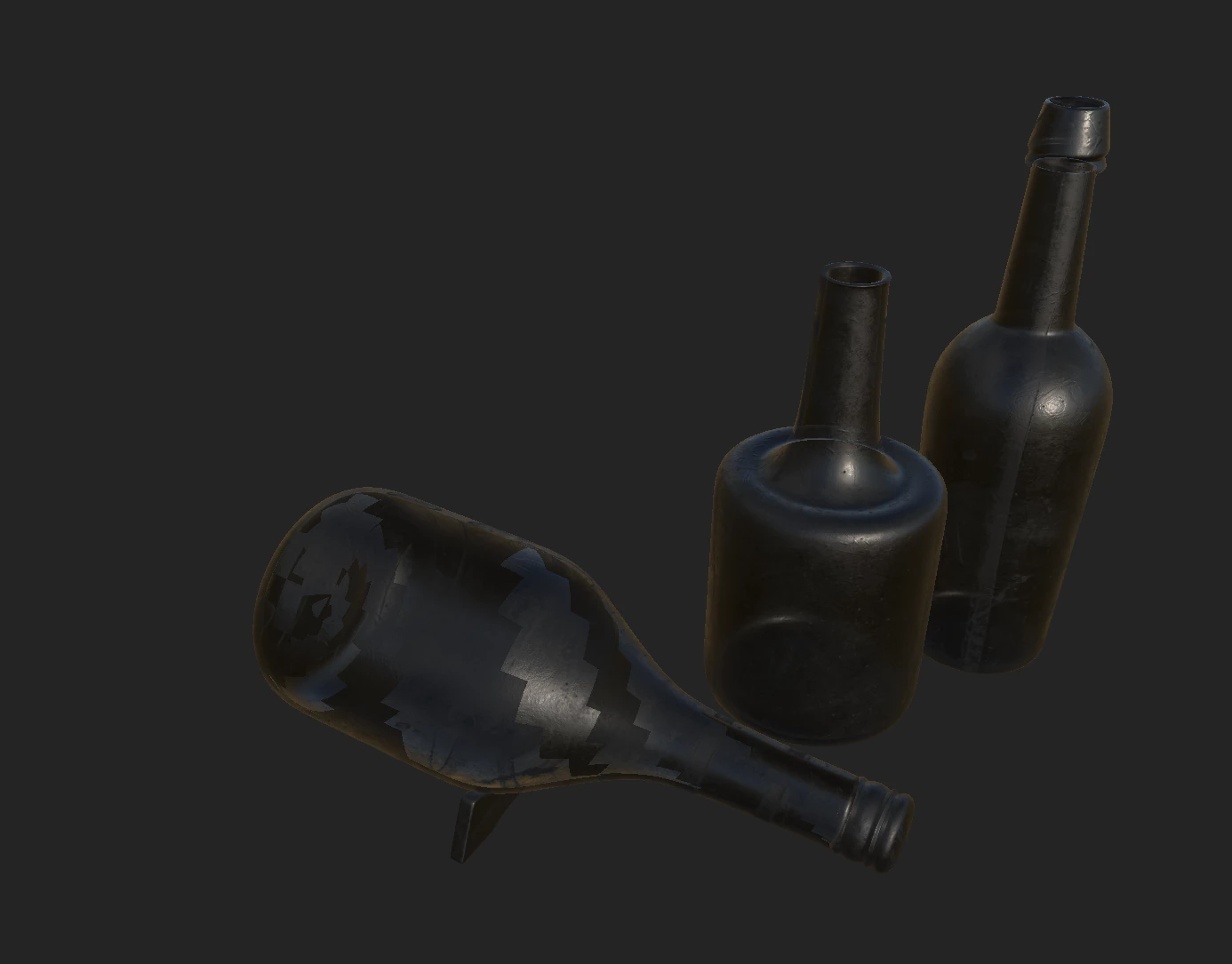
(for instance the bottle on the left)
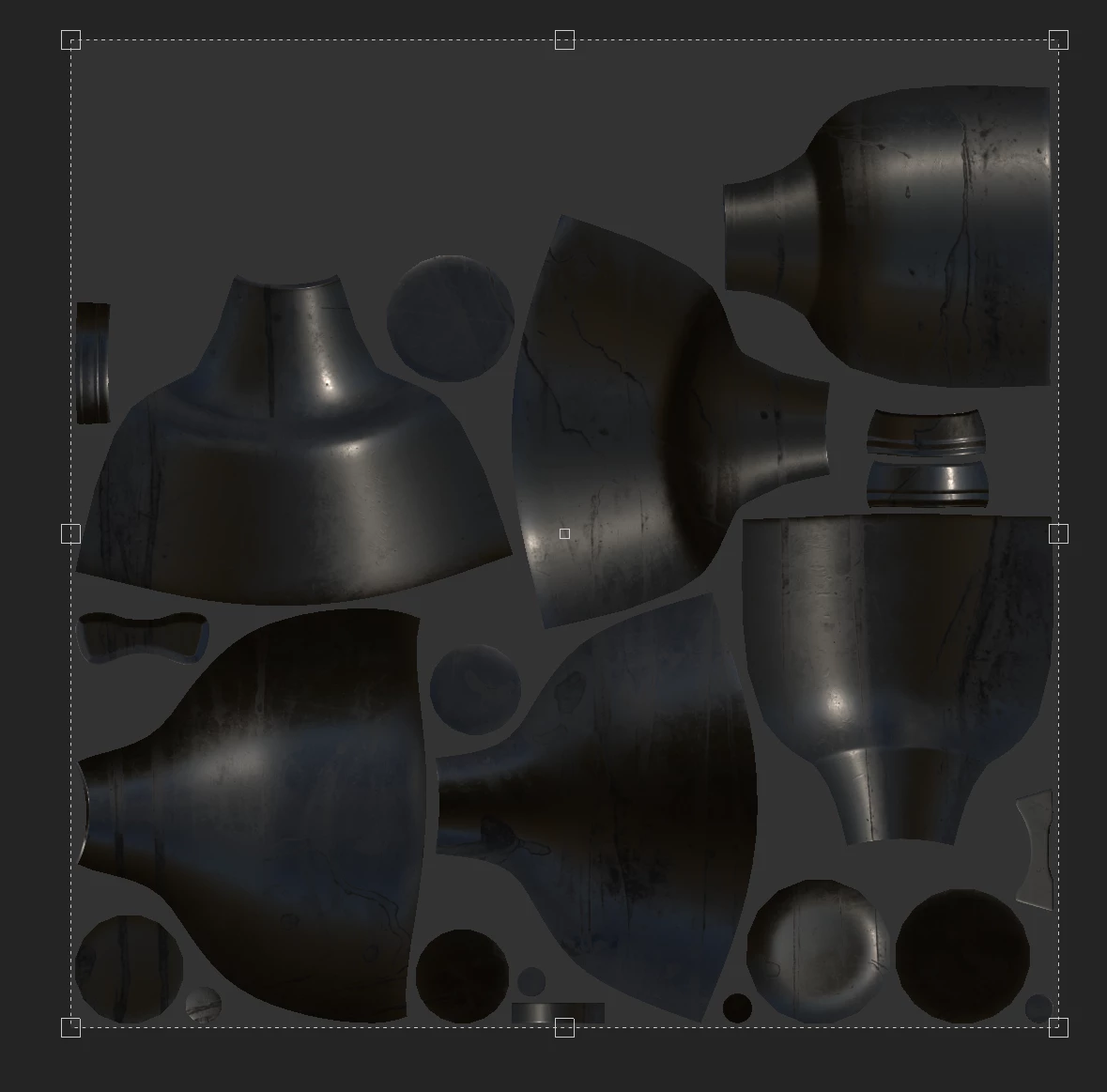
 

(UVs seem fine...no overlapping)

 

(The tangents are calculated on import so it can't be the normals)


Here's the link to the .fbx file of the high poly mesh used : https://ufile.io/5r2dwsfd

Here's the link to the .spp file : https://ufile.io/hoelrf62

Any help would be appreciated. Thank you.

1 reply

Cyril Dellenbach
Community Manager
Community Manager
May 22, 2023

Hello @Sohail29760184x289,


Unfortunately, you're facing a limitation of our viewport. When a 3D object has close opposite faces, it can struggle to determine which face to show, creating these types of artifact. In fact, you'll see the issue disappear when turning Iray on (F10).


Therefore and even I know how annoying this can be, I wouldn't worry too much, as long as you're not planning to make your final rendering in the 3D view of Substance 3D Painter.


Best regards,


Cyril Dellenbach (Micro) | QA Support Artist | Adobe