


Participant
December 28, 2023

Automatically or on right click reload already applied textures

  • December 28, 2023
  • 1 reply
  • 160 views

This could be considered a bug as well as a partial feature request:
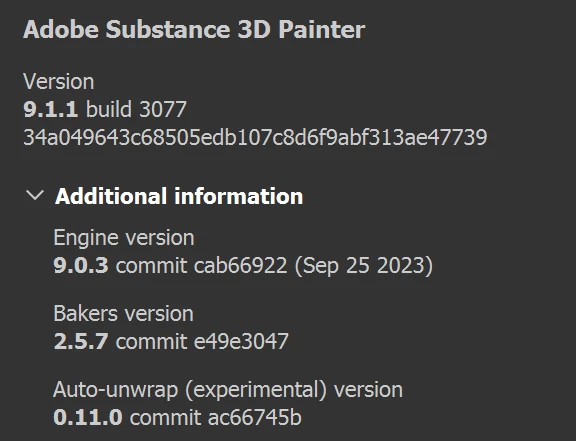


bug:


When right-clicking to reload a texture which was updated externally, substance does not apply this re-imported texture on the model automatically, the user still has to drag and re-drop it onto a material slot to be applied. 


If one texture is applied across different materials, or if there are multiple textures that have been updated externally and applied either on one objects/materials, would increase this tedious and unecessary task even further of draggin them individually to their various mat slots.


feature request:


Ideally in a future release, any externally updated textures should be auto-detected and reloaded, not only as a resource in the project, but also updated on any applied objects/materials to see them in the viewport.


Otherwise keep up the great work,


-Mike

    1 reply

    Cyril Dellenbach
    Community Manager
    Community Manager
    January 8, 2024

    Hi Mike,


    Thanks for the suggestion and your kind words.


    This behavior can be annoying indeed, but hard to avoid considering how Substance 3D Painter deals with ressources. The application will always keep a project autonomous, which basically means that the .SPP doesn't need to find external resources in order to display the mesh textured properly.

    Everything that is in the Layer stack is saved in the Layer stack. If not, when sharing the project with a friend/colleague, the work would be altered, which is what we're trying to avoid. Therefore, the Layer stack isn't directly linked to the Library panel.


    Hopefully, we've created a tool in order to bulk update the ressources in the Layer stack with new versions from the Library: The resources updater

    It allows you to find Outdated resources and quickly update them.


    Best regards,

    Cyril Dellenbach (Micro) | QA Support Artist | Adobe