Kana9984
Participant
January 28, 2026

Bake not working properly

  • January 28, 2026
  • 1 reply
  • 19 views

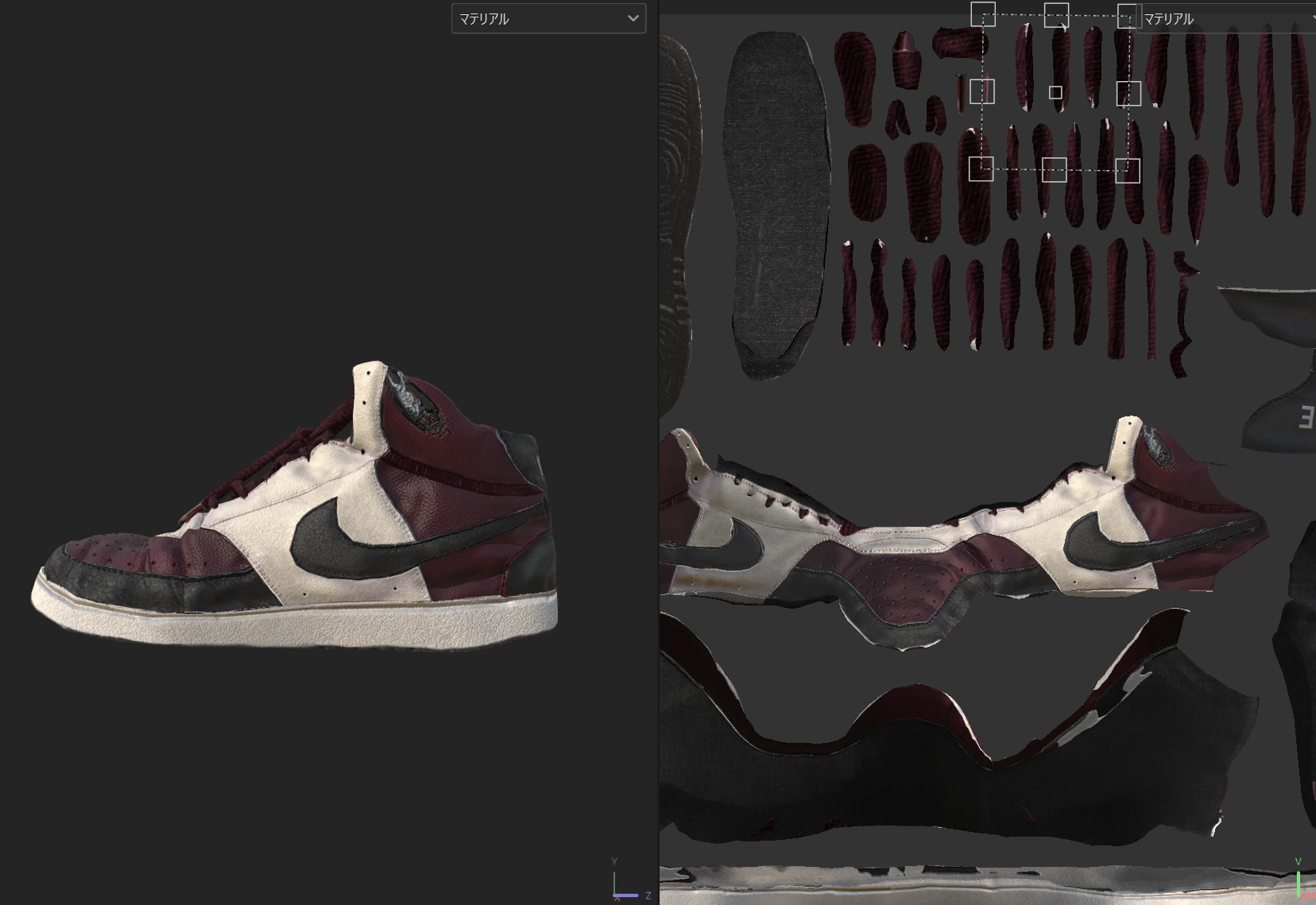
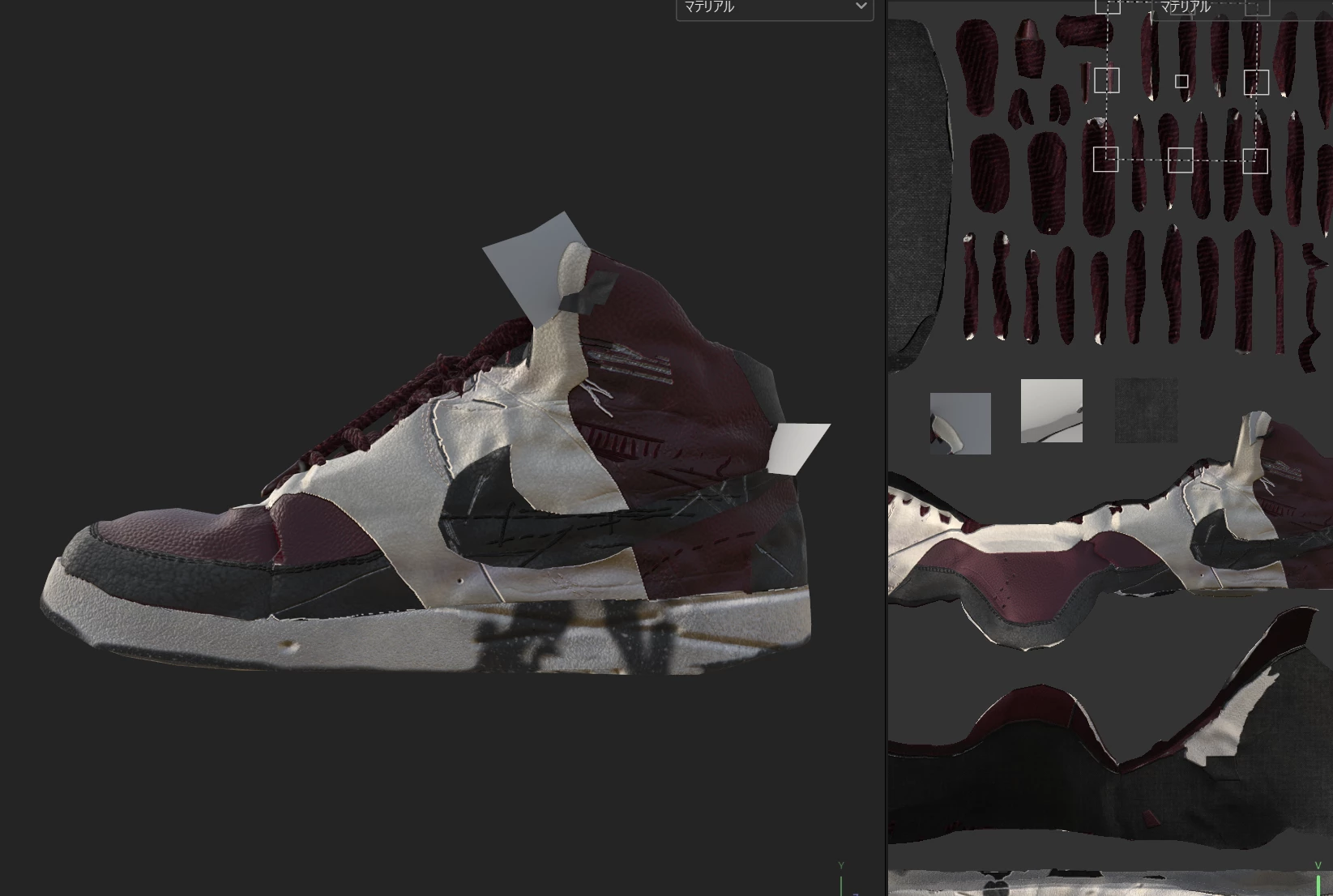
Hello. I added some plate polygons to add some flair to the model. Then I added a color material to the plate polygons and baked it again. However, doing so caused the previously normal drawing to collapse.

I checked it several times, and it was the exact same model except for the plate polygons, and there were no problems with the color material. Therefore, I consider this a bug.
 

    1 reply

    Cyril Dellenbach
    Community Manager
    Community Manager
    January 29, 2026

    Hello ​@Kana9984,


    Thank you for your report.


    Editing the 3D model and reimport it is indeed a bit unstable. That being said, make sure the “Preserve strokes positions on mesh” option is enabled before reimporting.

    If it was, you can also try to disable it. It shouldn’t work, but it’s still worth the try.


    Keep in mind that you can’t undo after reimporting. So make sure to create an additional save before reimporting.


    Best regards,


    Cyril Dellenbach (Micro) | QA Support Artist | Adobe
    Kana9984
    Kana9984Author
    Participant
    January 29, 2026

    Thanks for your reply, I tried unchecking the option and importing again but it didn't work.

    Redraws the texture.