Participant
September 24, 2023

Baking mesh returns severe artifacting, UV unwrapping is completely fine.
  • September 24, 2023
  • 1 reply
  • 136 views


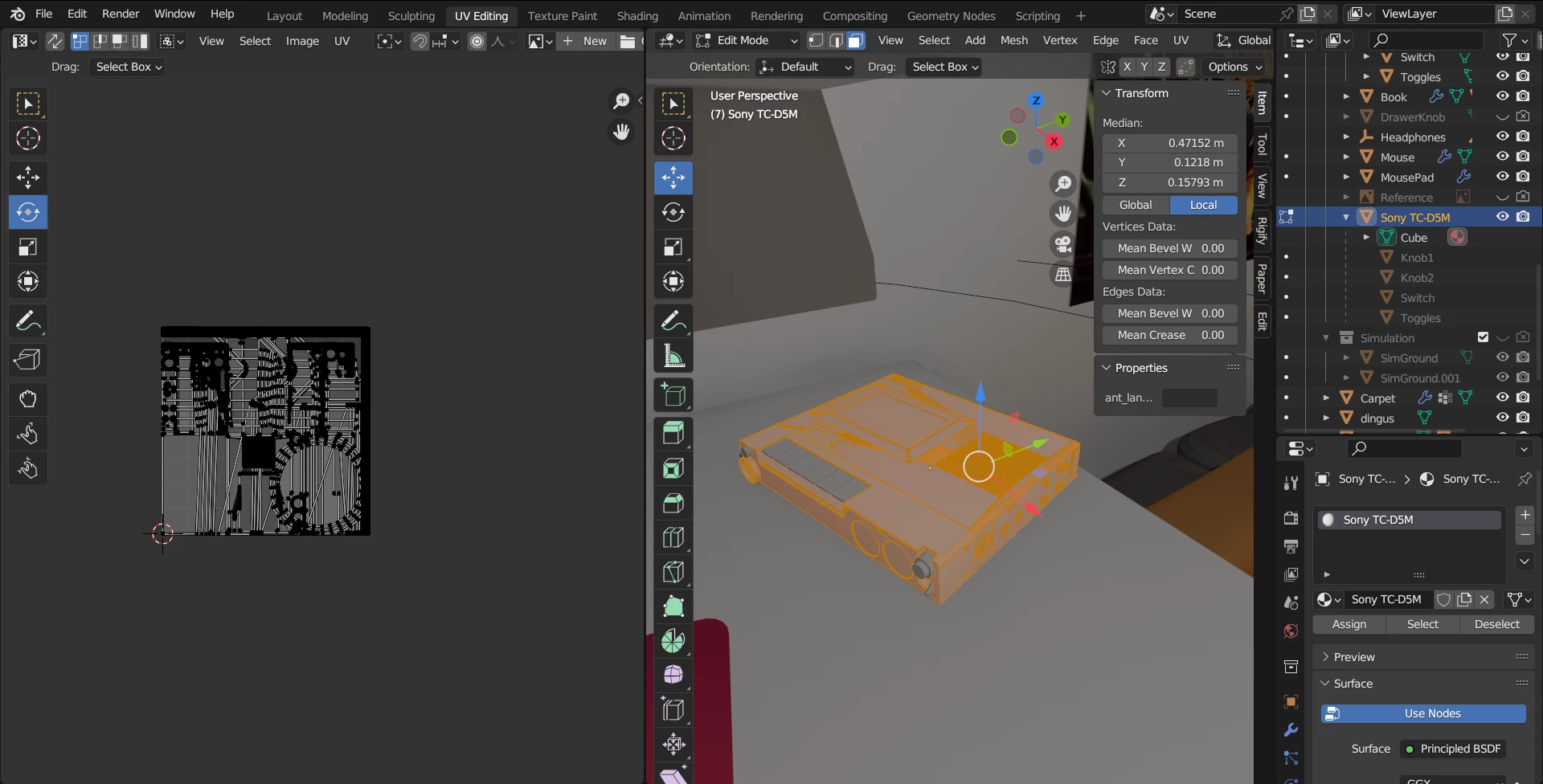
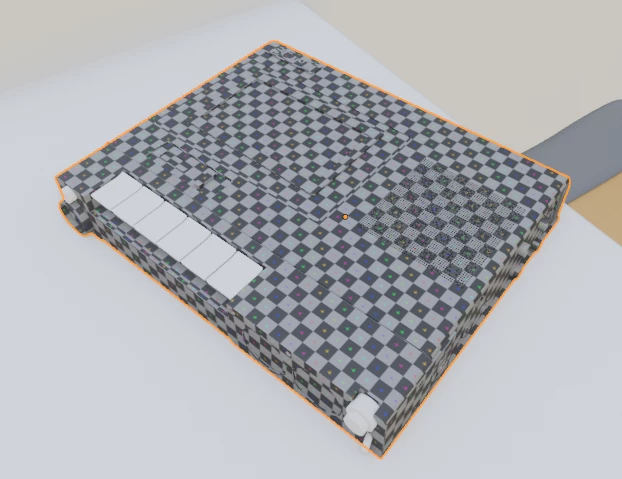
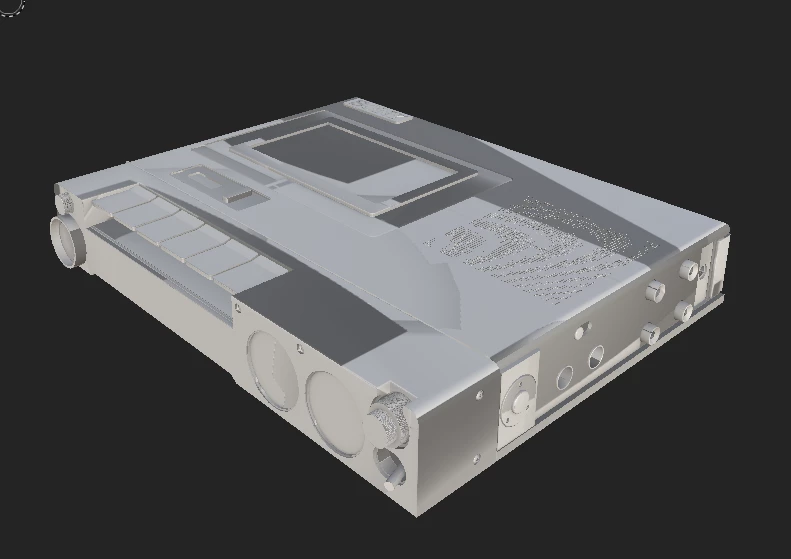
So to keep it simple, I was finished with a model in Blender, and decided to create some textures for it. UV-Unwrapped the whole model, and it's child parts (each with different materials). The Unwrapping worked fine in blender, and so I continued to Substance painter. Baking the mesh maps inside Substance painter revealed the artifacts shown.

I have checked for any Overlapping UVs, and even tried unwrapping the UVs while importing the mesh to substance painter.

No clue what might be happening, I only have around 20 hours in Substance Painter, and I have indeed checked other related forum posts without much luck.


1 reply

Cyril Dellenbach
Community Manager
Community Manager
September 25, 2023

Hi @Highfields30705044w4lg,


Thanks for the detailed message and the .FBX file, it greatly helps troubleshooting.


You were right to check for overlapping UVs, because this can be a cause of artifacts on 3D models, and as we can see in your screenshot (or the image below) there are indeed overlapping UVs in your asset.


But these overlapping UVs aren't the only things creating artifacts on the model. I strongly advise you to build bigger UV islands. Most of the islands are too small (some less than a pixel) to work properly. Related to the size, make sure to have a decent margin between the UV islands.


Best regards,


Cyril Dellenbach (Micro) | QA Support Artist | Adobe