


Open for Voting
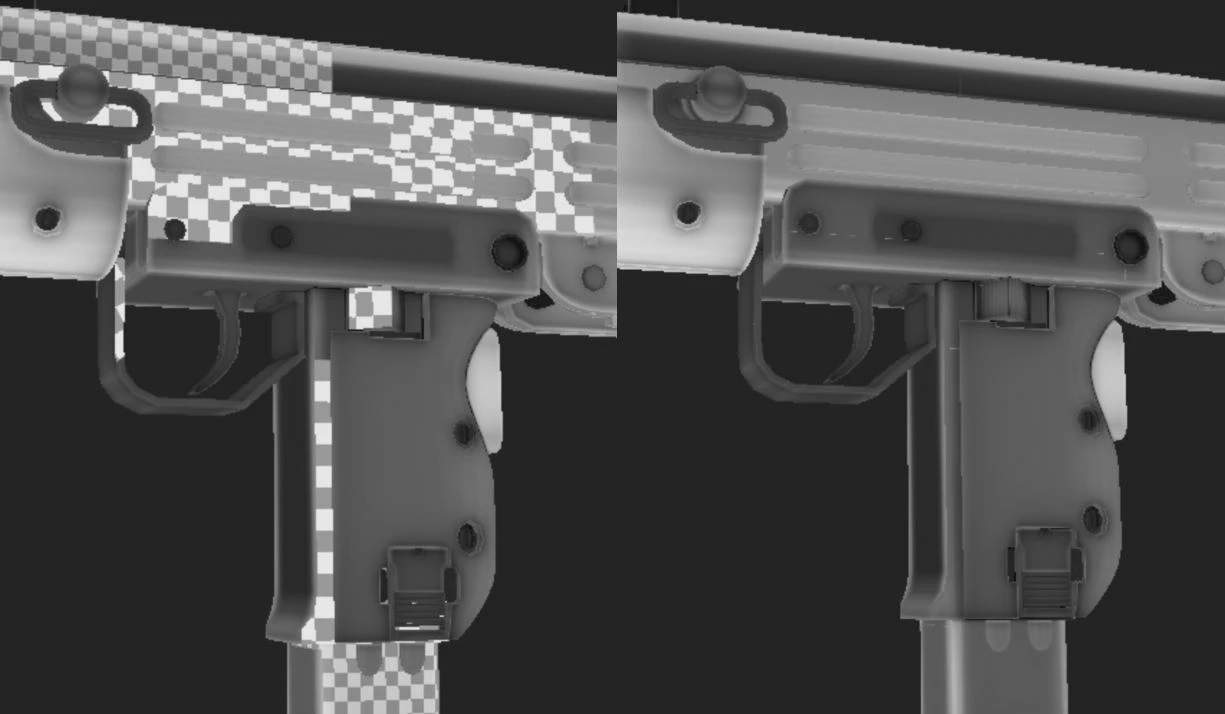
Blank Areas appearing in viewport
I've had this issue for the pass while where blank spots would appear missing when panning around the viewport.
What I know so far
-Strictly viewport display issue (Doesn't affect the exported mesh or in IRAY)
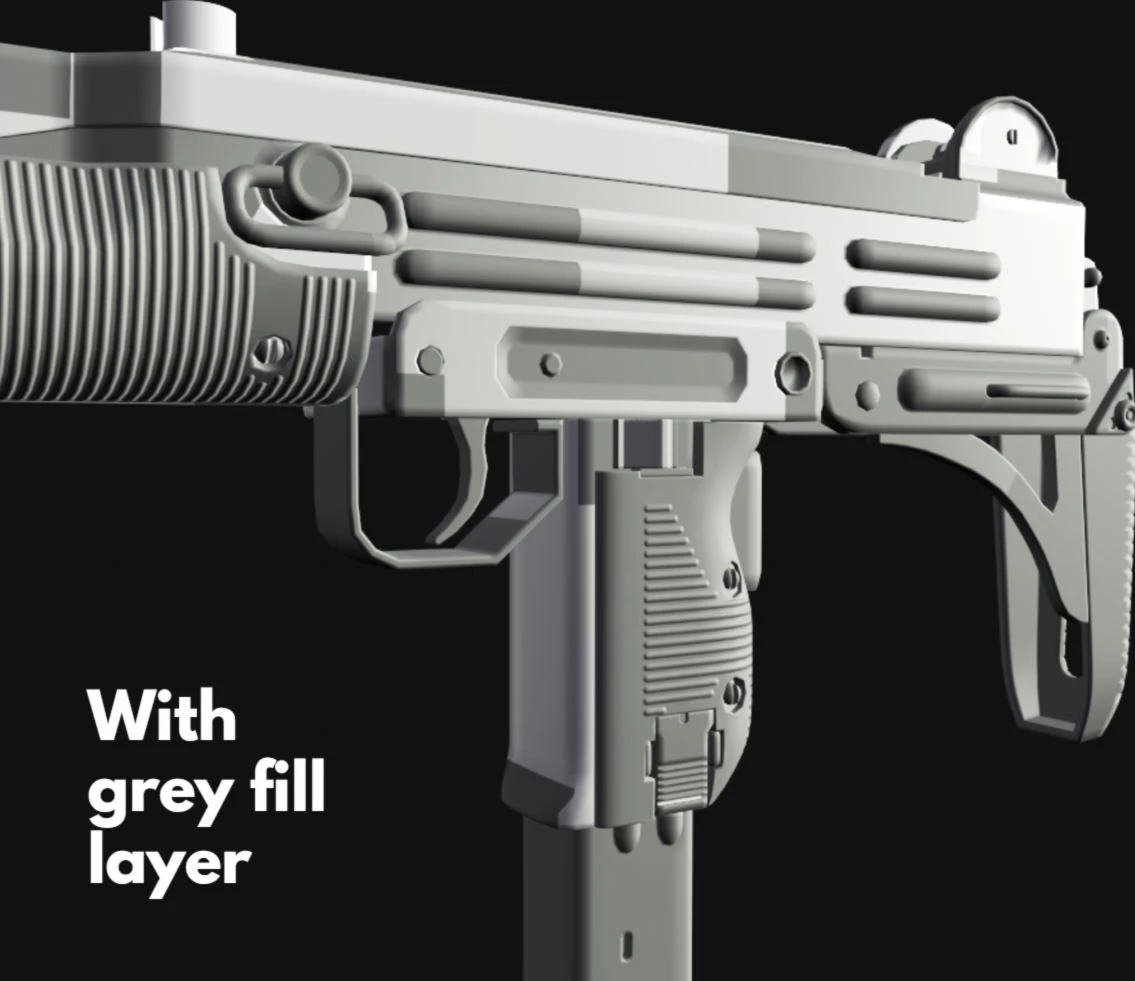
-Tends to happen after i create a fill layer
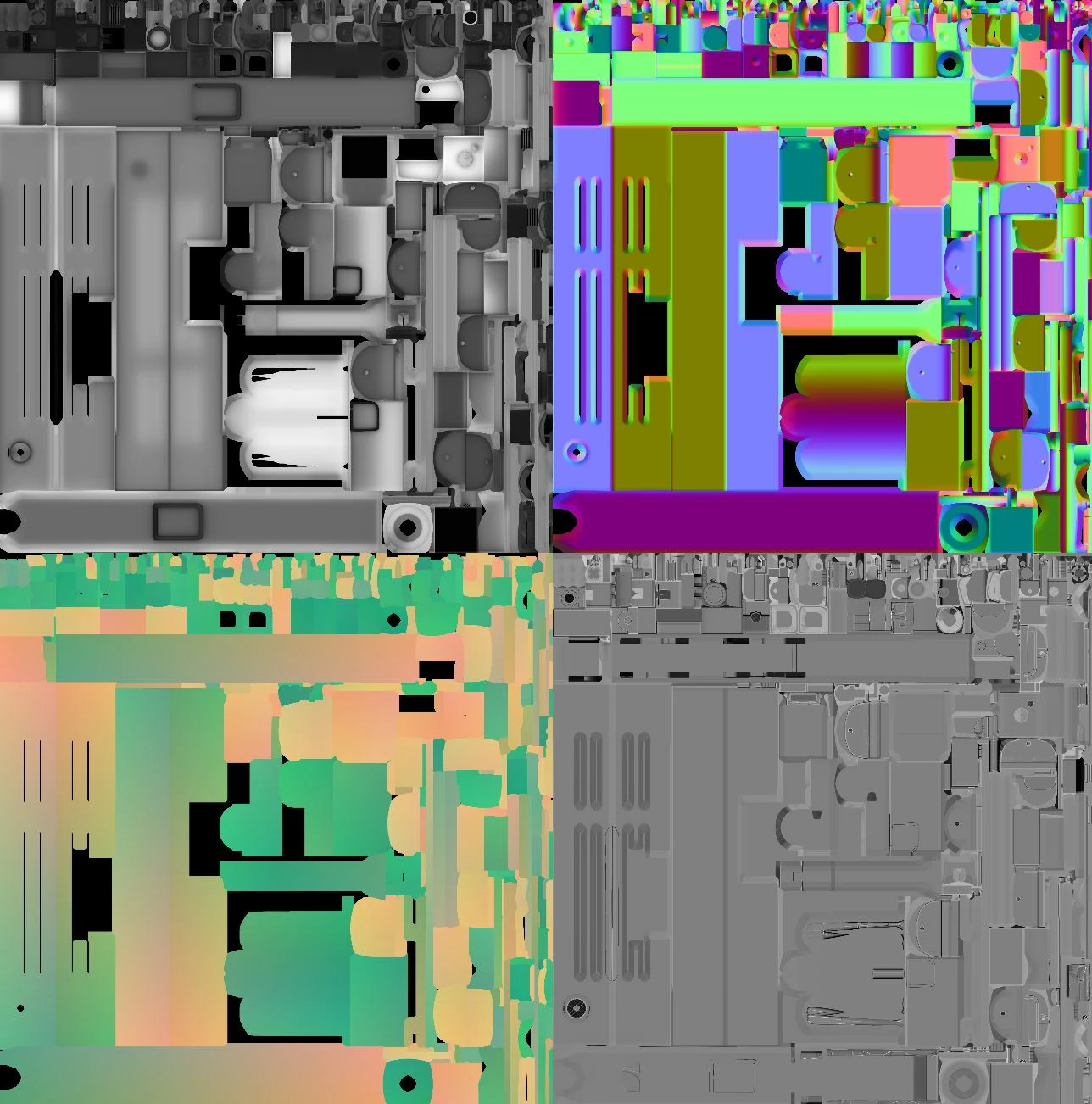
-Possibly has something to due with baked layers (Thickness,Curvature etc)
Only issue with it being the baked layers, the uv maps for it seem fine in the images below.
What I've tried
-Reinstalling substance
-Updating shader
-Reimporting mesh and re baking
-Checking the normals and scale
 AdChoices