



Open for Voting
Crash on launch with non-standard HiDPI resolutions on macOS (M2 Max, 4K display)
System:
- Mac Studio M2 Max, 32GB unified memory
- macOS (latest)
- Display: ASUS 4K monitor
- Substance 3D Painter (latest version)
Issue: Substance 3D Painter crashes immediately when using non-standard/intermediate HiDPI resolutions such as 3360x1890 or 3200x1800. The crash affects the entire system (not just the application).
What works:
- 1440p (2560x1440) — stable
- Native 4K (3840x2160) — stable
What crashes:
- Any intermediate HiDPI scaled resolution between 1440p and 4K (e.g. 3360x1890, 3200x1800)
Steps to reproduce:
- Set display to a non-standard HiDPI resolution (e.g. 3360x1890) via macOS Display Settings
- Launch Substance 3D Painter
- Application crashes immediately or upon entering fullscreen
Expected behavior: Application should handle all macOS system display scaling options without crashing.
Additional notes: Issue appears to be related to the Metal renderer introduced in version 11.0. Viewport Scaling set to "None" in preferences does not resolve the issue.
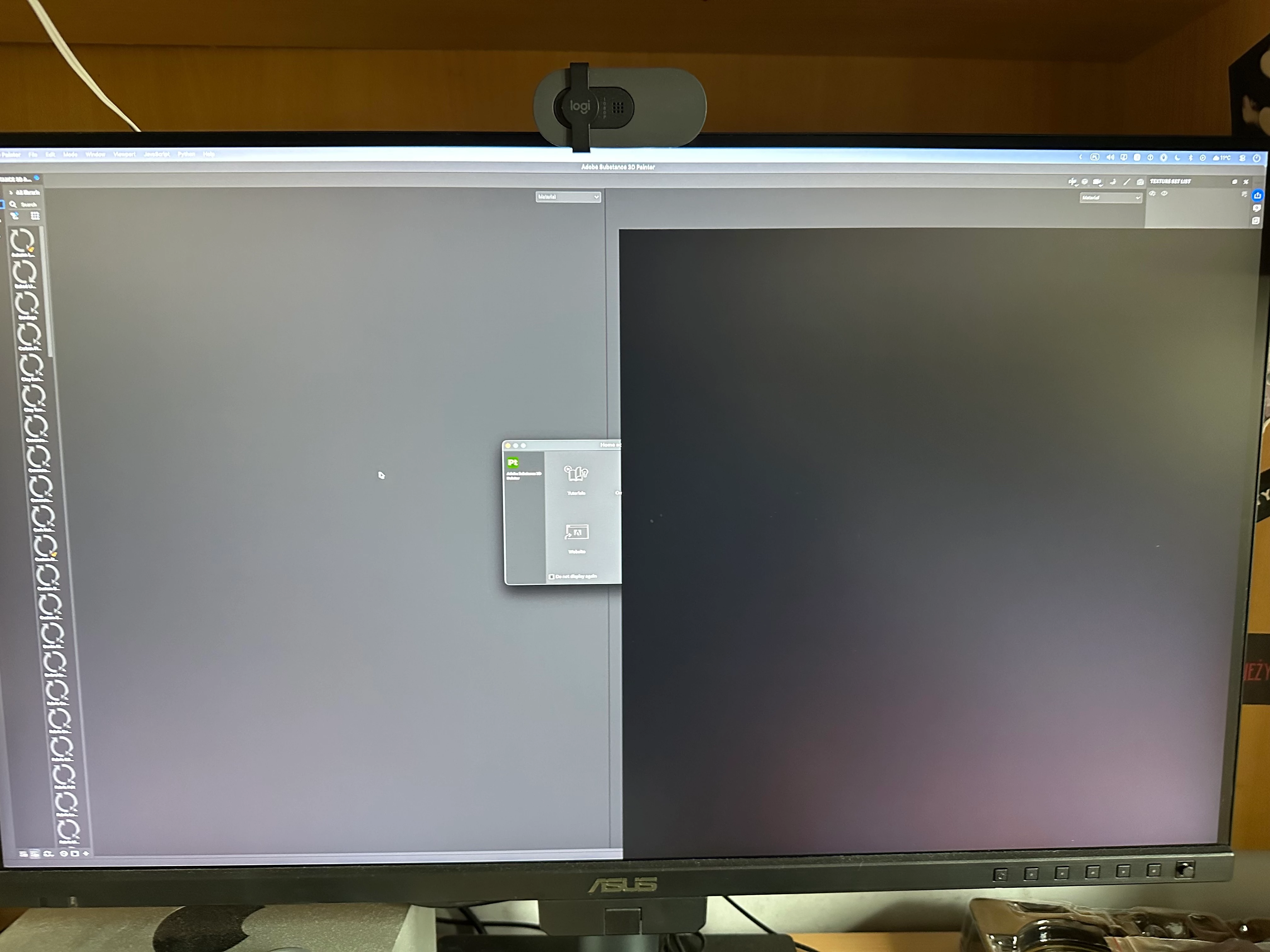
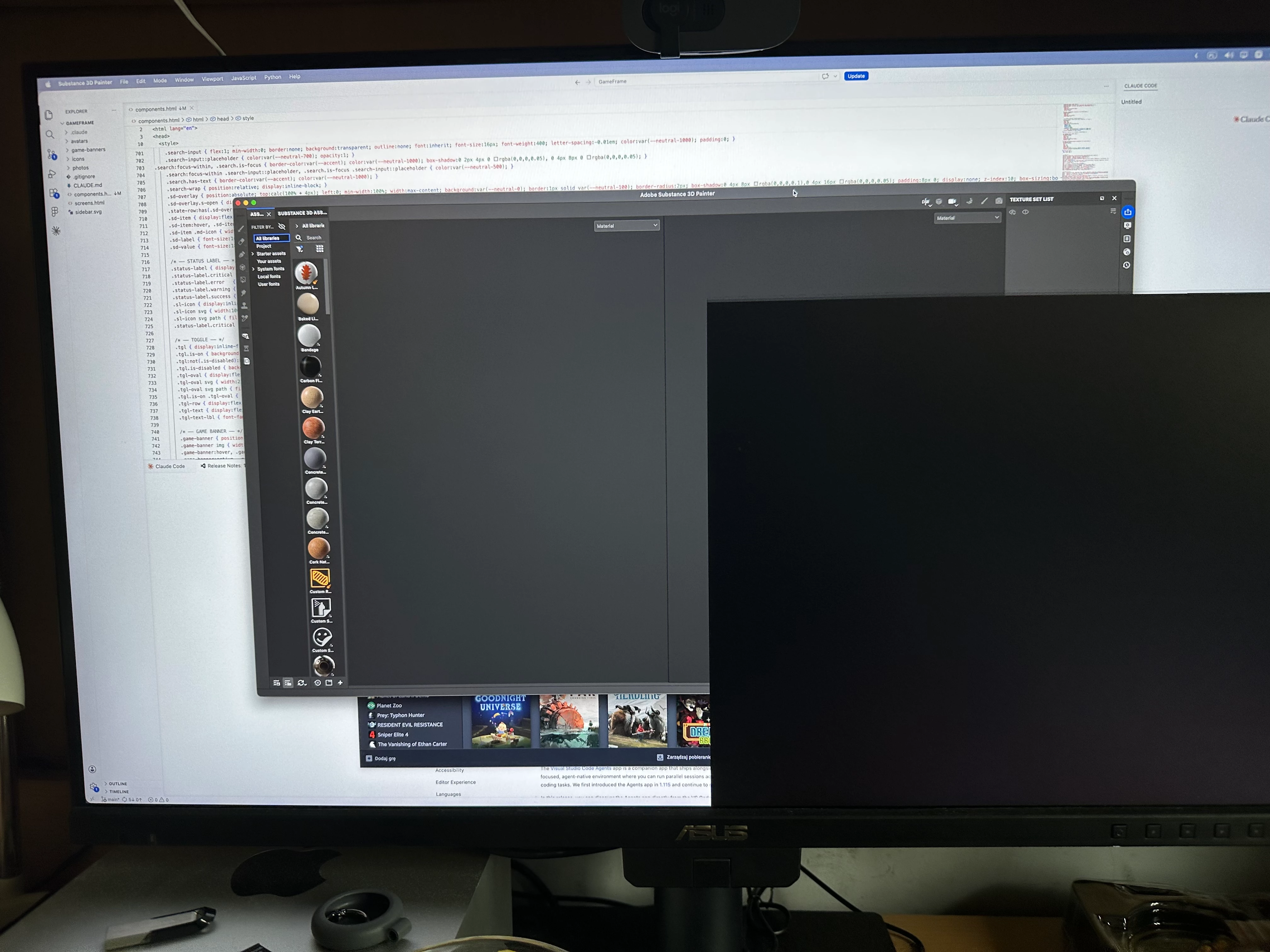
Black square is flickering for 1-3 sec and Mac dies
 AdChoices