


Participant
September 18, 2025

Create Project with template sets shader only in 1 textureset

  • September 18, 2025
  • 1 reply
  • 44 views

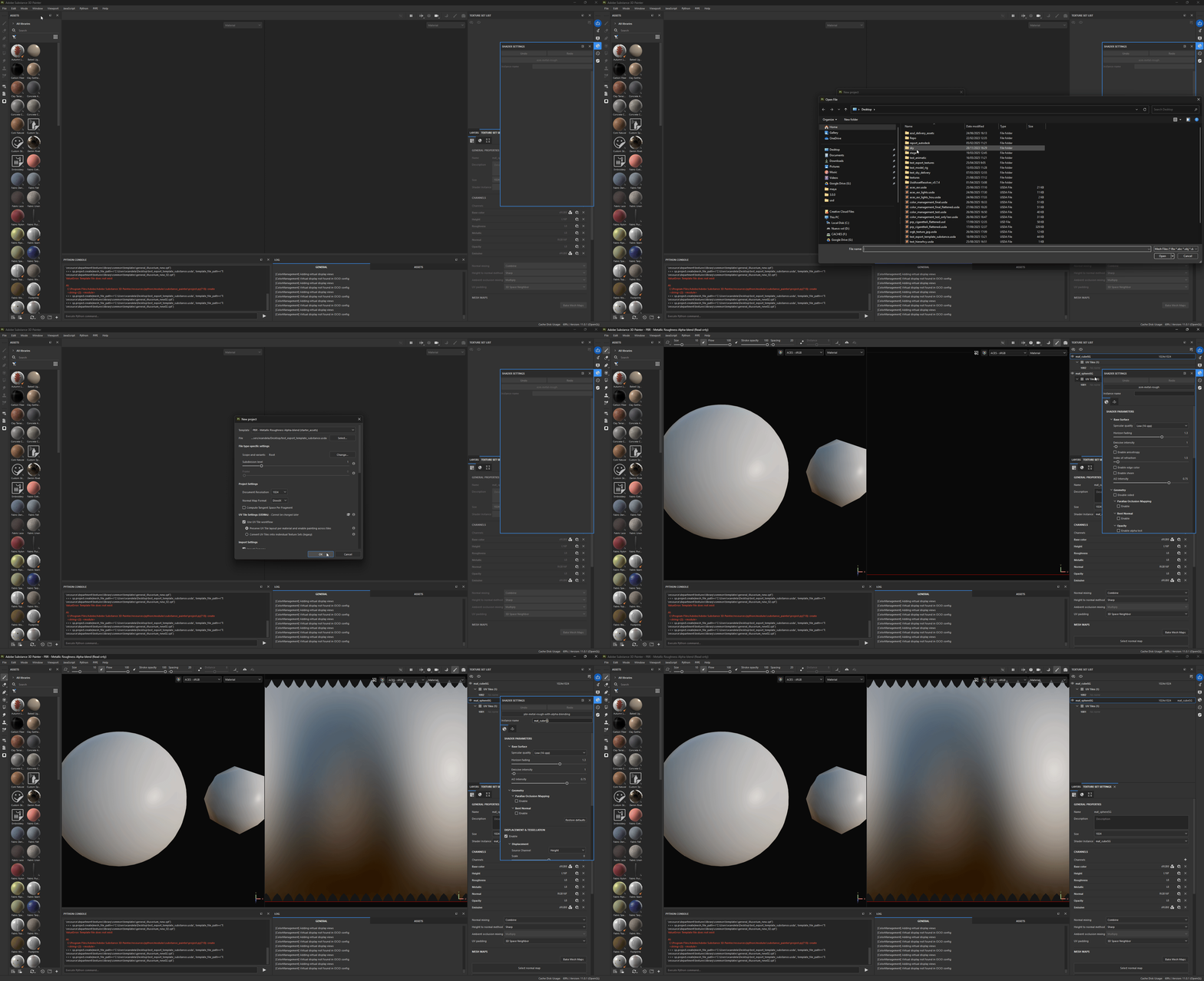
When creating a proyect using a template that has a shader asigned to the texture set, it only applies that shader to 1 of the texturesets the imported mesh file has, leaving the rest with the default asm-metal-rough, when it should apply the shader chosen in the template to all texturesets.

Attached gif shows how that happens even with the default PBR with Alpha Blending template shipped.
1 reply

vcandelaAuthor
Participant
September 18, 2025

Also, it would be great to expose the posibility of changing the shader instance of a texutreset to the Python API, since the only way to fix this now is to manually go to each textureset and change it by hand one by one either in the shader settings panel, or the textureset panel. 

Selecting several texturesets in the Textureset List and changing there the shader instance only does it for 1 texture set also