


Open for Voting
Export texture issue - BaseColor gets partially transparent/masked
Hello,
I try to export a project with different parts and different texture sets ( Output template : PBR Metallic Roughness ).
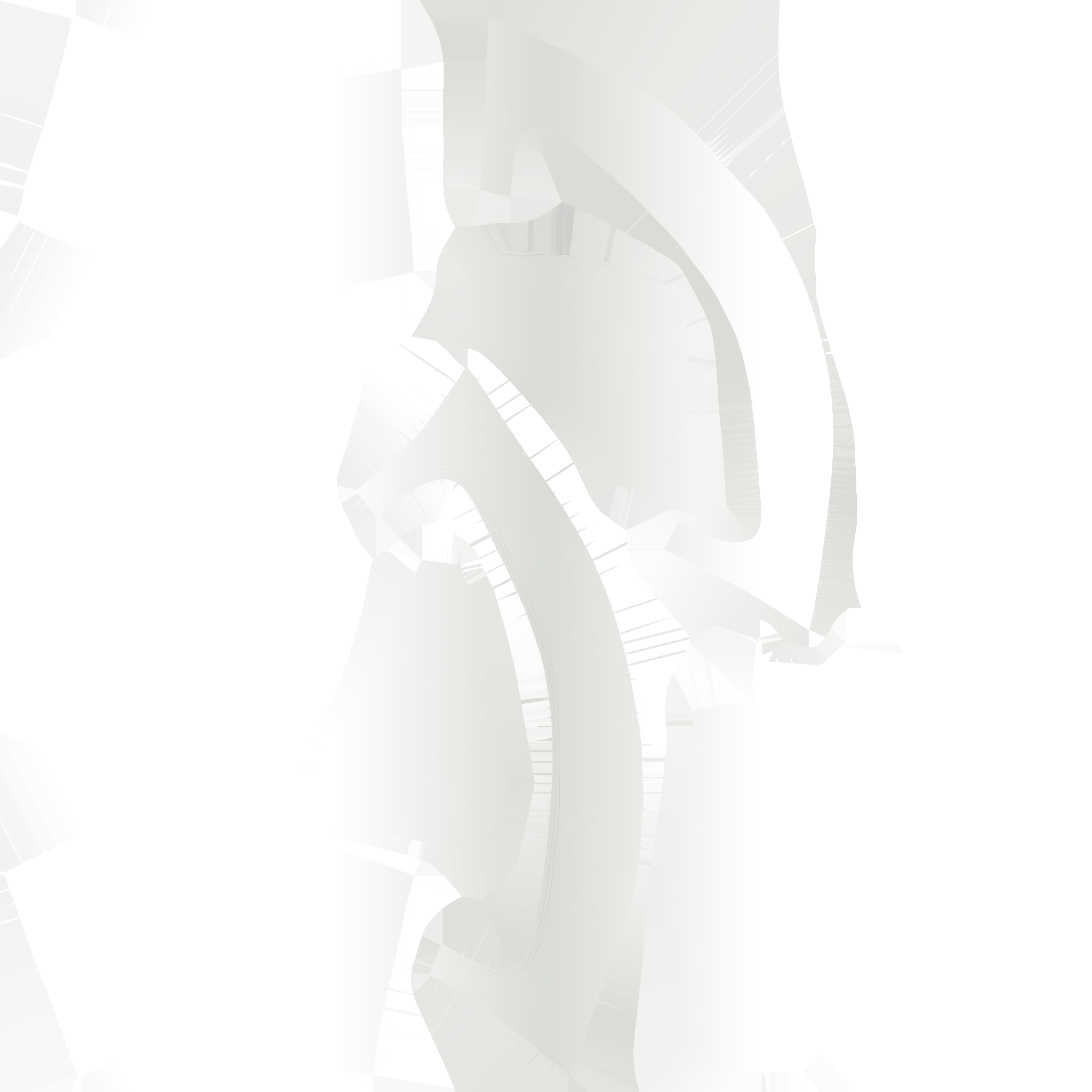
Everything looks good, except for only one of the texture sets, the BaseColor texture gets exported with transparency on the sides. Other parts looks good, but for some reason, it appears like I have some hidden rectangular gradient or mask that doesn't show on the viewport but on export..
Please any idea about what could cause that ?
Thanks a lot !!
 AdChoices