


Open for Voting
Issue with faces and edges not filling in fully after applying black mask on smart material.
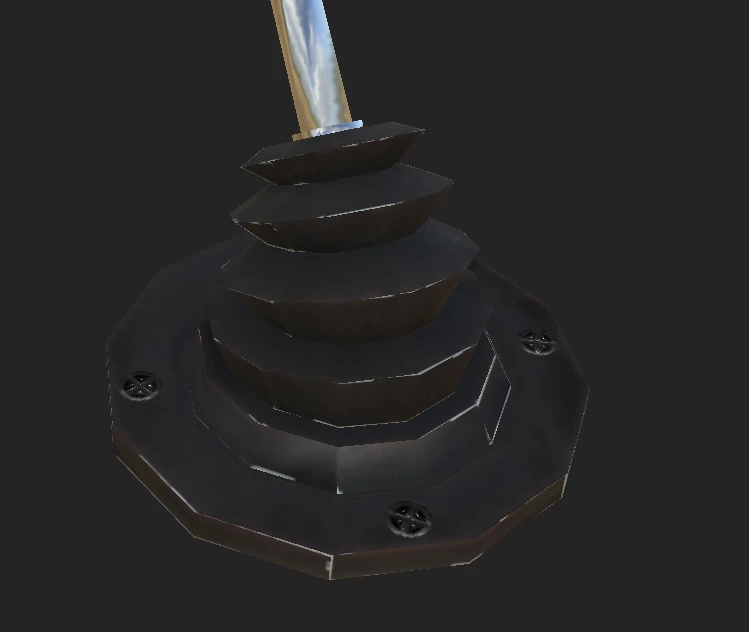
After applying a smart material with a black mask and using polygon face fill mode to select a specific area of the mesh I want to, this sometimes happens and its really annoying, I cant seem to find a fix for it, nor have I seen anyone with the issue. Ive ran into this with other models in the past, so this isnt a first time issue for me. I will go ahead and drop the model for anyone to look at so you can check my UV coordination to see if anything is wrong, or if its something I have to do in the software itself to solve the issue. Thanks in advance
 AdChoices