

Participating Frequently
September 14, 2024

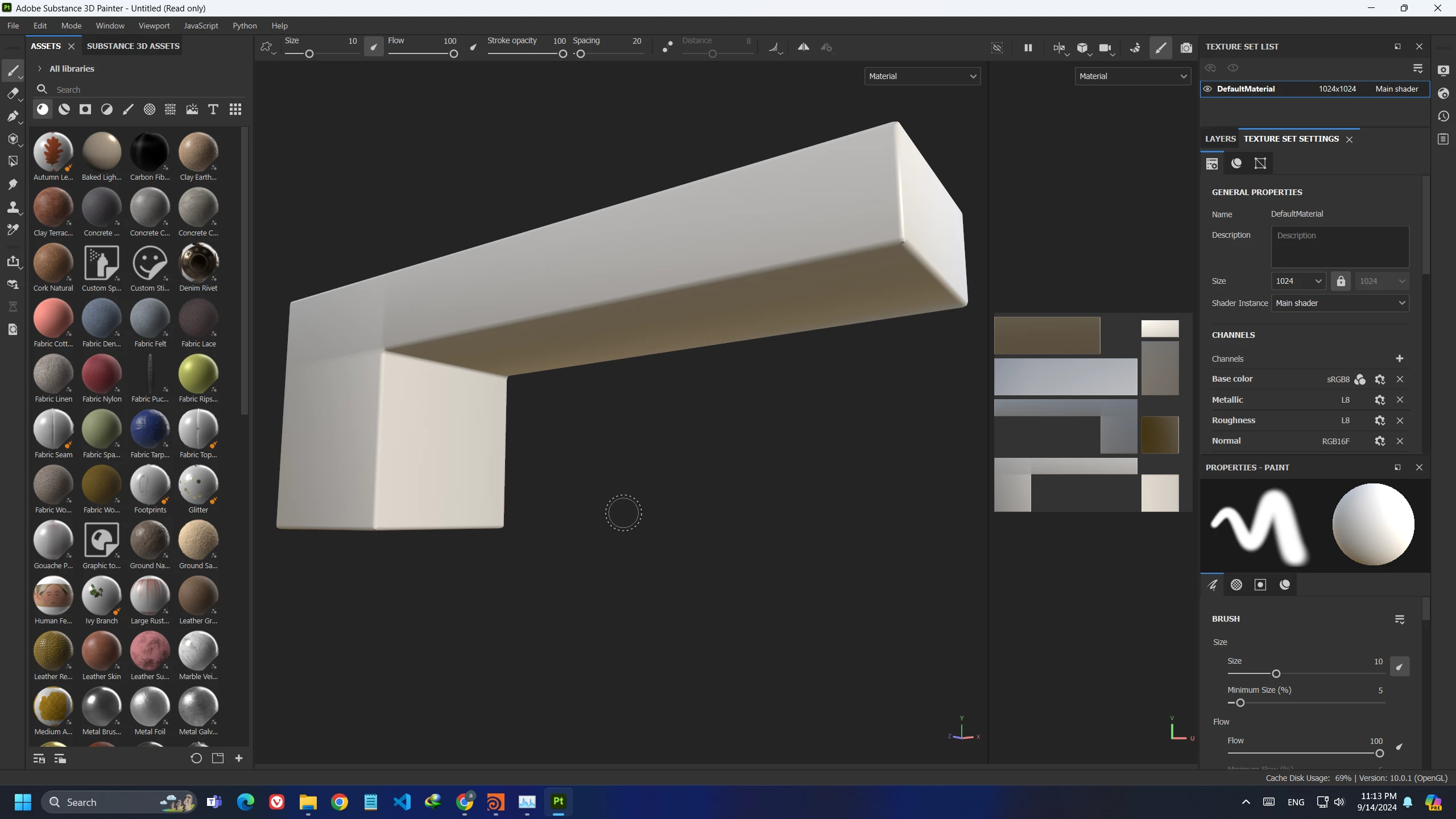
Lag and Freeze whenever I rotate or move the viewport or the camera
  • September 14, 2024
  • 9 replies
  • 1398 views

 I've just tested that simple shape that have 128 points and it lagges.

note that this bug suddenly appeared.
what the solution could be ?

9 replies

Participating Frequently
September 24, 2024

I run all my programs on an NVME storage, I've did full reinstallation as you said, I removed registry and every related file to substance painter using "Revo Uninstaller" but still the problem occurs.

it is for certain not a hardware problem. 

I've also installed different Substance versions to test but no good result.


GeoffroySC
Community Manager
Community Manager
September 23, 2024

Are you using a mechanical hard drive or a SSD ?
I can't see any reason why you have such poor performances...

Have you tried completely reinstalling Substance Painter and deleting all it's related files in the registry to do a clean reinstall? 

Have you checked for conflicting applications that you may have on you PC: https://helpx.adobe.com/substance-3d-painter/technical-support/technical-issues/startup-issues/software-conflicts.html
I hope I can help 

Participating Frequently
September 22, 2024

any clue?

Participating Frequently
September 18, 2024

I updated my drivers but nothing changd, still the problem occurs, here is the video link:


https://streamable.com/zkuf31


and iam sorry the video quality was just 720p

GeoffroySC
Community Manager
Community Manager
September 18, 2024

Hi,
Your log isn't very telling. 
Could you record your issue? lagging is quite a generic term, and it would be useful to know where and when it happens, what actions causes it etc. 
Have you tried updating your graphics driver? Or did you recently updated them?
I hope I can help,

Regards,

Geoffroy SC

Participating Frequently
September 17, 2024
Please download the attached file to view this post
GeoffroySC
Community Manager
Community Manager
September 17, 2024

Hi, 
Would you mind sharing your config? Could you also be a bit more descriptive around your issue? 
It's possible that your issue is related to a Substance Painter limitation where assets with very few polygons have worse performance than denser meshes. 
On your second issue, the one in the log, it's simply stating that some of the fonts that you have on your computer arn't supported by Substance Painter. This isn't a big issue unless you want to use those specific fonts.
Kind Regards,
Geoffroy SC

Participating Frequently
September 14, 2024

I have this ERROR 


[Library agent] There are issues in the system_fonts library affecting 11 font file(s): BSSYM7, MTEXTRA, REFSPCL, Swkeys1, WINGDNG2, WINGDNG3, marlett, symbol, unispace bd, webdings, …

[Library agent] Font issues found. For details, go to https://www.adobe.com/go/substance3dpainterfonts

Participating Frequently
September 14, 2024

please note also that I have no hardware issue, I've Got

16gb Ram

Ryzen 7 5700g

RTX 3060 12gb