Participant
April 12, 2023

Loss of quality when exporting in substance painter

  • April 12, 2023
  • 1 reply
  • 1777 views

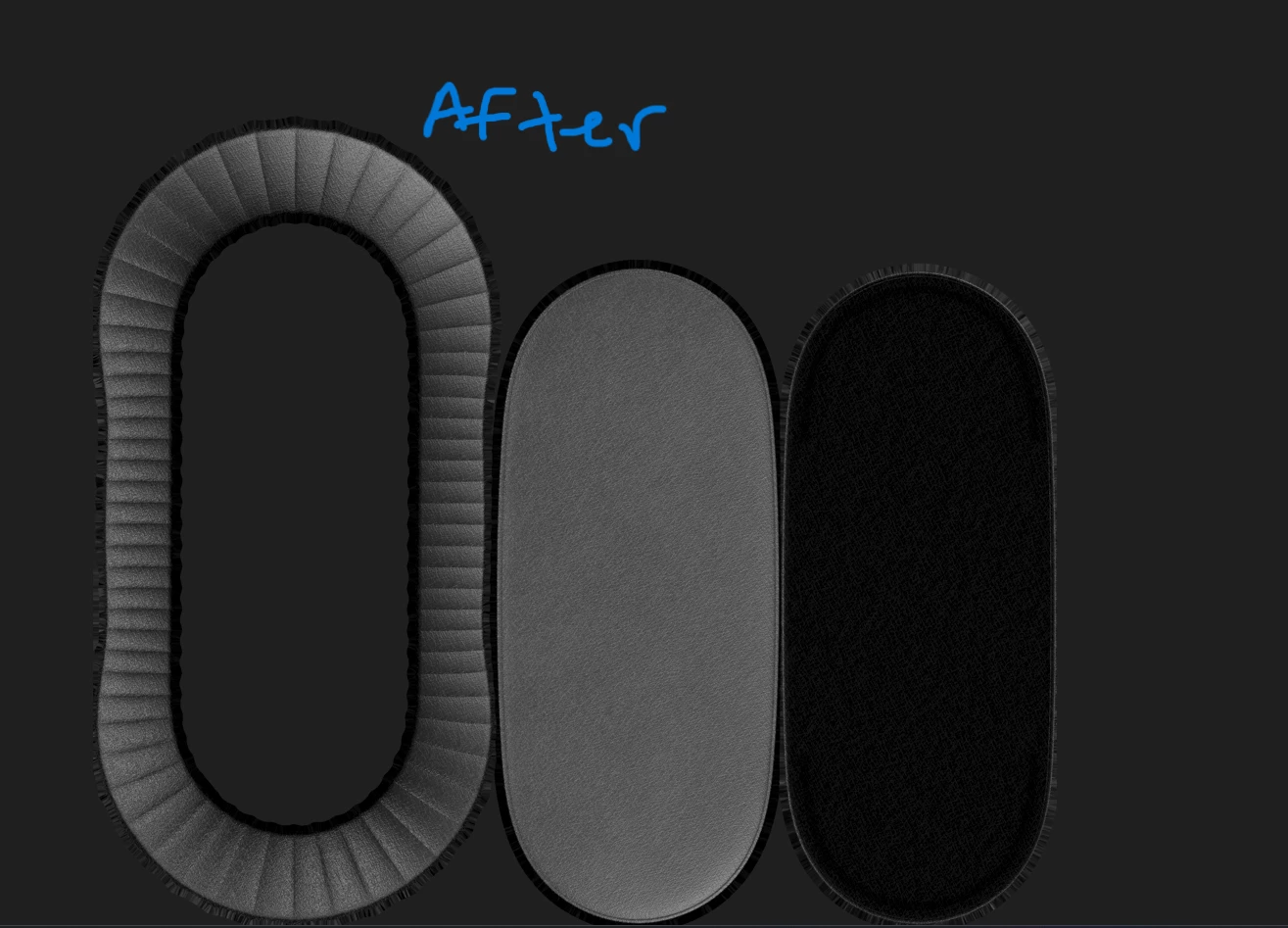
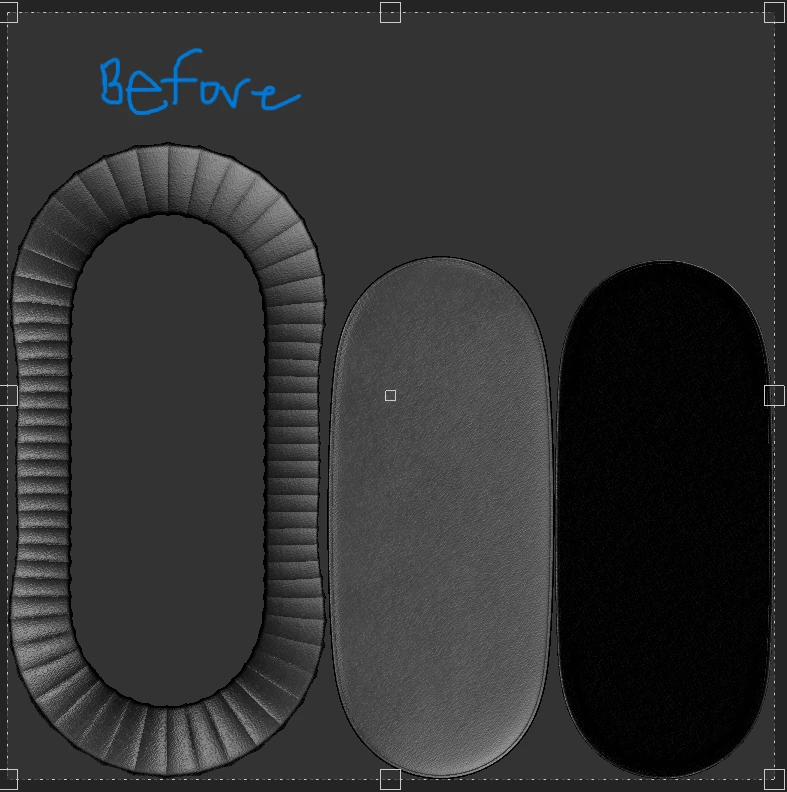
Hello everyone, I have been having this odd issue all day when exporting my textures. It seems to be losing its quality once exported into its destination file. In substance, the 2D view has much more quality and detail. But once exported it doesn't look the same. I export it as 2D image. Can someone please assist? I am new to subtsance , I've re-installed substance paint 5 times today, and im still have the same issue.
    1 reply

    Cyril Dellenbach
    Community Manager
    Community Manager
    April 13, 2023

    Hi Victoria,


    Thanks for the question.


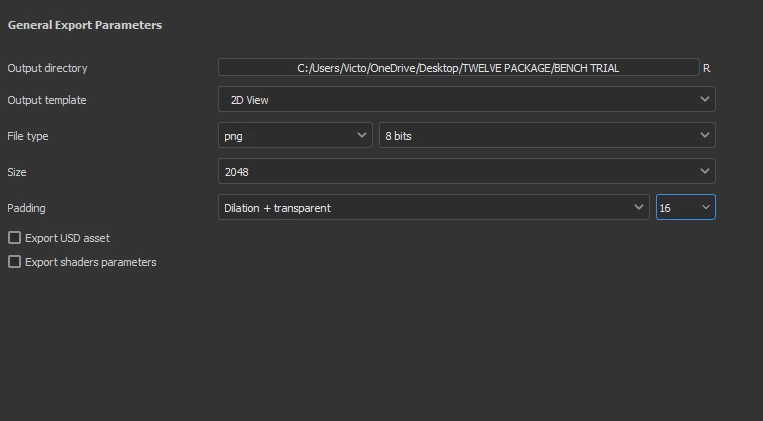
    To be honest, I don't see the issue from the pictures you sent, but a loss of quality can be due to a size difference between your work and your export settings. I can see that you exported your textures in 2048 pixels, did you also work with a 2048 definition?


    With that being said and it's maybe really clear for you, but Substance 3D Painter export from your work several textures (2D images). Usually a Base Color (the color of your object), a Roughness (how it reflects the lights), a Metallness (does the object is a metal?) and a Normal (to add small details). Brought together in an engine, these textures will form the material you had in the Substance Painter project.

    Therefore, an individual exported texture won't look like the 2D material view inside Substance Painter.


    Keep me posted,


    Cyril Dellenbach (Micro) | QA Support Artist | Adobe