Participant
January 17, 2024

Normal Map seems to be baked out of the low poly

  • January 17, 2024
  • 3 replies
  • 295 views

Hi,
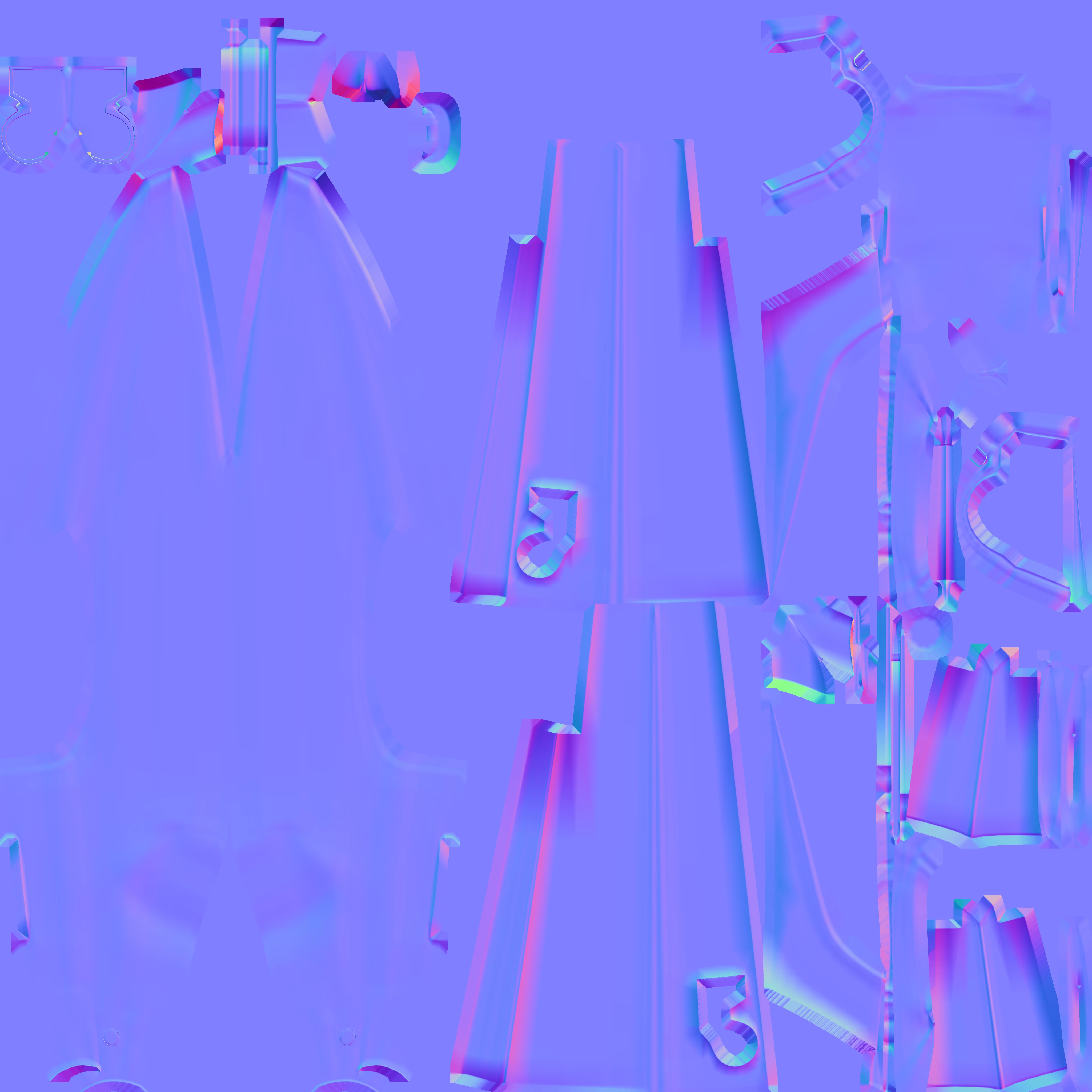
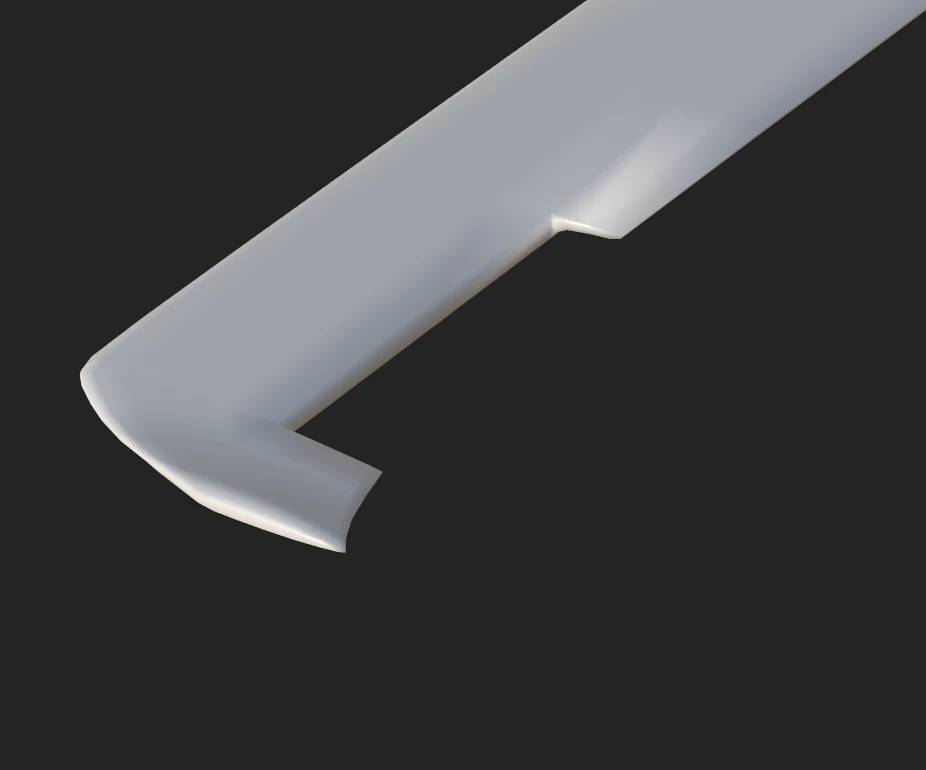
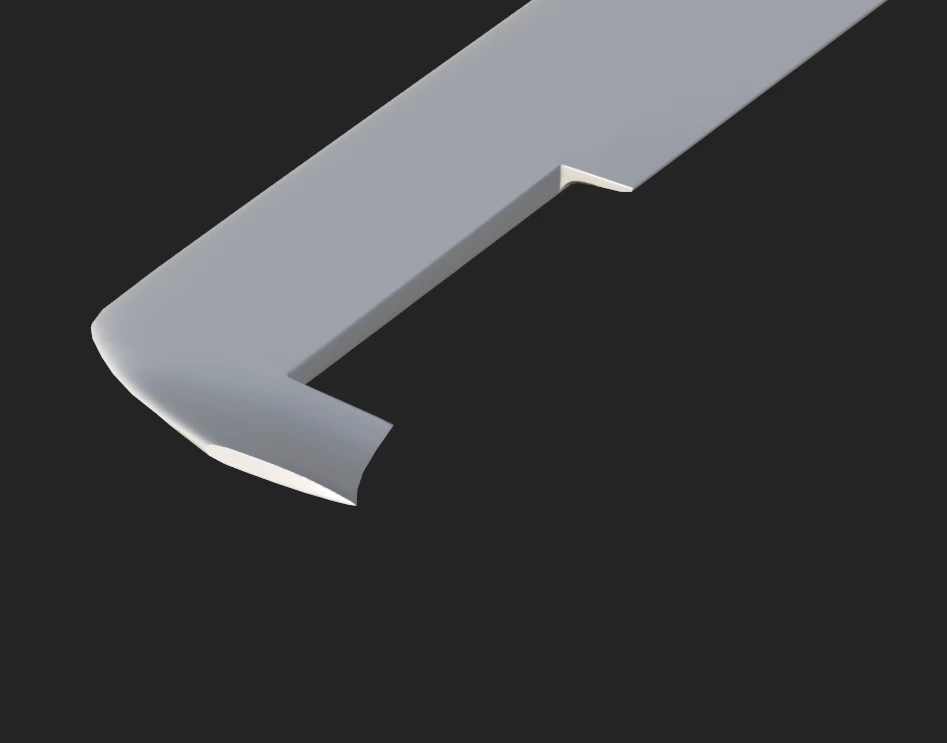
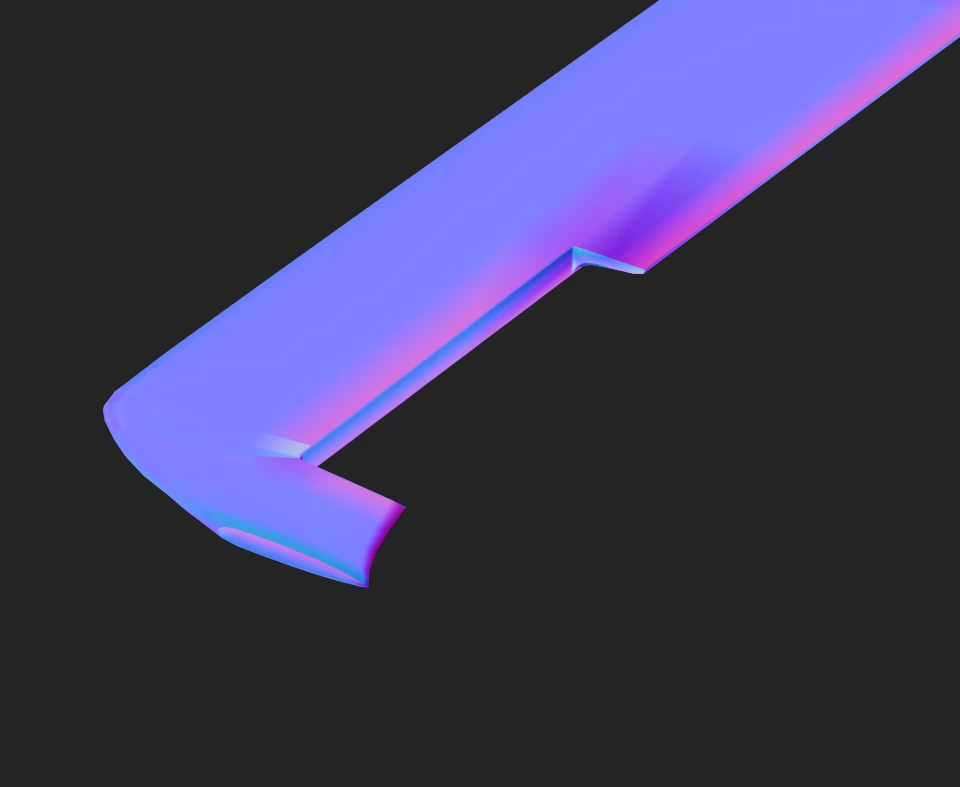
I have a low poly with good UV's and when I bake it with the high poly it looks good in orbit view, but the normal map that exports is not the same, like it was baked out of the low poly smoothed version.
3 replies

Participant
January 18, 2024

Thank you for your answer
I was just making sure it was normal

Cyril Dellenbach
Community Manager
Community Manager
January 18, 2024

Hello Corentin,


Thanks for your message.


It is in fact the proper behavior. The baking is basically building textures in order for the Low Poly to look the closest possible to the High Poly. Therefore, the normal map is supposed to edit the current normal of the mesh to make it look like the normal from the High Poly mesh.


From your screenshot we can see that the normal is taking a weird angle on specific parts.


To compensate these artifacts, the Normal Map "pushes" the normal in a different angle, resulting with the vibrant colors we can see in the map.


That being said, this is not at all an issue. This is even how you want the map to be baked.


Regards,

Cyril Dellenbach (Micro) | QA Support Artist | Adobe
Participant
January 17, 2024

First picture : Before baking

Second picture : After baking
Third picture : After baking but in normal map view mode
Fourth picture : The normal map exported