



Open for Voting
Opacity - gray border while importing alpha
I'm pretty new to the software, i think i might be doing something wrong. I wanted to import an alpha on top of a opacity layer and there is this pesky gray border around it. Shoulden't it be transaprent? I've tried to play with blending modes, I also tried using an anchor.
The only thing that i came up with is manually painting it out with a mask, but thats not precise..
Can someone help me here?
Without the opacity layer underneath, everything works as intended, there are no gray borders.

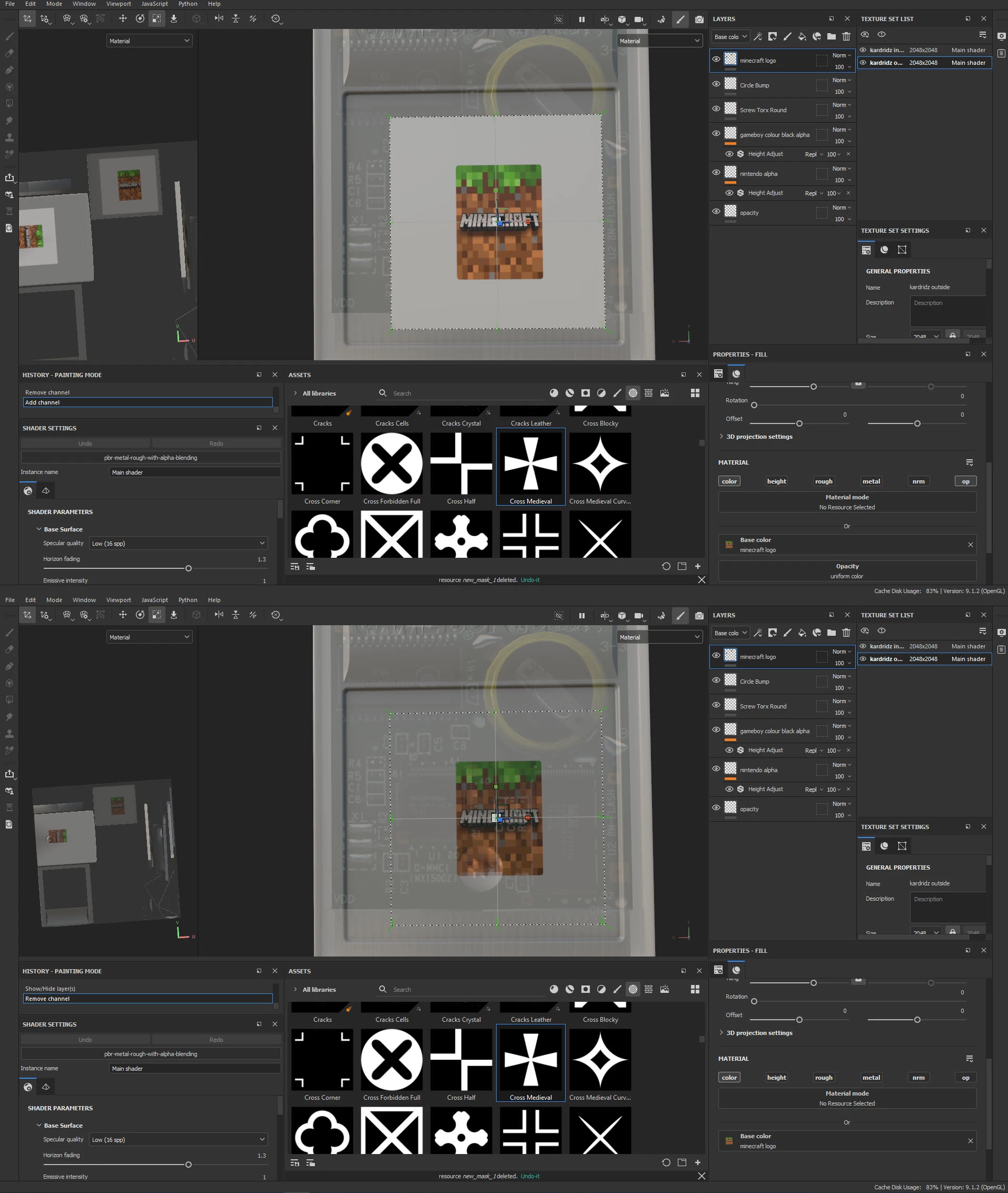
Alpha with opacity channel on and off.
 AdChoices