


Needs More Info
Painter doesn't save the new folder location I have set up for autobacks.
Hi, since the Painter can be quite heavy, I need to change the autoback save folder on an other drive.
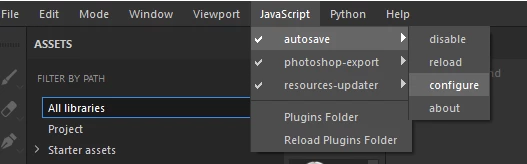
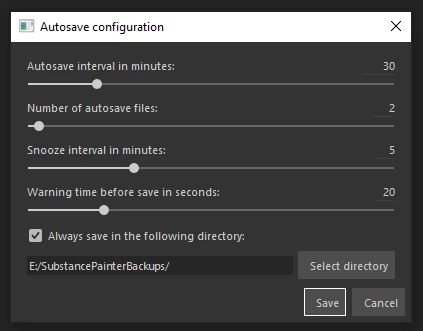
I do that from the Javascript menu seen in the images bellow. I also make sure to check the box that says to always use that folder. The issue is that this setting doesn't save. It reverts to it's initial default folder every time I open Painter. If I forget to do it, my C drive can get eaten alive by all those very heavy Painter files. Am I missing something here? any help would be appreciated. Hopefully this can be fix! Thanks!
 AdChoices