Participant
December 20, 2023

Painting bug

  • December 20, 2023
  • 1 reply
  • 120 views

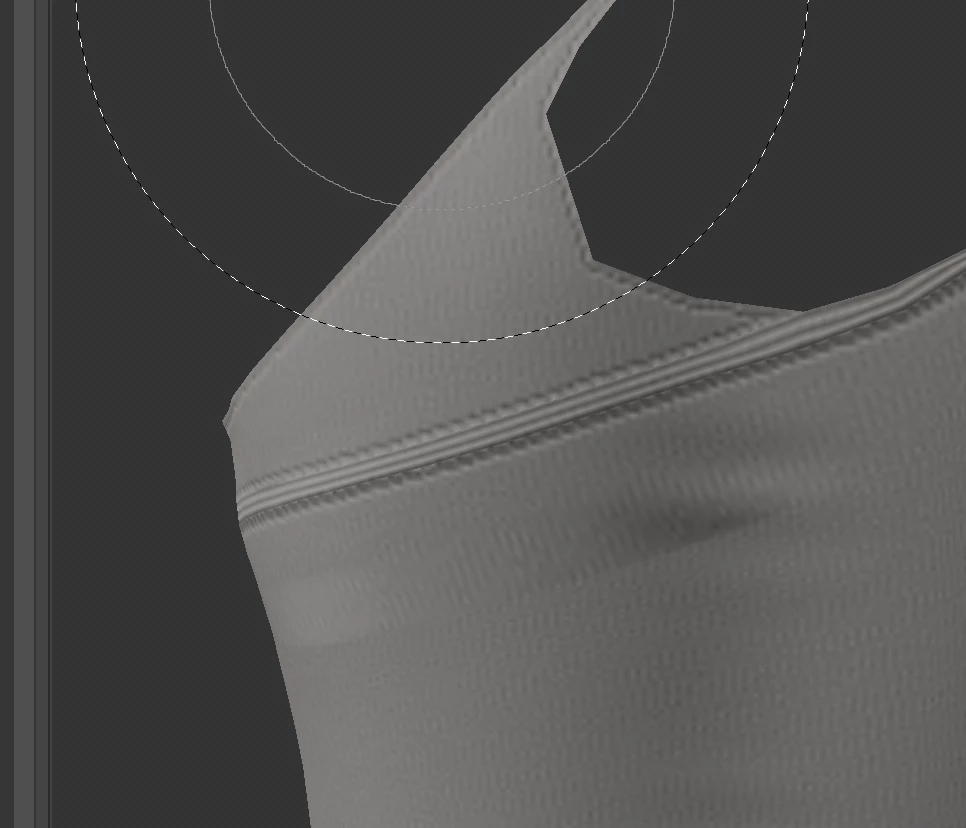
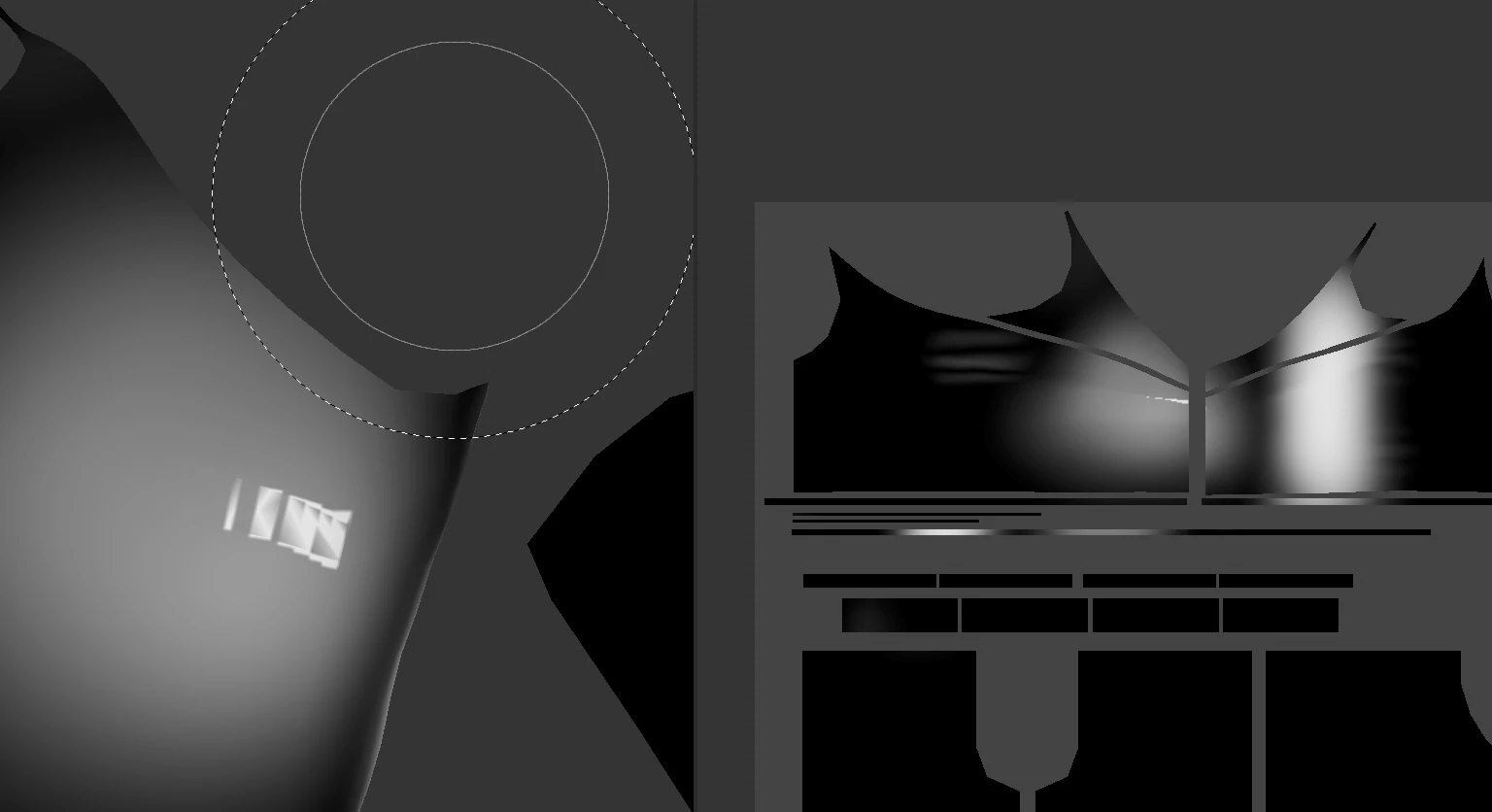
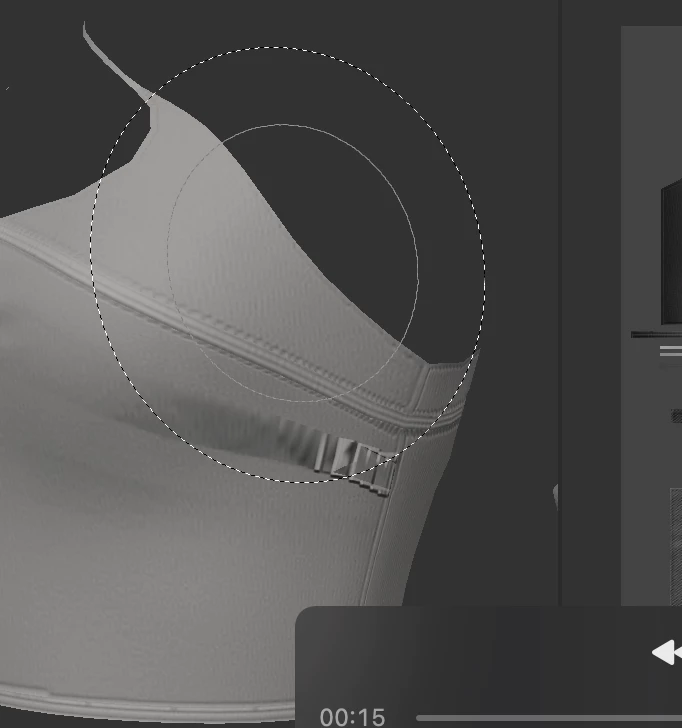
Hi, im using Adobe Substance 2022, and i came across this problem with painting :
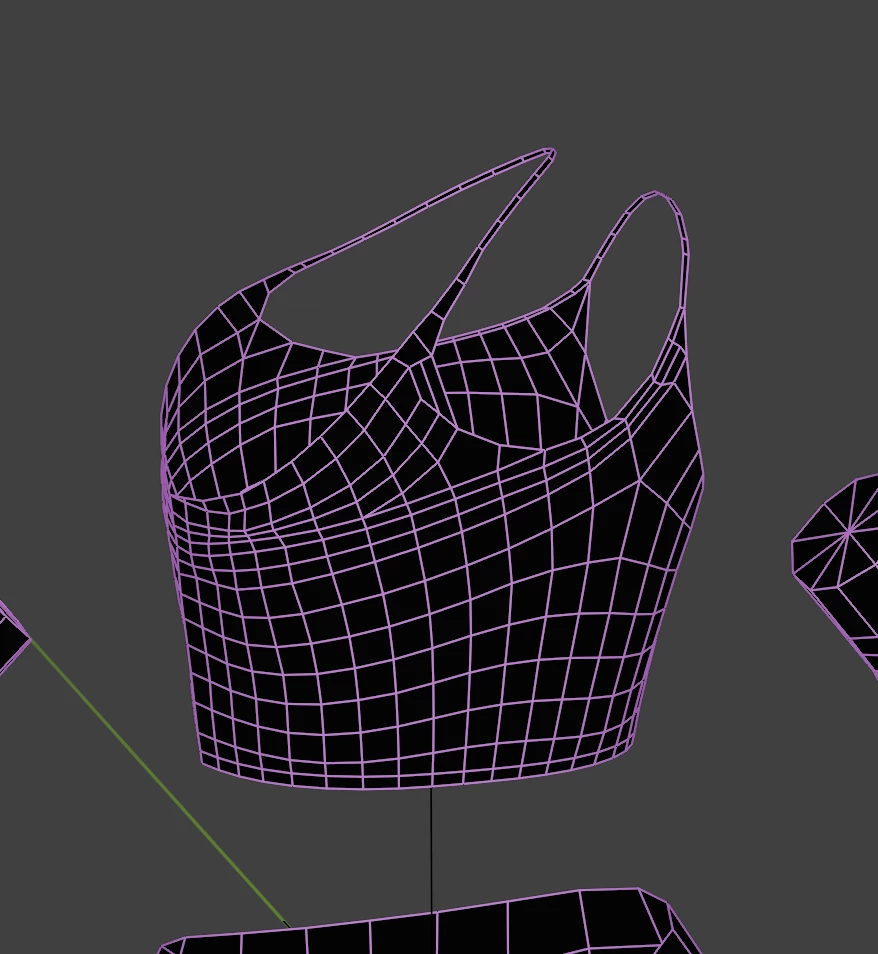
This the wireframe of the mesh :
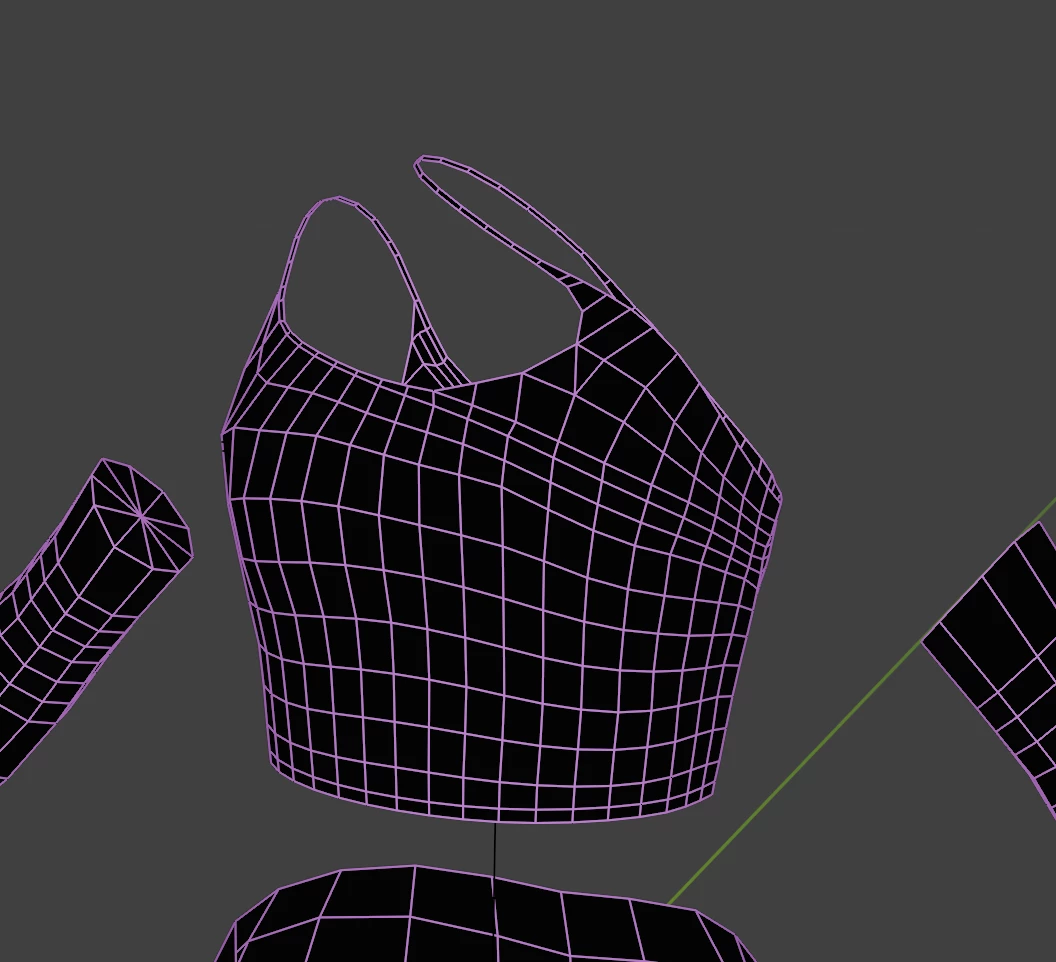
Can someone please help??

1 reply

Cyril Dellenbach
Community Manager
Community Manager
December 21, 2023

Hi @ryz32762118vjeg,


Thanks for the message.


This could be due to UV stretching. This happens when the UV faces are distorted or unevenly scaled compared to the 3D faces. Make sure to relax the UV islands and that they are corresponding to the 3D model before importing inside Painter.


For the seam in the second screenshot, this is because the texture jumps from one UV island to another. You can switch the Projection mode of the cloth material to Tri-Planar (Properties > Fill > Projection > Tri-Planar) and the seam will disappear.


Best regards,

Cyril Dellenbach (Micro) | QA Support Artist | Adobe