Participant
January 14, 2024

Path Tool Projection Deep

  • January 14, 2024
  • 5 replies
  • 164 views

Hi,

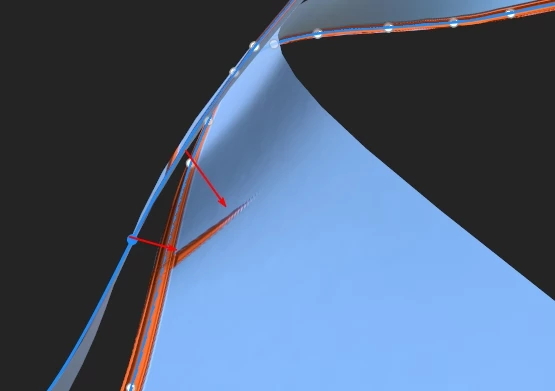
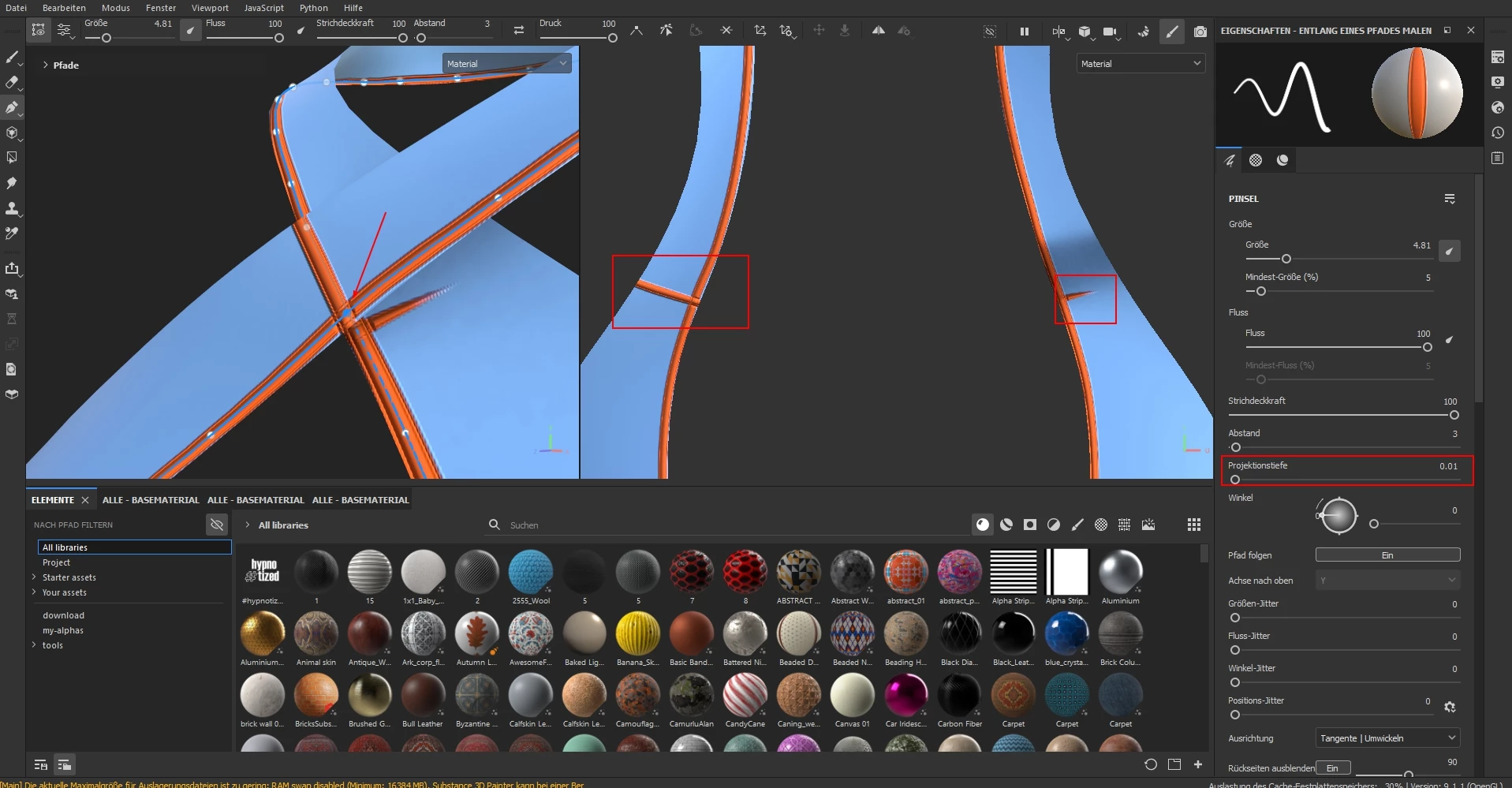
someone an idea to solve the projection deep Problem with the Path Tool ?


There is no Projection Deep 0 ... the distance is enough but it is on the other uv


5 replies

Participant
January 17, 2024

Thank you very much for your help ... that solves my problem!

Cyril Dellenbach
Community Manager
Community Manager
January 16, 2024

Thanks for the file Franz,


As mentioned, moving the point in the 3D view will help removing artifacts on undesired parts.


You can use a mask in order to hide remaining artifacts if needed.


Regards,

Cyril Dellenbach (Micro) | QA Support Artist | Adobe
Cyril Dellenbach
Community Manager
Community Manager
January 15, 2024

You can send me your project at cdellenbach@adobe.com so I can make some tests on my end.


Cyril Dellenbach (Micro) | QA Support Artist | Adobe
Participant
January 15, 2024

Hi,

thank you for the answer, well i tried these Parameters but i did not work. 

Cyril Dellenbach
Community Manager
Community Manager
January 15, 2024

Hello @Franz32170600an2z,


Interesting question.


You can try to switch the brush Alignment to UV, but I can't guarantee this will work (let me know if so). Another solution could be to slightly move the point from the mesh surface with the Translate tool.


Keep me updated.

Cyril Dellenbach (Micro) | QA Support Artist | Adobe