


Participant
June 25, 2024

Problems with UV unwrapping in Substance Painter 3D.

  • June 25, 2024
  • 4 replies
  • 944 views

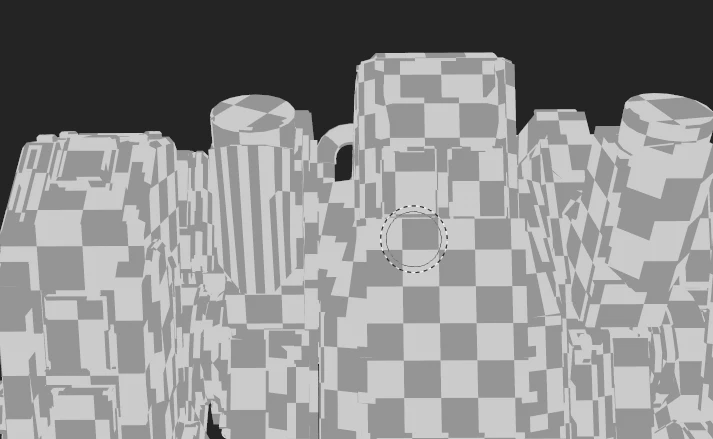
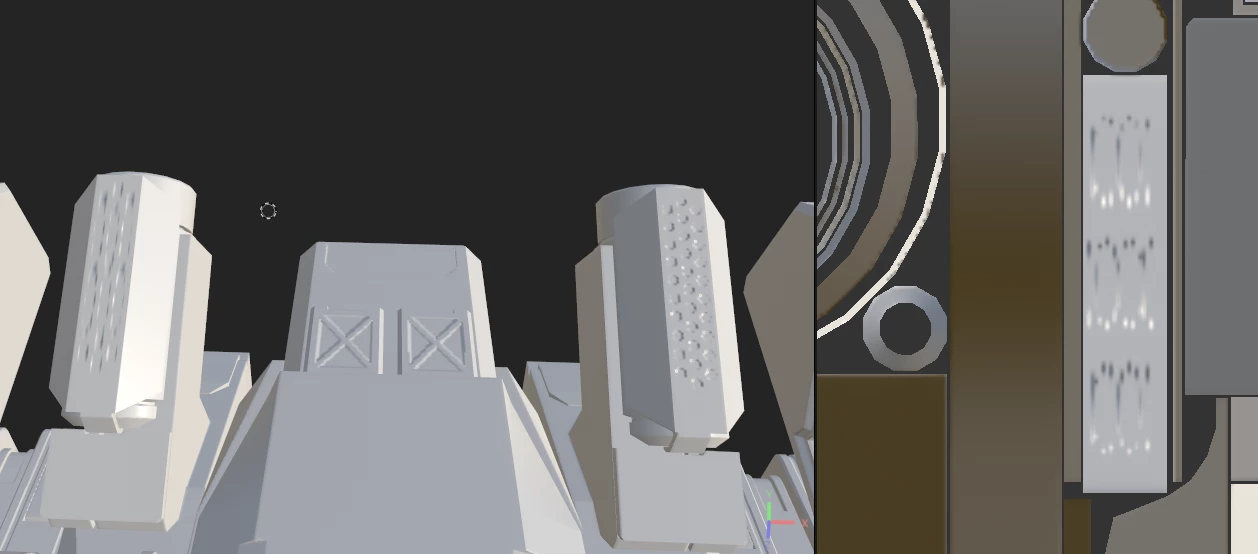
Hello! There is a problem. There are no problems when creating UV mapping in Blender, I checked. On the right in the picture you can see that the UV scan of the light gray contour is incorrect and blurry. I redid the UV unwrapping in Blender several times, turned off the Auto-Unwrap checkbox...
I will be glad to solve the problem
4 replies

Cyril Dellenbach
Community Manager
Community Manager
July 3, 2024

I did, sorry for the time in response. We can see in your first picture that the UVs are already stretched, therefore the texturing will be stretched too.


You need to make sure the UVs respect the 3D object proportions in order to avoid stretching. In addition, considering how crowded the UV map looks, I advise you to use a UDIM workflow. You'll avoid too small UV islands, and with that artifacts.


Regards,

Cyril Dellenbach (Micro) | QA Support Artist | Adobe
Participant
July 2, 2024

I send the message, did it reach you?

Participant
June 30, 2024

No, they're not. But I but I found differences between the UVs from Blender and Substance. Here are the last maps.

Cyril Dellenbach
Community Manager
Community Manager
June 25, 2024

Hi @Sveta29656096ousl,


Thank you for the message.


Do you have by any chance overlapping UVs? Can you show us a screenshot of the entire UV map?


Let me know.


Cyril Dellenbach (Micro) | QA Support Artist | Adobe