


Participating Frequently
January 14, 2026

Search bar cannot type text

  • January 14, 2026
  • 6 replies
  • 97 views

Hello
Cannot enter text into some strings/field, like search bar in substance 3d assets, other like in Y position of HDR… I can click the field, but when typing nothing happens…

Substance Painter 11.1.1
OS-X 15.7.3

At startup I got some errors message about missing fonts, not sure it is related.
Any idea ?
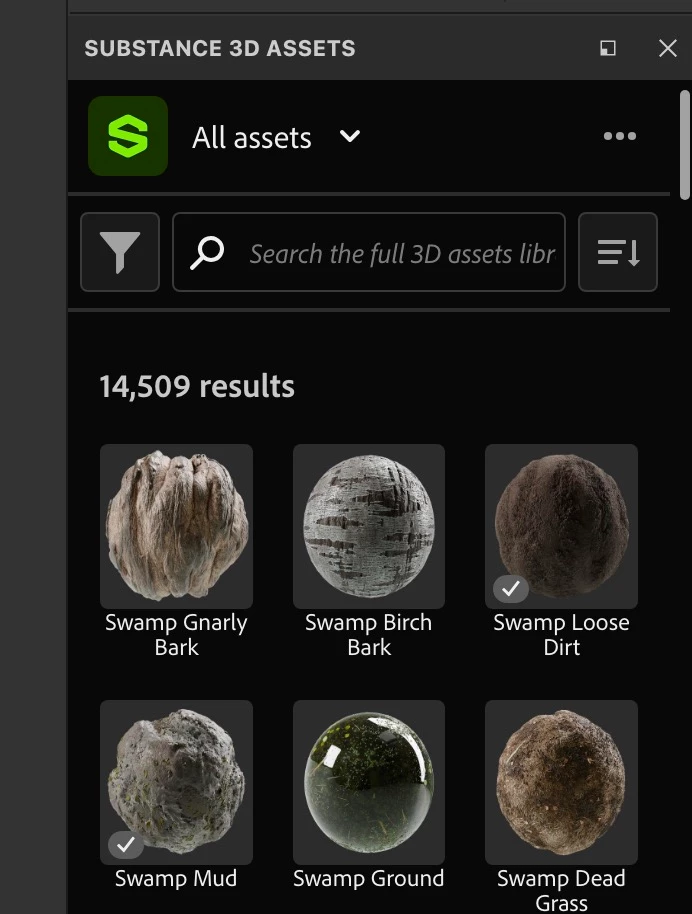
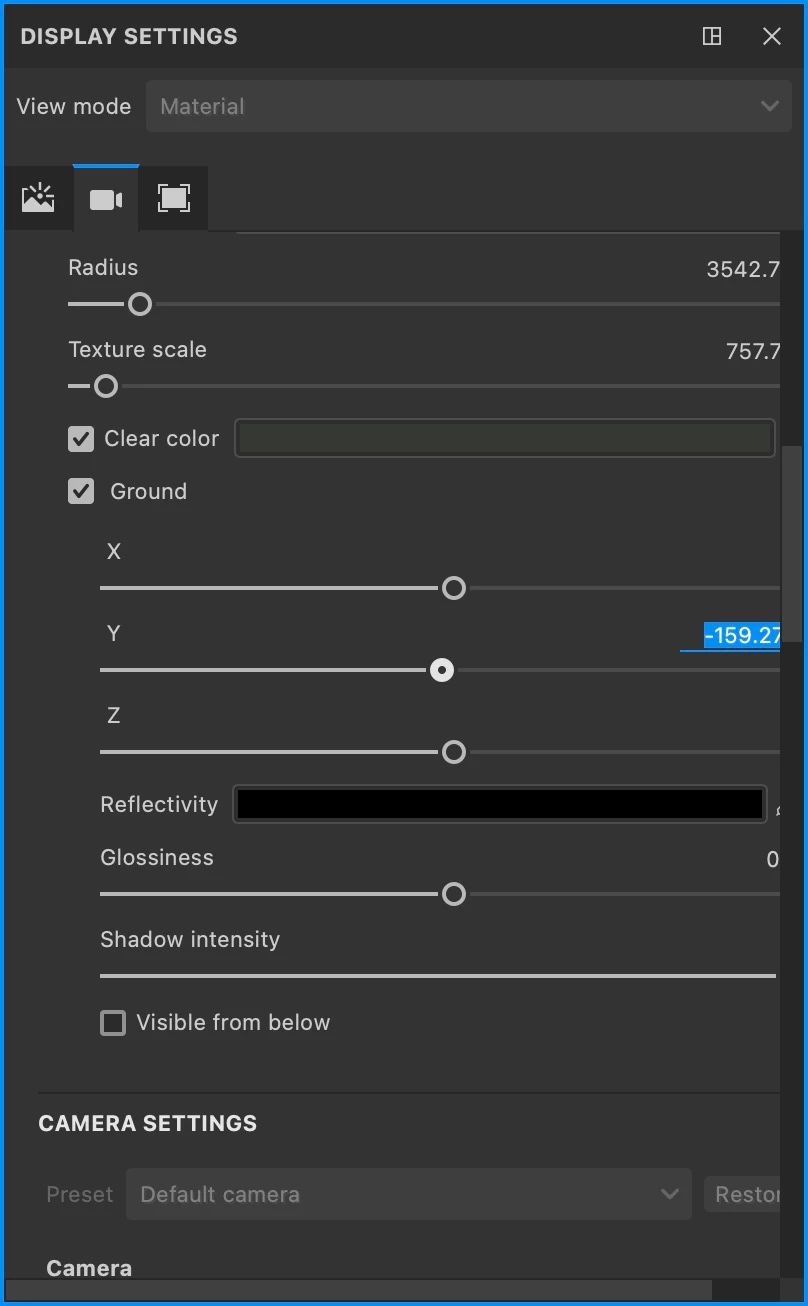

Screenshot_ 2026-01-14 à 17.37.08.jpgScreenshot_ 2026-01-14 à 17.40.56.jpg

6 replies

Cyril Dellenbach
Community Manager
Community Manager
January 19, 2026

This is honestly the first time I'm seeing such a problem. You can check our Software conflicts page and I advise you to make a clean reinstal (cleaning preferences too). If this still doesn't solve the problem, I'd assume the issue is somewhere else.


Cyril Dellenbach (Micro) | QA Support Artist | Adobe
Participating Frequently
January 16, 2026

Don'y have such on my system.

Fresh start of Painter, doesn't work at all. 

😞

Screenshot_ 2026-01-16 à 15.45.52.jpg

Cyril Dellenbach
Community Manager
Community Manager
January 15, 2026

image.png

Cyril Dellenbach (Micro) | QA Support Artist | Adobe
Participating Frequently
January 15, 2026

Damn NO !
It worked on blank startup, but now that my scene is loaded it bugs again T_T

Can you please explain Discord Overlay ?
I quit discord ? Doesn't change anything.

Participating Frequently
January 15, 2026

Hello
And thank you for your feedback. 

Update indeed adresses the bug (v11.1.2)

Thank you 🙏👍

Cyril Dellenbach
Community Manager
Community Manager
January 14, 2026

Hello @corentin15C3,


Can you try to update Substance Painter? If it doesn't help, can you also disable Discord's Overlay? At some point, we had a conflict between Discord's Overlay and Painter's UI. I think it should be solved by now, but it still worths the try.


Cyril Dellenbach (Micro) | QA Support Artist | Adobe