


Open for Voting
Texture areas overlayed with phantom information
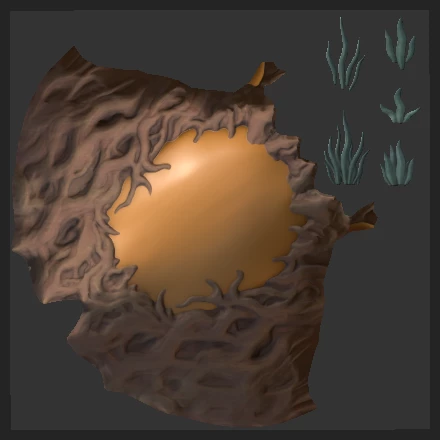
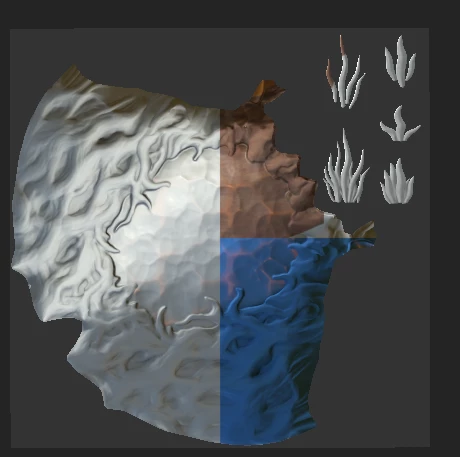
I've been having a weird issue for the past couple of days.
When I add / remove /change/ hide layers, I would have those areas getting overwritten with random colors.
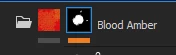
The first image is before I drop a smart material in a masked folder, the second is the result.
below is a picture of the mask in UV space
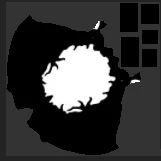
This happens in the viewport and on the exported textures. It happens in my other substance scenes as well.
I've tried :
-Several preferences settings
-changing and increasing local cache directory and budget (now 5gb)
-uninstalling and reinstalling substance on an other hard drive
I'm out of ideas, thanks in advance for your help
 AdChoices