Participant
November 26, 2025

Tri-planar projections artifacts

  • November 26, 2025
  • 4 replies
  • 230 views

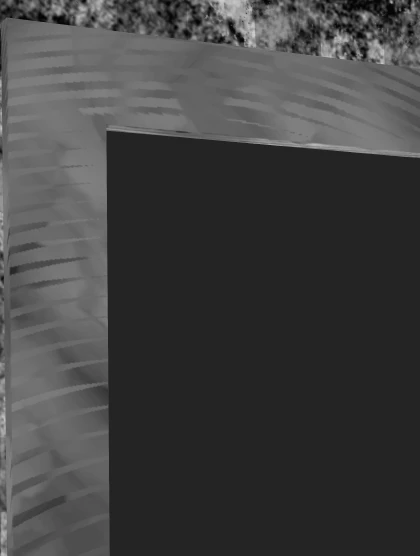
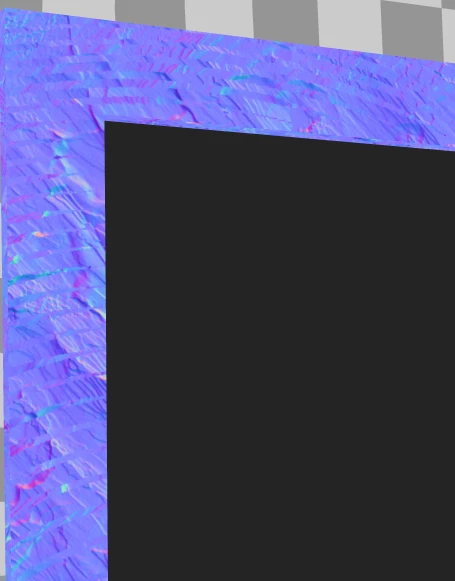
I keep having those strange artifacts whenever I switch to Tri-planar projection
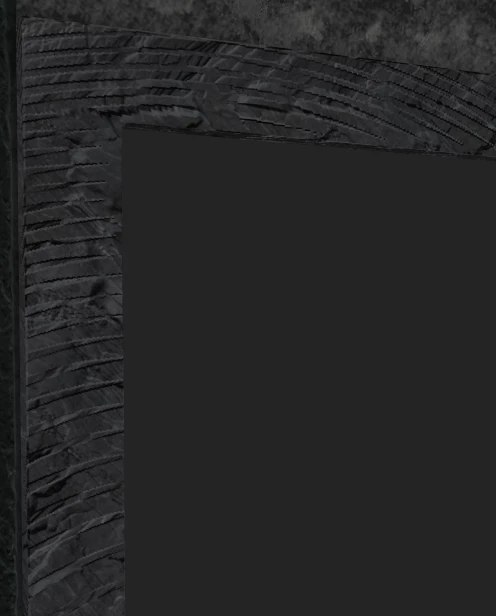
 

Those strange circles appears, this happens with any material which contains Heigth and Normal informations.


Substance 3D Painter, version 11.1.0
Build 4950 - 0265fbbfab79de9882b9b15496f0ca708f94dcdf

Windows 11 25H2


Blender 4.5.3

    4 replies

    Cyril Dellenbach
    Community Manager
    Community Manager
    November 27, 2025

    In your screenshot, you do have a face with more than 4 vertices.


    That being said, I still find these artifacts unusual. If you want, you can send me at cdellenbach@adobe.com the project, so I can investigate.


    Let me know.


    Cyril Dellenbach (Micro) | QA Support Artist | Adobe
    Participant
    November 26, 2025

    Hi Cyril,

    Thanks for your reply.


    What happens if you use the usual UV projection?  It works as intended, no artifacts

    Regarding the topology, I made sure before exporting that I did not have any face with more than 4 vertices


    Cyril Dellenbach
    Community Manager
    Community Manager
    November 26, 2025

    What happens if you use the usual UV projection? Also, I advise you to make sure you have a quad topology format. Ngon can create weird normal angles, which could theoretically end up with issues at projection. That being said, I dont think the problem comes from there, but it's worth trying.


    Keep me posted.


    Cyril Dellenbach (Micro) | QA Support Artist | Adobe
    Participant
    November 26, 2025

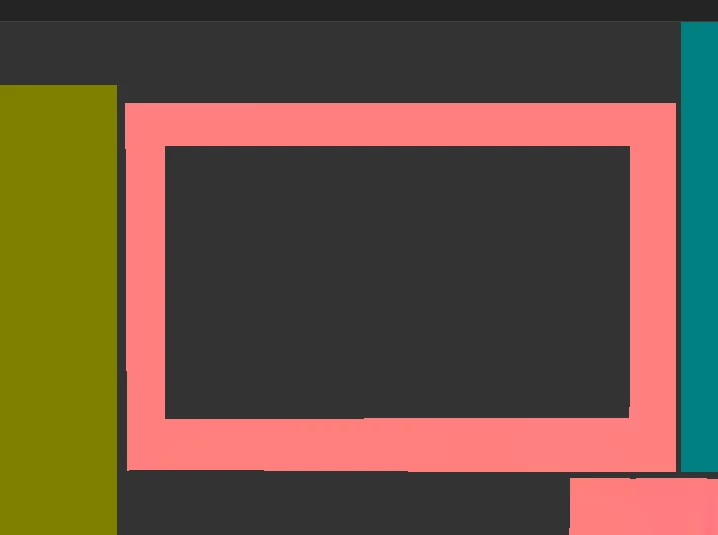
    This is the model topology: