


Participant
April 6, 2023

Weird normals when painting/fill normals

  • April 6, 2023
  • 3 replies
  • 493 views

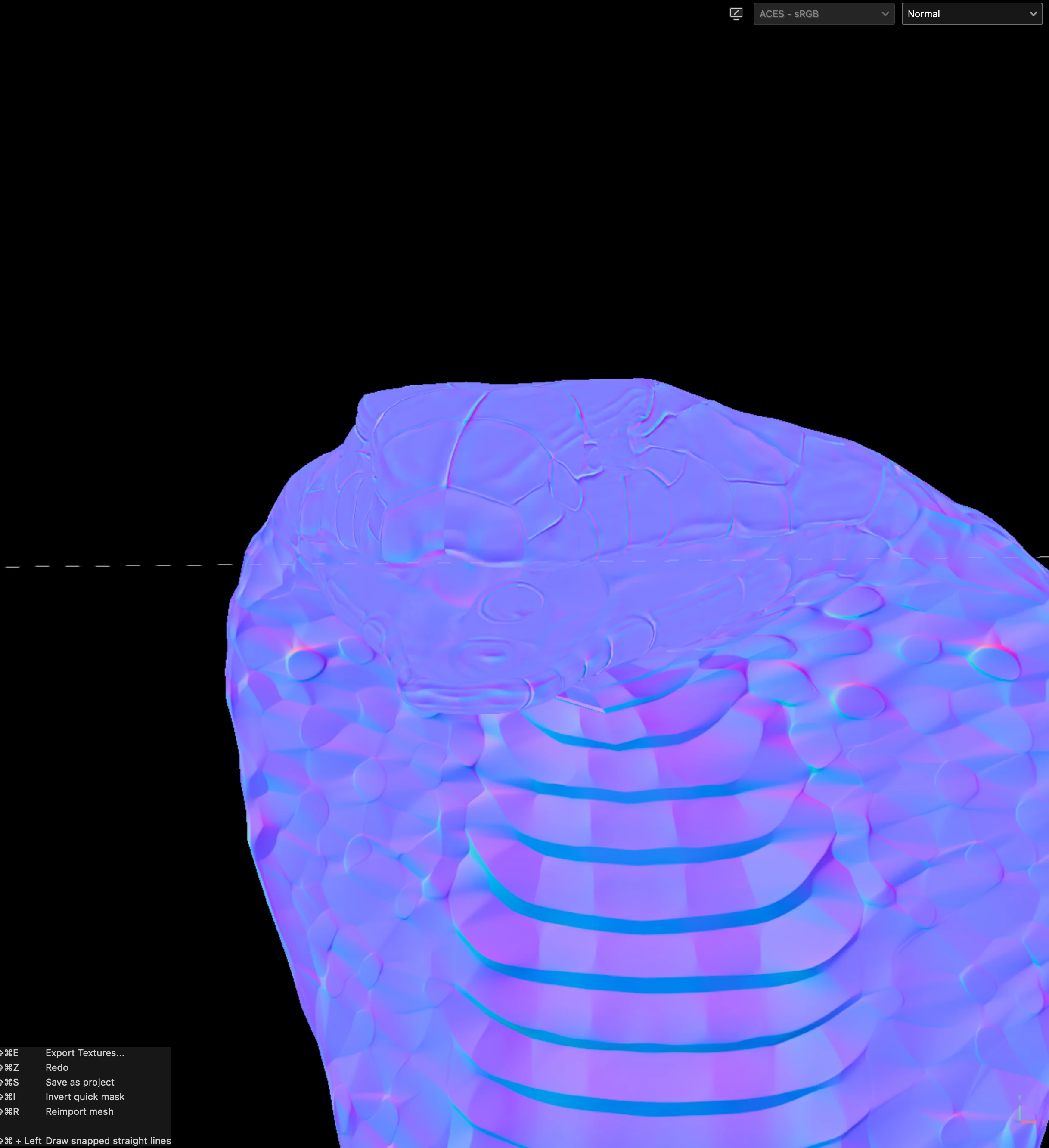
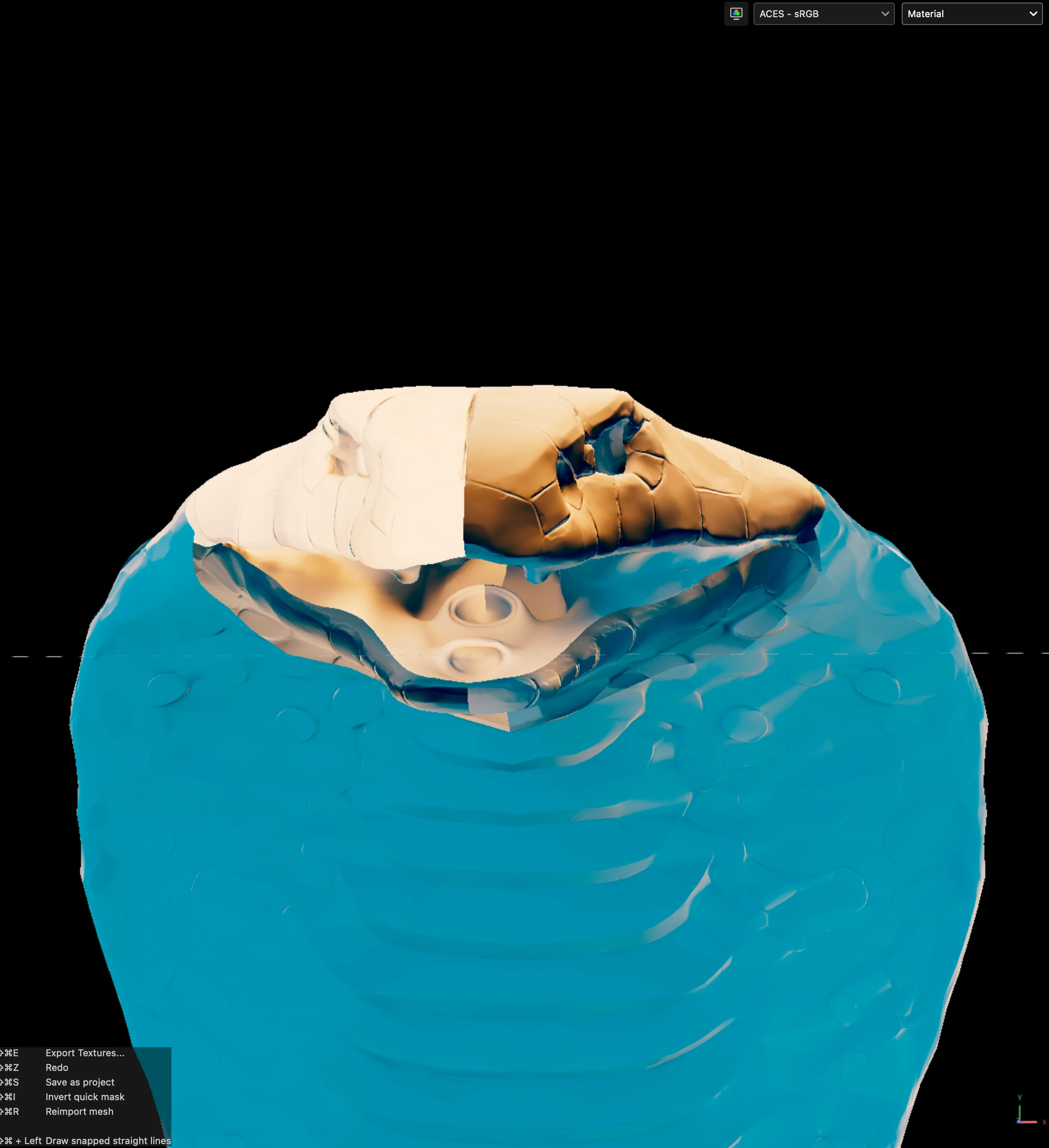
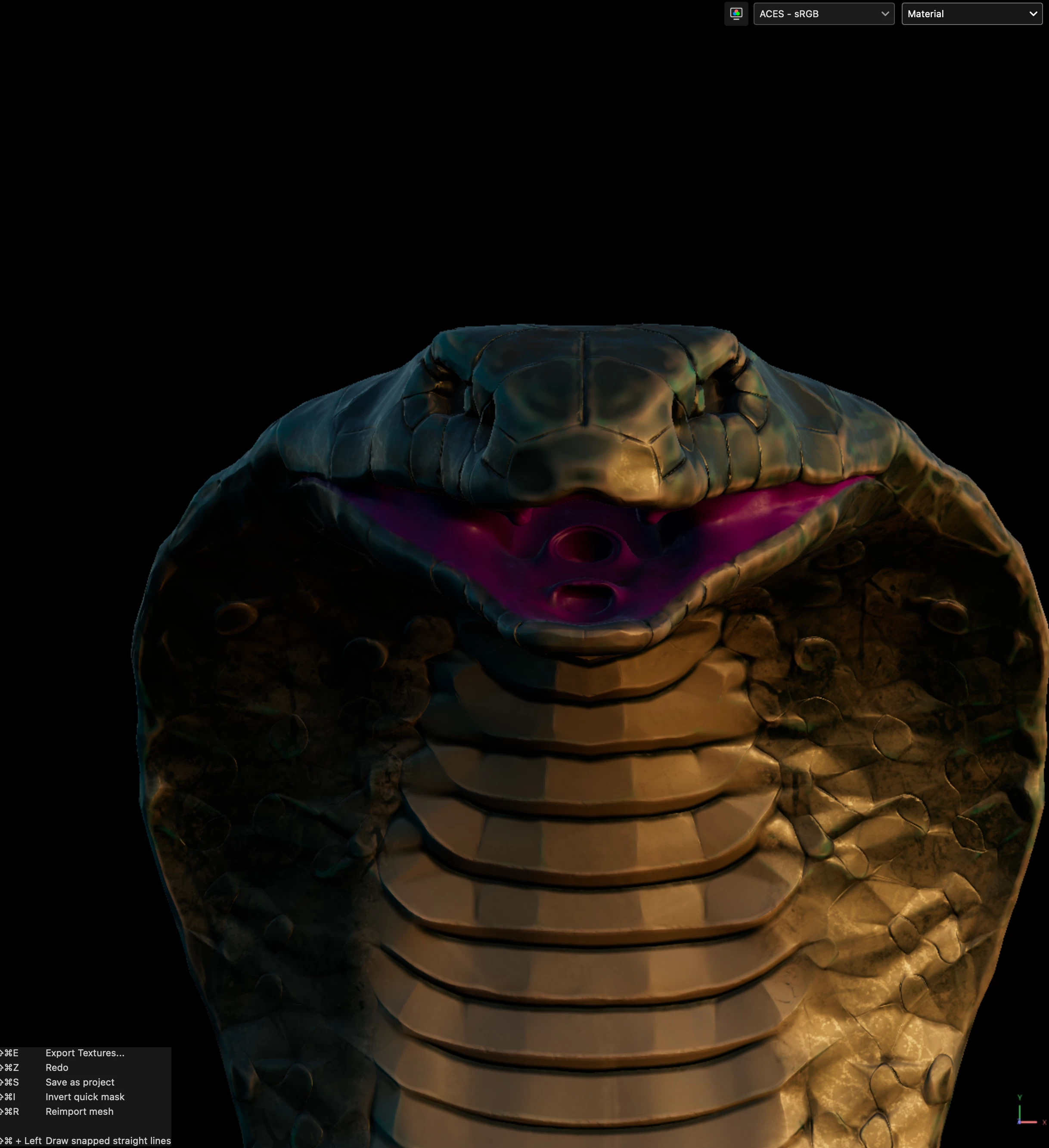
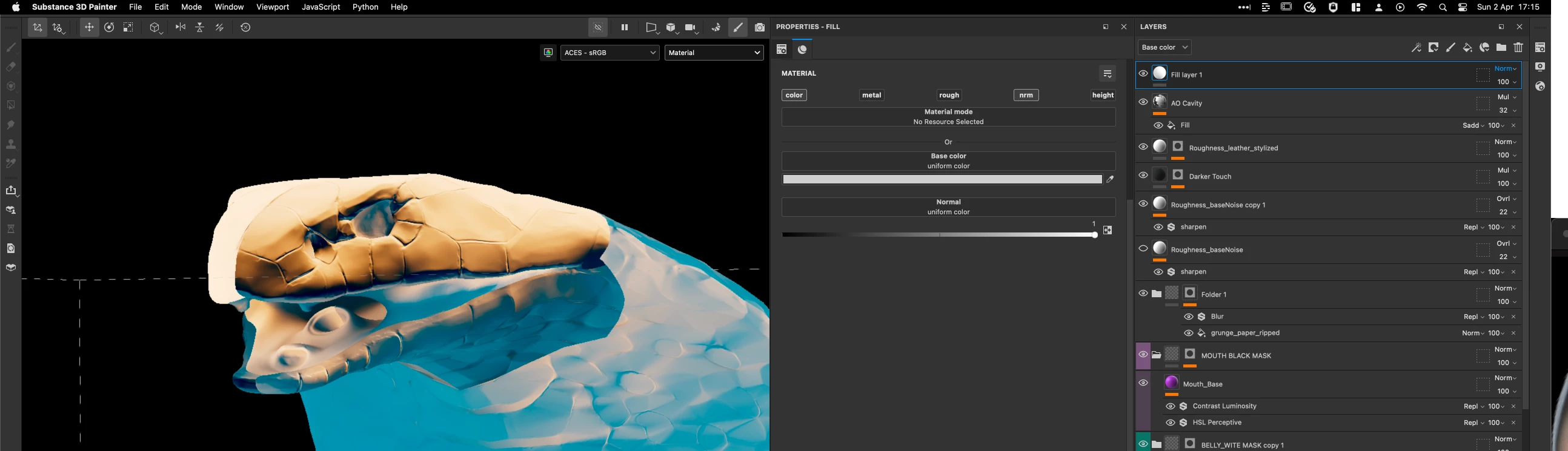
Hello, I was wondering if someone know what goes wrong here ? Seems like my normals are flipped or somthing ? Like if I don't touch the normal bake I get no problems. But when I use a fill on the normal. I get this weird result ?
3 replies

Participant
April 7, 2023

Hi @Cyril Dellenbach & @davescm, thanks for you're replies! 

What @davescm said seemd to be the problem 😄 so it works now, thanks alot!

davescm
Community Expert
Community Expert
April 6, 2023

For some reason your normal channel on your fill is set to grey rather than colour.

Can you delete the fill layer and check in Texture set settings > Channels  that the Normal channel is set to an RGB rather than greyscale option. Then add the fill layer again


Dave

Cyril Dellenbach
Community Manager
Community Manager
April 6, 2023

Hello @Mulhuijsen,


This is definitely unusual.


Would you mind sharing your substance project with me (and the High-Poly), so I can take a deeper look? You can send it to me privately at cdellenbach@adobe.com


Best regards,


Cyril Dellenbach (Micro) | QA Support Artist | Adobe