Participant
July 23, 2023

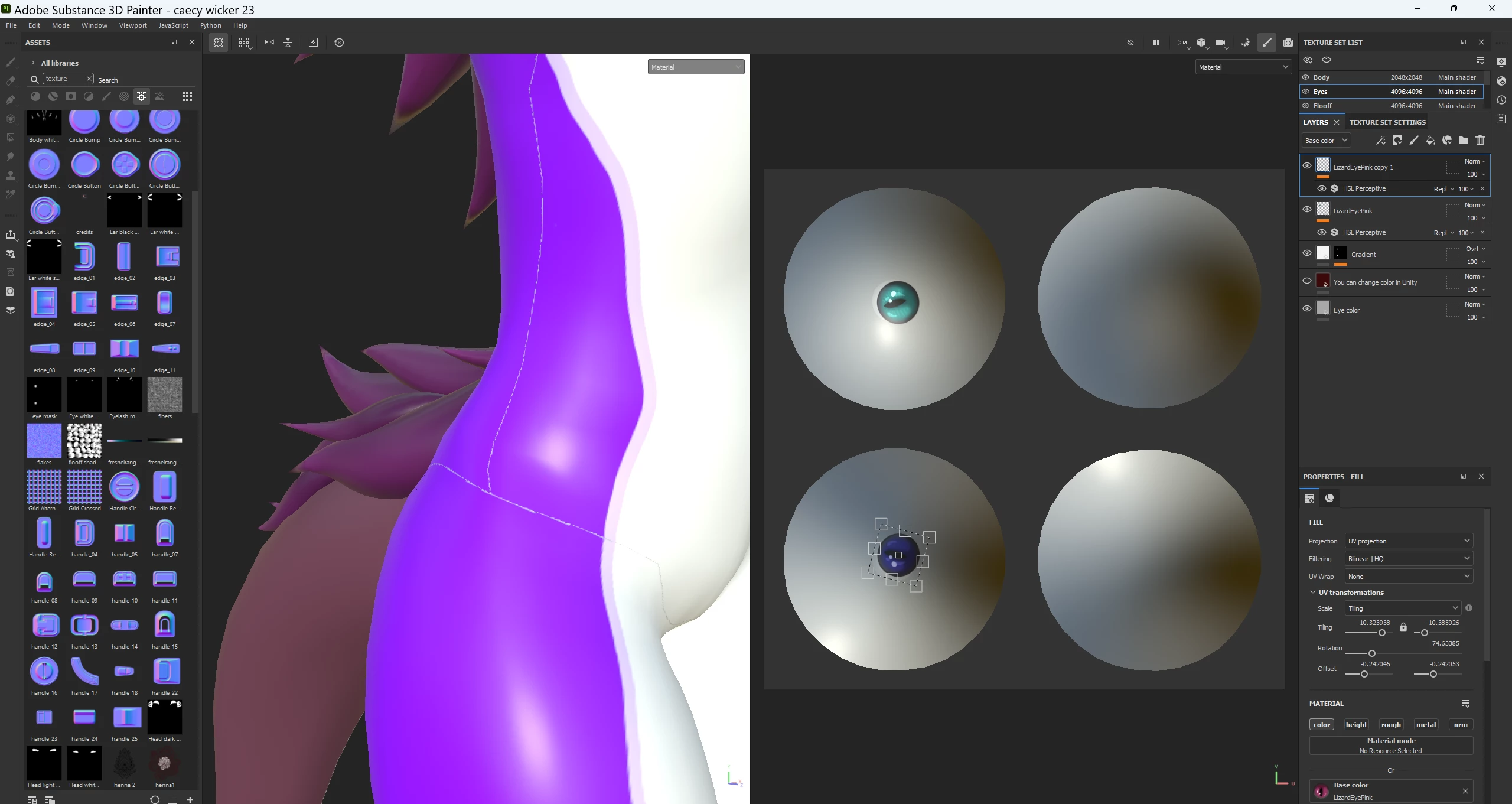
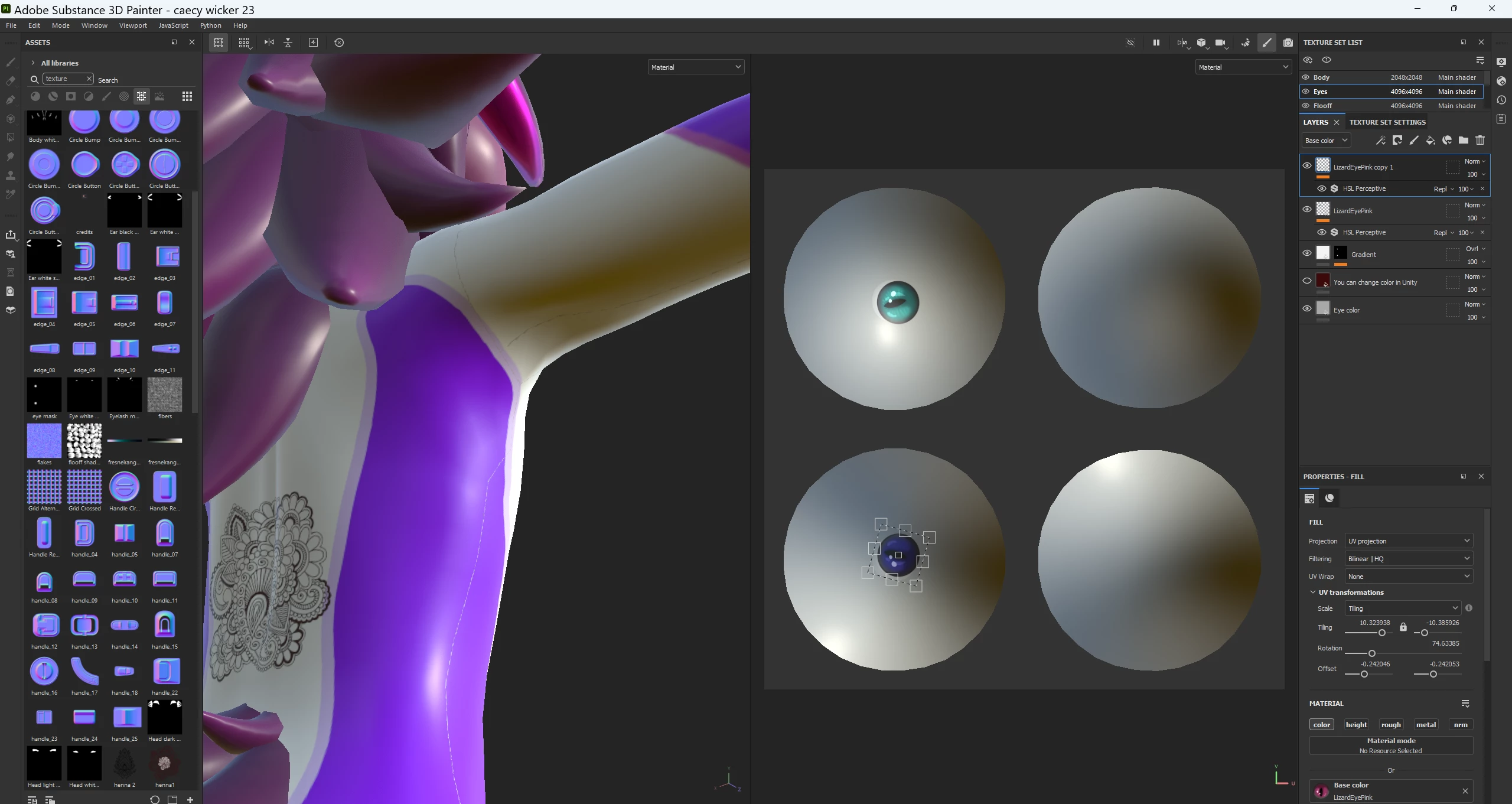
white lines on textures. I performed a clean install of windows and that didn't fix it.

  • July 23, 2023
  • 3 replies
  • 583 views

3 replies

Cyril Dellenbach
Community Manager
Community Manager
July 24, 2023

Can you send a screenshot of your 2D view from the Texture Set named "Body" ?


Cyril Dellenbach (Micro) | QA Support Artist | Adobe
Participant
July 24, 2023
I already did that and it did not help
Cyril Dellenbach
Community Manager
Community Manager
July 24, 2023

Hi  @RainyFoxUwU,


These white lines are probably the seams of your UV texture. Try to set the UV Padding of the Texture sets to UV Space Neighbor.


Let me know if this helps.


Cyril Dellenbach (Micro) | QA Support Artist | Adobe