


Participant
August 21, 2025

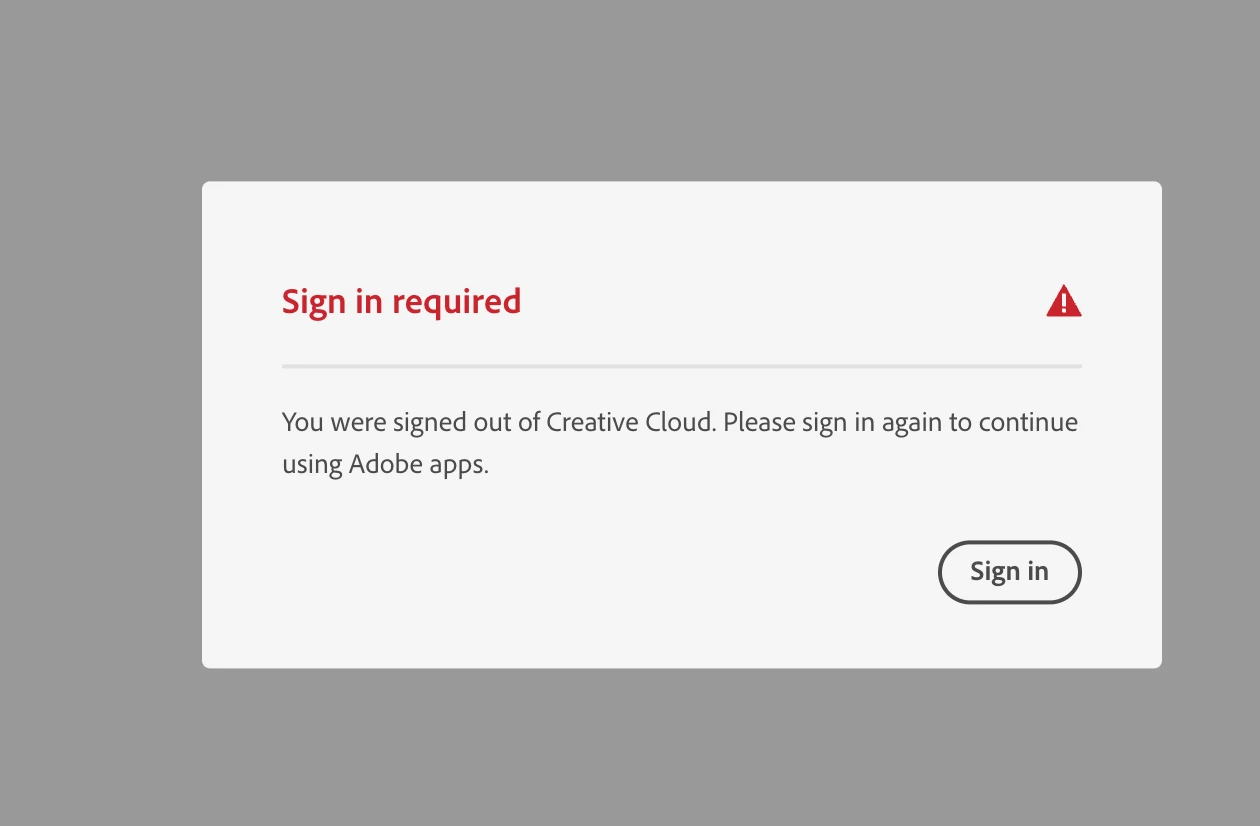
Adobe cloud continuously asking for me to "sign in"
  • August 21, 2025
  • 3 replies
  • 121 views


Hi guys, So I'm having this issue where adobe will keep asking me to sign into the cloud. but it will just repeate this message over and over.

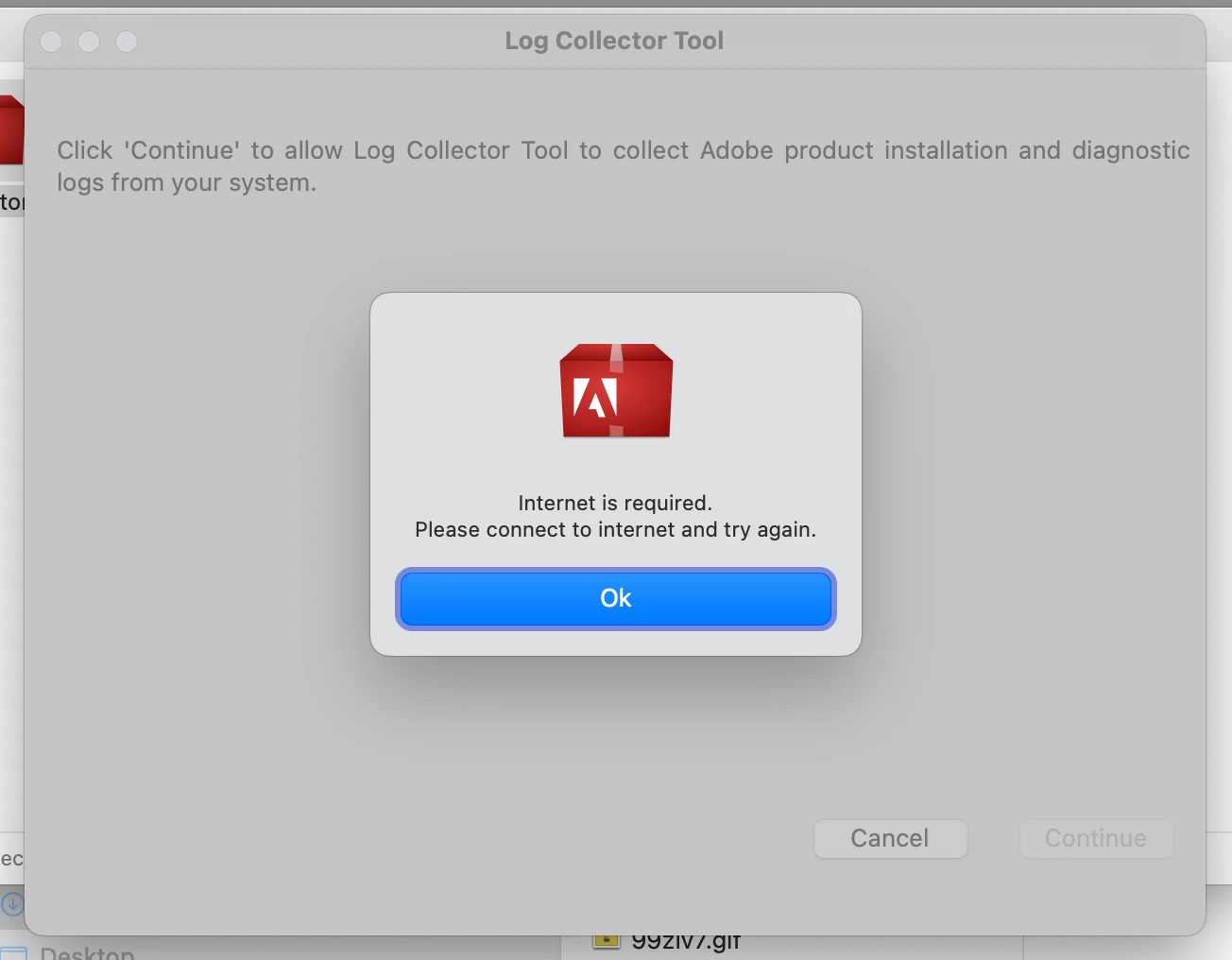
I have already uninstalled and reinstalled the app. I have signed out on the broswer and back in multiple times, I have deleted the key accsess, I have tried to use the log detector tool but keep getting this message? (I have full bars and connected to 3 different wifis to try get it to work)


I’m still stuck, and it’s really stressful because I need these programs for college and use them daily. I haven’t used Adobe apps for about two months while I was away from my laptop on holiday, but I kept paying for my subscription. Not sure if that could be related.

Any help would be greatly appreciated.

3 replies

kglad
Community Expert
Community Expert
September 25, 2025

are you using an updated (important) browser that's not opera (critical)?

Participant
September 25, 2025

Hi

I've gone through and executed every steps you've mentioned but this didn't fix the issue for me. When I'm promted to logging I add my password and then I get the following error (I also followed their instructions and nothing)

kglad
Community Expert
Community Expert
August 21, 2025

start at the top here - https://helpx.adobe.com/manage-account/kb/troubleshoot-creative-cloud-sign-out-sign-in.html


if that fails,


1. go to the bottom section : "Remove Adobe User and Adobe App Certificates" - https://helpx.adobe.com/in/download-install/kb/adobe-license-issues-keychain-credential-mgr.html and follow the steps.  


2. then uninstall the cc desktop app, https://helpx.adobe.com/creative-cloud/help/uninstall-creative-cloud-desktop-app.html


3. and reinstall the cc app install the cc desktop app by using the download links at page bottom here, https://helpx.adobe.com/in/download-install/kb/creative-cloud-desktop-app-download.html