


Inspiring
November 8, 2024

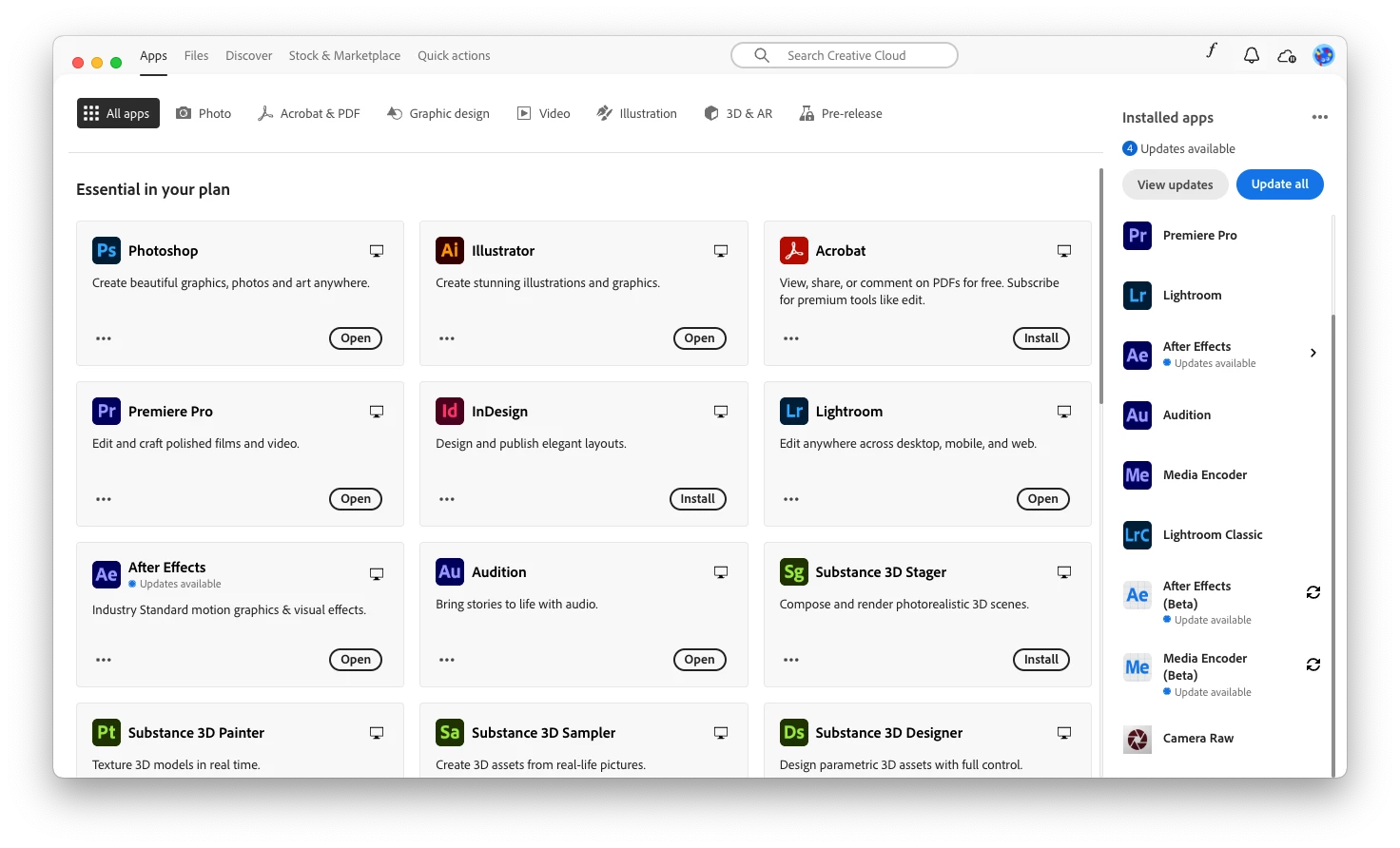
App surprise redesign. How can I install beta apps?
  • November 8, 2024
  • 8 replies
  • 610 views

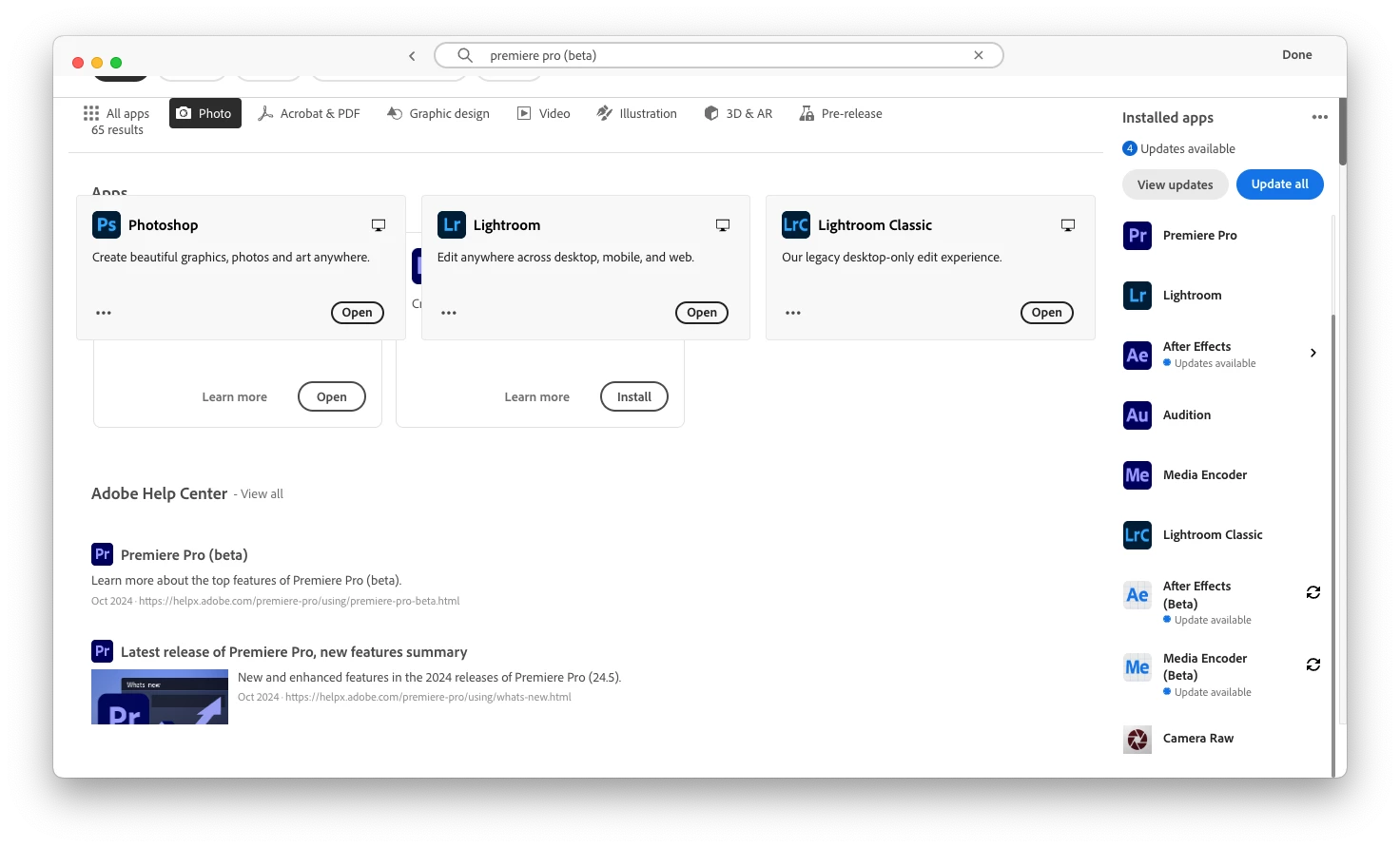
Creative Cloud Desktop recieved an update this morning. Trying to install Premiere Pro (Beta) and it's nowhere to be found within the app. Can't find it via weblink either. Seems this new version didn't seem to pass any kind of QC at all:
8 replies

Kalvyn Rasquinha
Community Manager
Community Manager
November 11, 2024

Hi @Elijah31962510mxso , what version of the Creative Cloud app do you have running? I just noticed that the main nav is at the top for you and we switched it to be on the left last year.

kglad
Community Expert
Community Expert
November 10, 2024

good to hear.

Inspiring
November 10, 2024

Small update here. I was performing this all under a Teams subscription. I assumed that might have been the case so I went ahead and got a personal trial to isntall the apps since just updating them from my Teams account still seemed to work fine. Interestingly when I went back to my corporate account, the old interface (with the sidebar) returned and there was a new "Beta" tab which I had never seen before. Issue seems to be fixed as I can now access the Beta apps again.

Kalvyn Rasquinha
Community Manager
Community Manager
November 10, 2024

Hi @Elijah31962510mxso. I have a couple clarifying questions in addition to @kglad 's question about whether this is a Teams or Enterprise subscription. Can you confirm that you were seeing the "Beta apps" category before this update? When was the last time you were able to access the Beta category?

kglad
Community Expert
Community Expert
November 9, 2024

do you have a teams ir enterprise subscription?


what's your cc desktop app version?

Inspiring
November 9, 2024

It is not possible to interact with the search results that appear behind the application list, and attempting to find the article in a browser and access the link there does nothing within the app. The pre-release section only includes Illustrator (Prerelease) as prereleases and betas are different. Previously the beta apps in question would appear alongside the normal apps in their respective categories after enabling beta apps in settings, an option not present within the preferences of the updated app.

kglad
Community Expert
Community Expert
November 9, 2024

click pre-release at the top

Peru Bob
Community Expert
Community Expert
November 9, 2024