


At assets.adobe.com/files, "Locate" now simply opens the file
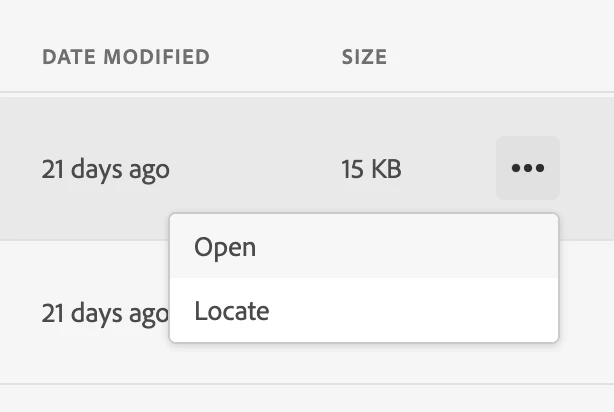
At assets.adobe.com/files, clicking on "Locate" used to open the folder that the file is found in. As of late last week, it just opens the file in the browser, which "Open" already does. And from the opened file screen, there doesn't seem to be a way to determine the file's folder. In many if not most instances, I actually need to open the folder containing the file, not the file itself. I'm assuming it's a bug as there doesn't seem to be any valid reason to duplicate the feature of "Open" in the same menu and remove the very critical feature of being able to open the containing folder from this menu. It's a source of massive slowdown in productivity and has already significantly affected me and my coworkers. Please resolve at earliest convenience.
 AdChoices