


Participant
August 25, 2023

Creative Cloud Desktop fechando Instantaneamente.

  • August 25, 2023
  • 7 replies
  • 423 views

Olá, bom, como eu disse no título, meu Creative Cloud Desktop está sendo fechado logo após eu tento abrir, eu baixei os programas pela web, todos funcionam (Photoshop, Illustrator, AE, etc...) mas o CC Desktop não...eu já tentei usar o Adobe Cleaner milésimas vezes, apagar todas as pastas que tem a ver com a Adobe possíveis (até no regedit) tentei desligar o Firewall e Anti-Virus, tentei abrir com o computador no modo de segurança e nada de abrir, não sei o que pode estar acontecendo. Também já procurei o mesmo erro que está acontecendo comigo na internet em várias linguas diferentes e não achei nenhuma pessoa que está tendo o mesmo.
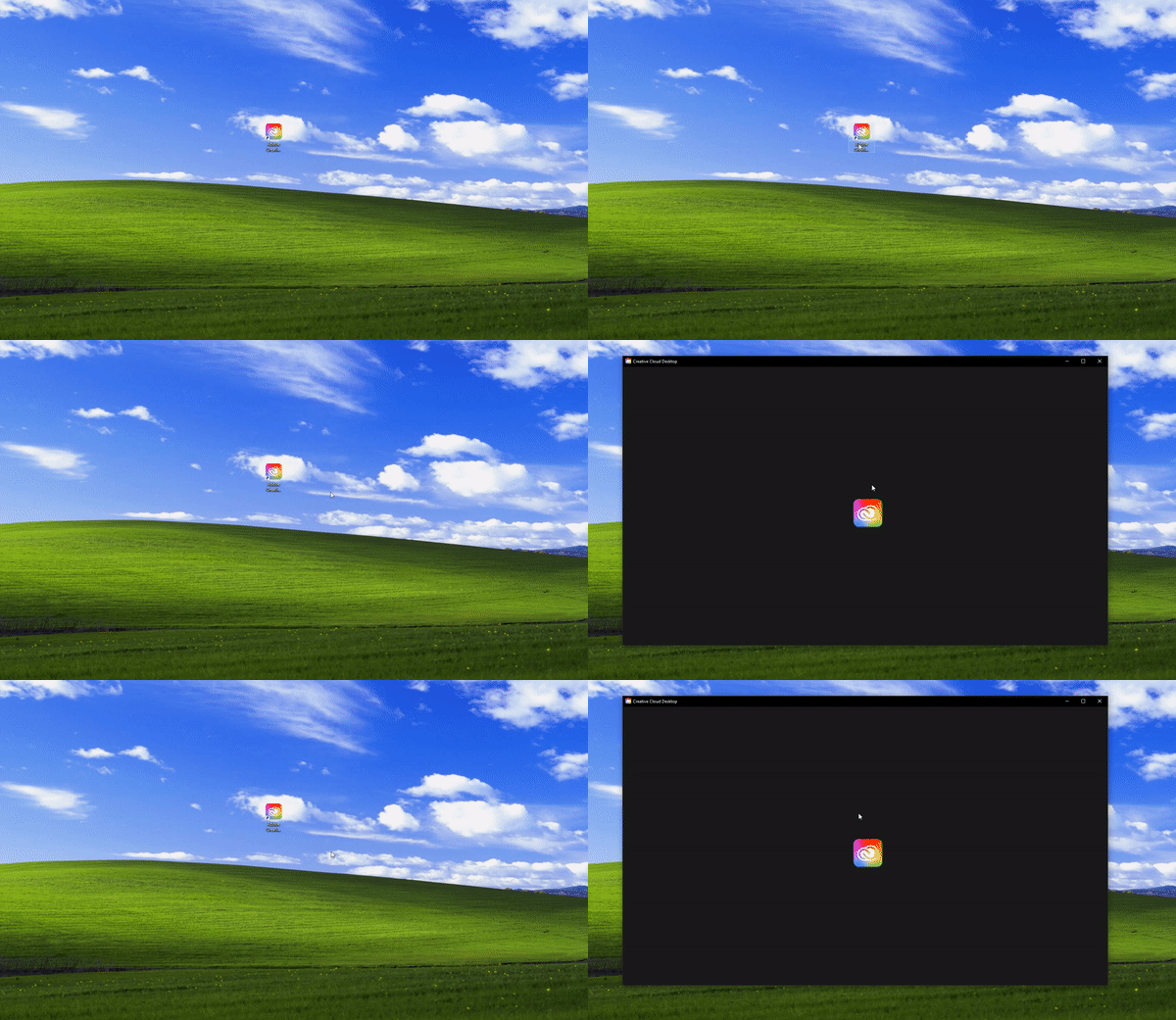
 

(Windows 10, Todos os programas estão na última versão, esta é a primeira vez que eu tento baixar o CC Desktop,


já usei versões não oficiais da Adobe por um tempo, isso pode ter algo relacionado)

7 replies

Kalvyn Rasquinha
Community Manager
Community Manager
August 26, 2023

Hi @JOAQUIM31869187a3bc . Sorry to hear you're not able to use the app. Could you collect and upload a log file and share the name with me? Here are instructions on how to access the tool: https://helpx.adobe.com/creative-cloud/kb/cc-log-collector.html. If you were chatting with Adobe Support and they already had you create a log file, feel free to share that log file name.

jane-e
Community Expert
Community Expert
August 26, 2023


@JOAQUIM31869187a3bc wrote:

I spent nearly 4 hours in a remote support session with an Adobe Expert


It worries me that you were in remote support with an Adobe Expert. Adobe Experts are volunteers and do not work for Adobe. This is not typical of how we work. Did you contact them or did they contact you? Please give us details.


  • If someone sent you a PM, it might have been a scammer. Some of them use an outlook.com email address. If you suspect this, please post a screenshot of the PM.


  • Or did you contact Adobe Customer Care through the Chat icon and speak to Adobe Staff (not "Expert")? This would be legitimate.


If you gave information to a scammer, you need to run a malware check. If you made the contact to Adobe Staff, you are okay. Adobe Staff have "Adobe Employee" and the Adobe logo in their avatar.


Jane

kglad
Community Expert
Community Expert
August 26, 2023

thanks for the update 

Participant
August 26, 2023

I spent nearly 4 hours in a remote support session with an Adobe Expert, but they couldn't determine what was causing the issue. They collected log information from my computer and began analyzing the possible reasons. I'm hoping they can resolve this issue soon.

kglad
Community Expert
Community Expert
August 25, 2023

suspend any antivirus that might be causing that.


if that fails, do a clean cc install carefully following each applicable step:

uninstall every cc app including preferences per https://helpx.adobe.com/creative-cloud/help/uninstall-remove-app.html

then uninstall the cc desktop app, again using the correct uninstaller per https://helpx.adobe.com/creative-cloud/help/uninstall-creative-cloud-desktop-app.html#sa_src=web-messaging

clean your computer of cc files per http://www.adobe.com/support/contact/cscleanertool.html

check for, and if available, update your os

if windows is your os, repair all ms visual c++ versions that can be repaired (use google if you don't know how to do this)

if windows is your os update your ms visual c++, if it can be updated (use google if you don't know how to do this)

restart your computer (don't skip this)

reinstall the cc desktop app using the "alternative download links" at the bottom of the page at https://helpx.adobe.com/download-install/kb/creative-cloud-desktop-app-download.html

use the desktop app to install your cc programs/trials

NOTE: win 11 users that have trouble with the latest win 10 installer often have success with the older win 10 installer.

Participant
August 25, 2023

Yes, I used to use an unofficial one, but now I own the full Adobe Pack

jane-e
Community Expert
Community Expert
August 25, 2023


quote

I've used unofficial versions of Adobe for a while, this may have something to do with it

By @JOAQUIM31869187a3bc


Since it is the Creative Cloud that is not working, I have moved your post to the Creative Cloud Desktop forum.


Do you have a legal version now? Adobe Staff can look up your account to confirm.


Jane