


Open for Voting
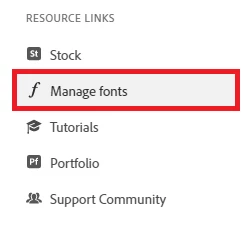
Creative Cloud Desktop - Manage fonts link is not working.
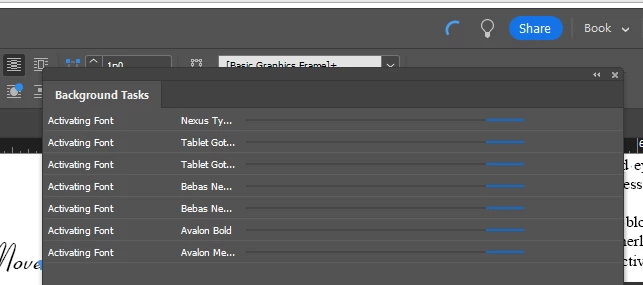
When I open the Creative Cloud Desktop app and try to click on the Manage Fonts link, nothing happens...the cursor turns into a hand like I should be able to click on it...but when I do, nothing happens, and my fonts that have been activated are not syncing with the different apps I use (Illustrator, Photoshop, InDesign) the just eternally try to activate even though they are already activated if I look in Adobe Fonts. What in the world is going on? This is preventing me from getting work done.
 AdChoices