


Participant
Nov 2, 2026 8:08 AM UTC
Question

Creative Cloud reports "No internet connection" while the internet is available

Adobe Creative Cloud v6.11.0.478.6

macOS Golden Gate 27.0.1 on MacBook M5 Pro

There is absolutely no problem with my internet connectivity. All other applications that rely on internet connectivity (Safari, Music, Mail and many others) are working without issue.
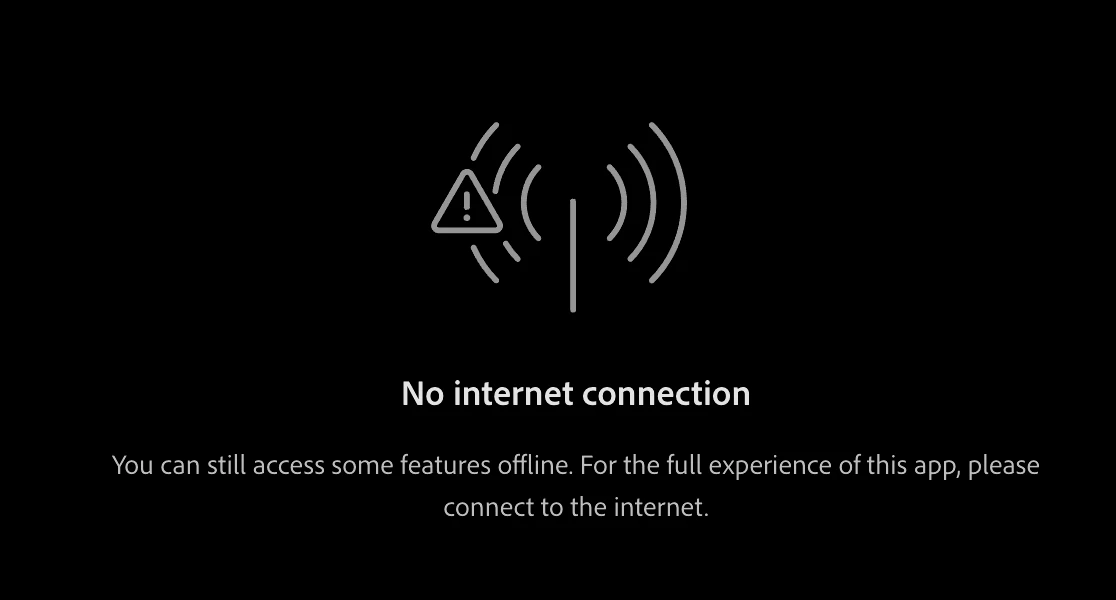
 

What nonsense is this?

    2 replies

    Jeff_A_Wright
    Community Manager
    Community Manager
    Nov 2, 2026 6:16 PM UTC

    Thank you for posting, ​@brilliant_focus8a1c.


    I can understand the frustration here, especially when everything else on your Mac is connecting normally.


    Thanks to ​@kglad  for the reset suggestion. If the issue continues after resetting the Creative Cloud desktop app, please work through the connection troubleshooting steps here:

    https://helpx.adobe.com/x-productkb/policy-pricing/activation-network-issues.html


    In particular, check that your Mac can access secure Adobe sites and review the steps for possible hosts file, proxy, or firewall restrictions.


    Also, is your Mac or the network you’re connecting through managed by an employer, school, or other organization? If so, are you using an Adobe account provided or managed by that organization?


    Please let us know what you find, and we can continue troubleshooting from there, ​@brilliant_focus8a1c.

    Translate
    kglad
    Community Expert
    Community Expert
    Nov 2, 2026 1:48 PM UTC

    first try resetting the cc app:


    To reset the Creative Cloud desktop app, make sure it's in the foreground, then press:


    Win: Ctrl + Alt + R

    Mac: Cmd + Opt + R


    Translate