


Participant
November 10, 2025

Desktop app is not behaving

  • November 10, 2025
  • 3 replies
  • 73 views

Granted, my Intel iMac isn't new, but just as fast as when it was brand new. Adobe has done a decent job improving Lightroom performance, so the computer is great for photo editing, as Apple still doesn't offer another computer with a 27" display.

However, keeping CC in my login items adds 5–10 minutes to the time it takes for the computer to start up. I've tried removing and reinstalling to no avail.


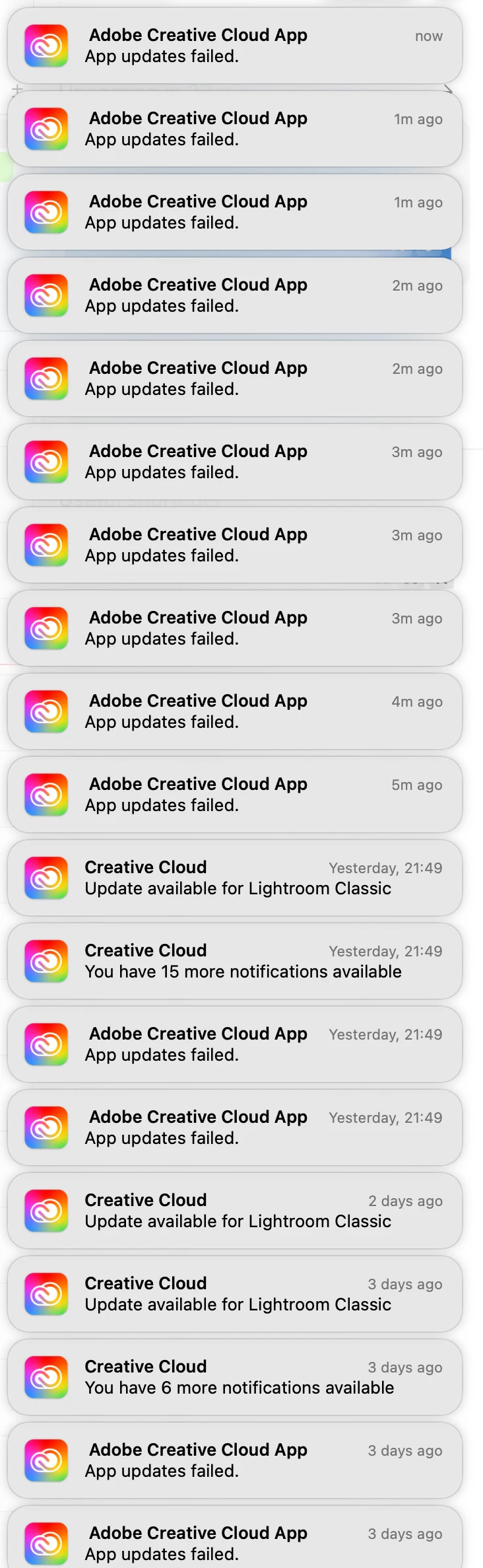
Frustrated with waiting for my iMac to get ready loading CC, I open M1 macBook. It's faster, but with the 13" display, I don't like editing photos on it. But to my surprise, the battery got nearly drained over the weekend. I see that Adobe CC has been using 'significant battery'. And that it made many failed attempts to do app updates.

After a reboot, the Adobe CC app alternates every few seconds between showing its homepage and a 'No internet connection' screen. To be clear, I had an internet connection, the same one I'm writing this message on. And even if it were not the stable wifi connection that it is, a bad connection should not make an app behave like that.

I understand that it's useful for us to have one app that manages app access based on subscription status for all Adobe applications, rather than having to register in each of them separately.  But I'd much prefer that second solution if that means getting rid of the CC app. 

But let's be honest, it's some kind of marketing and ads platform that's not really addressing user needs. So I have no hope of getting rid of the Adobe CC app.  

But please, just make it perform its basic functions and not mess up my computers.
 

3 replies

kglad
Community Expert
Community Expert
November 10, 2025

if you're performing a clean install make sure you follow each step:


uninstall every cc app including preferences per https://helpx.adobe.com/creative-cloud/help/uninstall-remove-app.html

then uninstall the cc desktop app, again using the correct uninstaller per https://helpx.adobe.com/creative-cloud/help/uninstall-creative-cloud-desktop-app.html#sa_src=web-messaging

clean your computer of cc files per http://www.adobe.com/support/contact/cscleanertool.html

check for, and if available, update your os

if windows is your os, repair all ms visual c++ versions that can be repaired (use google if you don't know how to do this)

if windows is your os update your ms visual c++, if it can be updated (use google if you don't know how to do this)

restart your computer (don't skip this)

reinstall the cc desktop app using the "alternative download links" at the bottom of the page at https://helpx.adobe.com/download-install/kb/creative-cloud-desktop-app-download.html

use the desktop app to install your cc programs/trials>

if that fails, you probably have a corrupt user account. google your os and how to create a new one.

5lyAuthor
Participant
November 10, 2025

I tried most of that already, but I will try uninstalling all apps. 

Me having to do that is a clear sign of the app defeating its purpose. Even the business purposes. Instead of making the Adobe services more 'sticky', it requires me to uninstall everything. 

Tarun Saini
Community Manager
Community Manager
November 10, 2025

Hi @5ly,


Welcome to the community! We're sorry to hear about this. Please try the steps mentioned here and marked as correct- https://community.adobe.com/t5/creative-cloud-desktop-discussions/creative-cloud-desktop-app-is-not-loading/td-p/12125859


Regards,

Tarun