



Displaying duplicate folders when saving to Creative Cloud using "Save As"
Good Day,
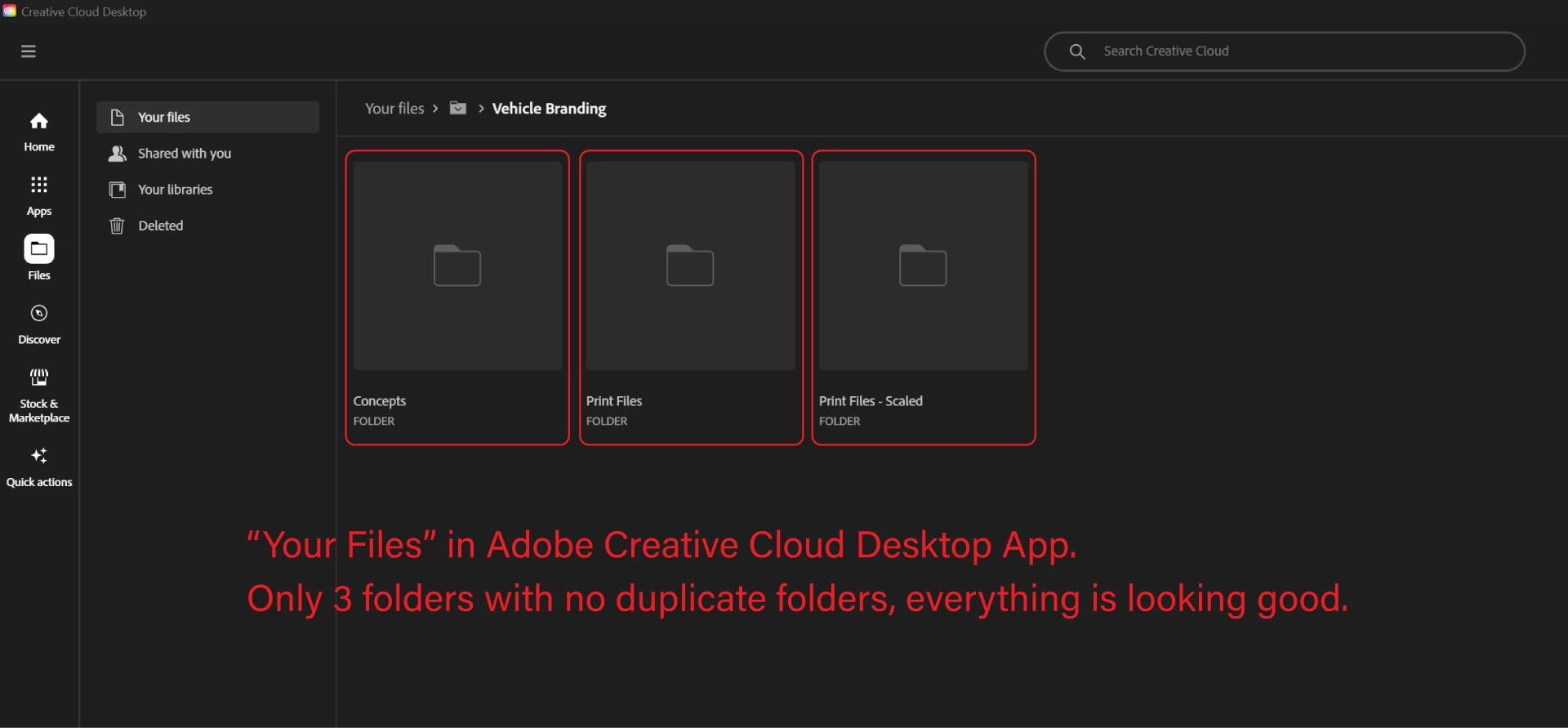
I have been struggling with a bug that shows duplicate folders when saving a project to Adobe Creative Cloud. However, everything looks normal if you go to the exact location in "Your Files".
This image shows that this directory only has 3 folders: Concepts, Print Files, and Print Files Scaled.
However, when I want to save a project to this directory using the "Save As" function, it shows multiple duplicate Concepts folders.
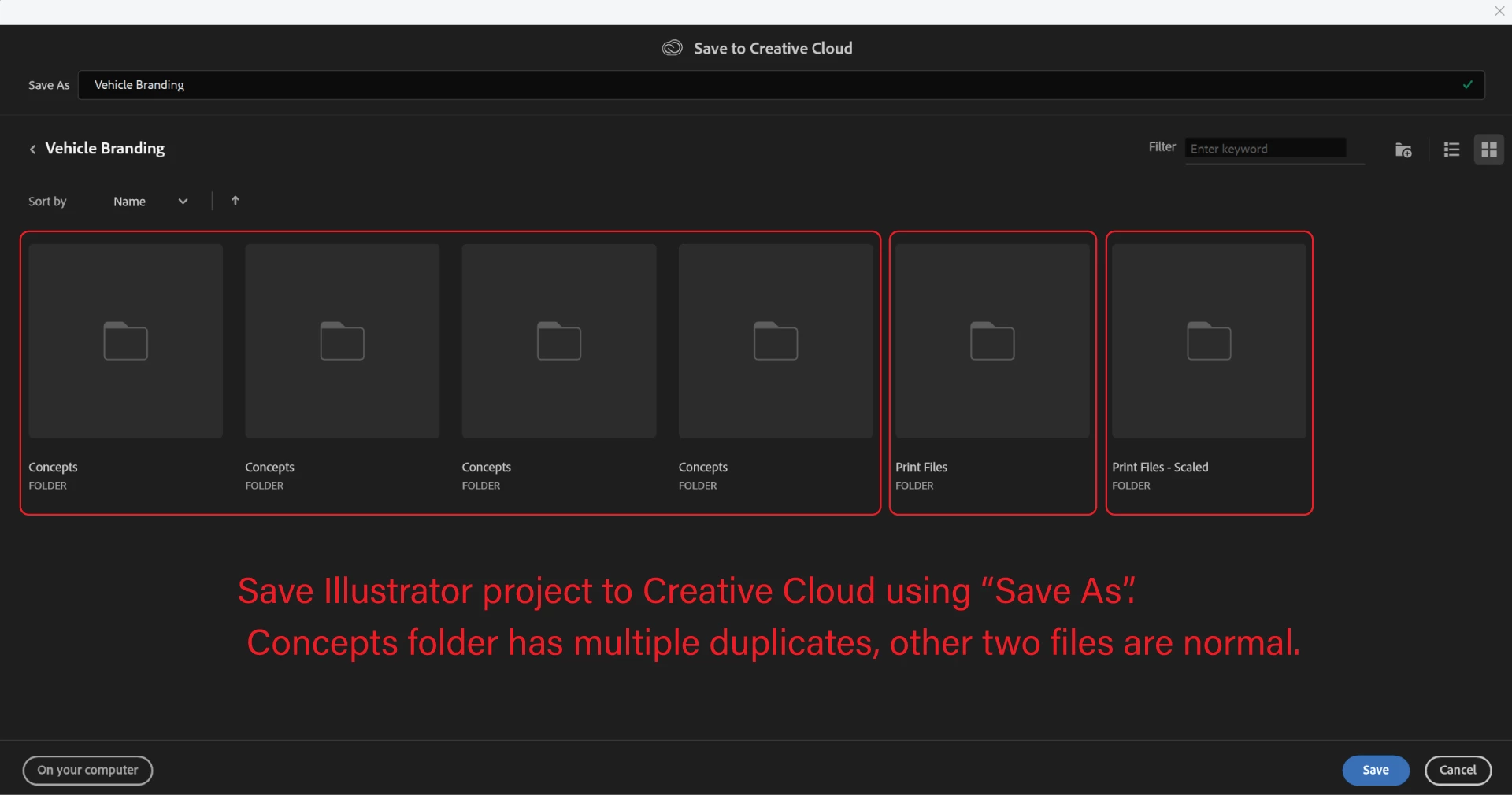
Because Creative Cloud "File Sync" is being discontinued, I am moving all my files to "Your Files", and I have had this happen multiple times. The only way to fix it is to close all the Adobe apps and relaunch everything. It has occurred when I used "Save As" in both Illustrator and Photoshop.
Although this bug is not system-breaking critical as it does not seem to actually duplicate the folders, it does make navigating the files quite tricky, resulting in mistakes happening and a slower pace of work.
My Windows, all my drivers and the Adobe Apps are up to date.
Windows 11
Illustrator v 28.1
Photoshop v 25.3.1
 AdChoices