Participant
July 28, 2023

how to install a original Adobe app?

  • July 28, 2023
  • 2 replies
  • 145 views

Hello


Recently I was hired for a new job in a small agency. Althought I have my personal Creative Cloud plan, all softwares are cracked versions here on agency. 

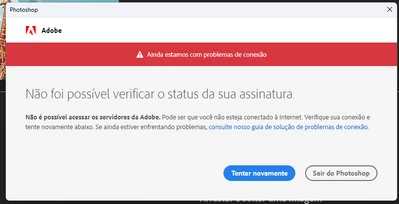
After installing the Creative Cloud app I received a limited acess error alert, and when I try to open any official software I receive this two messages: 
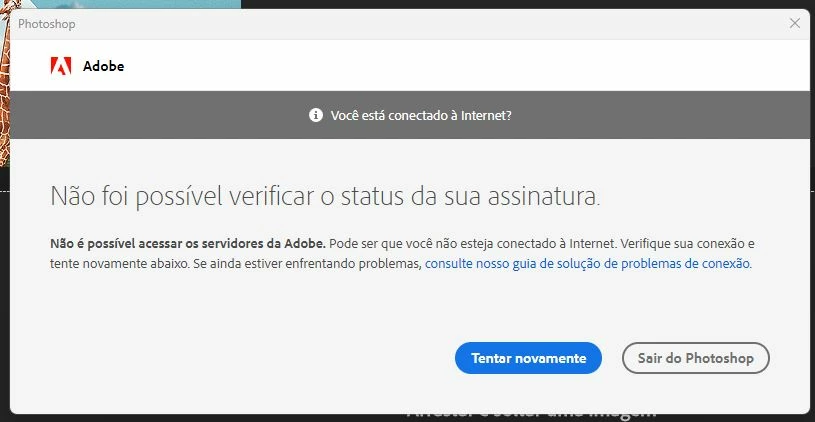
 

I've tried to uninstall the cracked softwares and to follow all solutions that I have found here on community support, like the Limited Access Repair tool and others, but still have no sucess.

Can anybody help me with this? 

2 replies

kglad
Community Expert
Community Expert
July 28, 2023

you can try cleaning but you'll probably need to reformat.


uninstall every cc app including preferences per https://helpx.adobe.com/creative-cloud/help/uninstall-remove-app.html

then uninstall the cc desktop app, again using the correct uninstaller per https://helpx.adobe.com/creative-cloud/help/uninstall-creative-cloud-desktop-app.html#sa_src=web-messaging

clean your computer of cc files per http://www.adobe.com/support/contact/cscleanertool.html


also, you should report the cracked software,  https://helpx.adobe.com/security/alertus.html

Participant
July 28, 2023

PS: this occurs only when I try to open the softwares that were cracked (Photoshop and Illustrator), when I try to open different apps they work normaly.