


Participant
February 9, 2026

Icon Hijacking on MacOs Tahoe, Macbook pro m4 max

  • February 9, 2026
  • 2 replies
  • 112 views

Recently my sidebar SSDs Icons have been highjacked by the adobe cloud desktop Icon. It's kind of annoying. same happened with stempel, I can live without stempel, not without Ps or Lr


disabling file provider extensions for adobe resolves the icon problem but limits my integration for adobe's softwares. 

I really need help with this one it's gearing my obsessive brain to overdrive
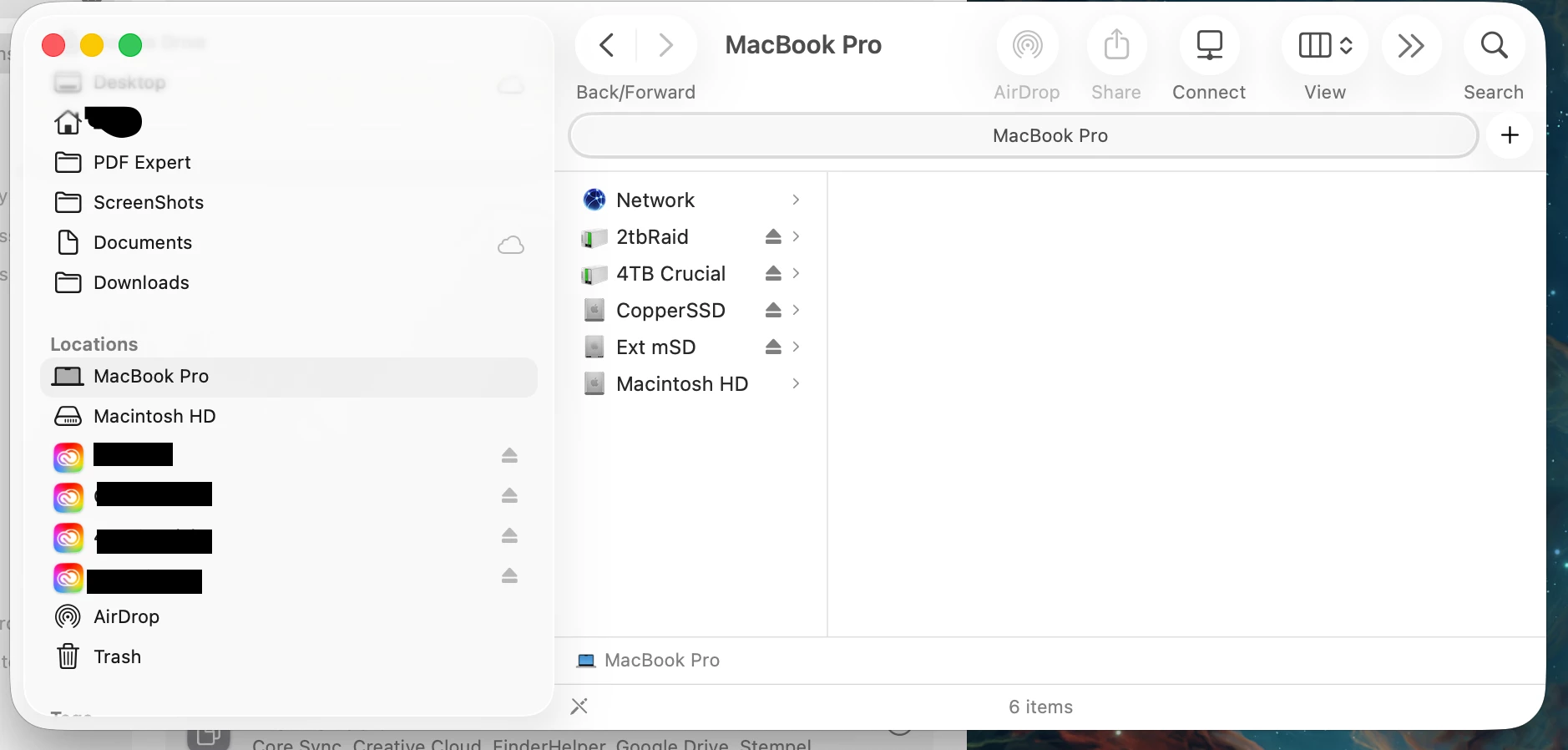
 

thanks guys. I append screenshots.

2 replies

ADd0Bb3_SUX_so_VERY_harD
Participant
February 9, 2026

This is getting out of hand…
(T7 was also just moments before screenshot)

And when does the “Upload” dissappear? … or it shouldn’t…


Isn’t Adobe awesome lately….

kglad
Community Expert
Community Expert
February 9, 2026

google your os and how to fix that.

MuquiettoAuthor
Participant
February 9, 2026

Already did, couldn’t find anything useful. 
 

i reported this bug because it annoys me and it’s not an issue I should tinker around to fix on my end, i expect since I pay for the service to be pointed in the exact direction. I may break stuff further trying to solve it.

leo.r
Community Expert
Community Expert
February 9, 2026

here’s a thread with a potential solution in a pre-release forum, i wonder if you’re able to view this:

https://forums.adobeprerelease.com/indesign/discussion/2779/after-cc-app-update-all-my-hd-icons-have-the-cc-logo