


Open for Voting
Inaccurate colors on external monitor when enabling GPU Performance on Illustrator for Mac
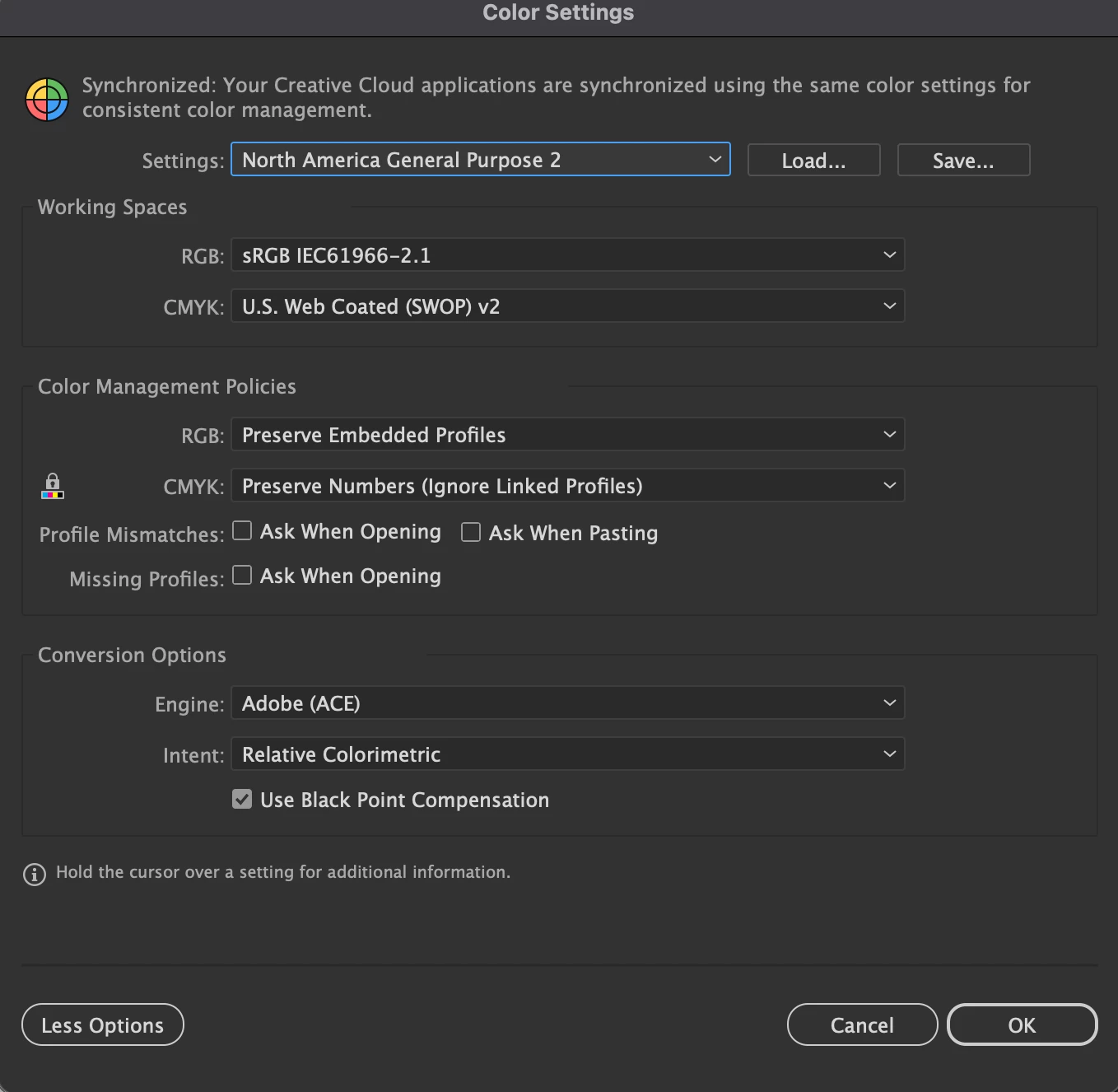
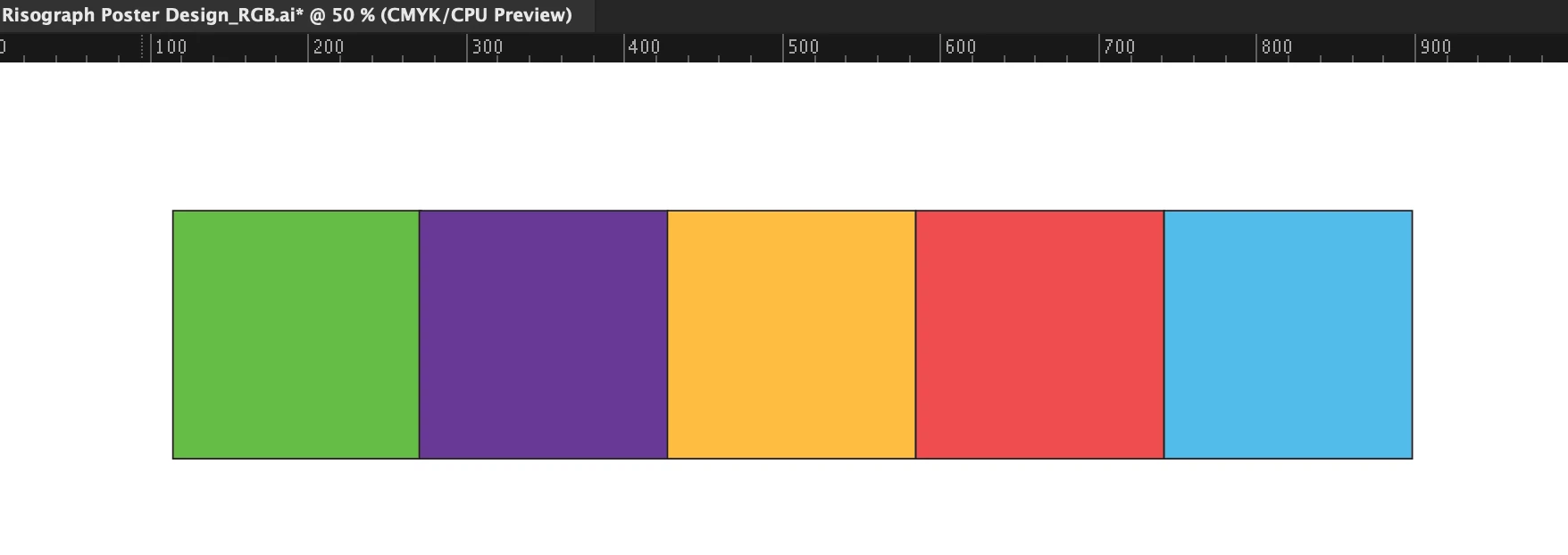
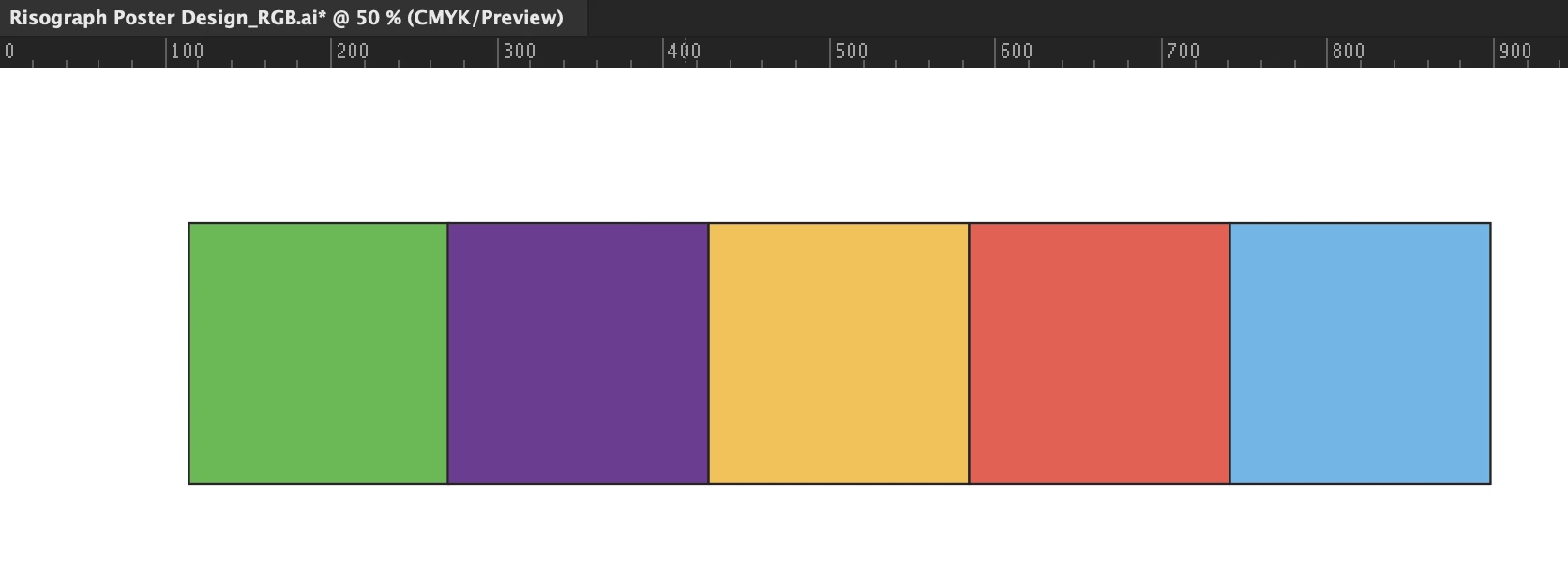
Switching to CPU preview mode is the only way to see accurate colors in Illustrator for Mac. The colors look dull when GPU Performance is enabled. I know it’s not a hardware issue, because the colors on my Mac screen look fine, even when I drag the window over to the external monitor. It’s when I release the window to the external monitor that the colors in GPU Performance become incorrect. The attached images are screenshots taken from the external monitor with CPU mode and GPU mode. I have updated my Mac to the latest software, so I also know that’s not the issue. The monitor has been color calibrated to match the Mac. My color settings in Illustrator are also attached.
 AdChoices