



installing CC and premiere on my msi Vector 17 HX A14VHG with windows 11 continues to crash the machine.
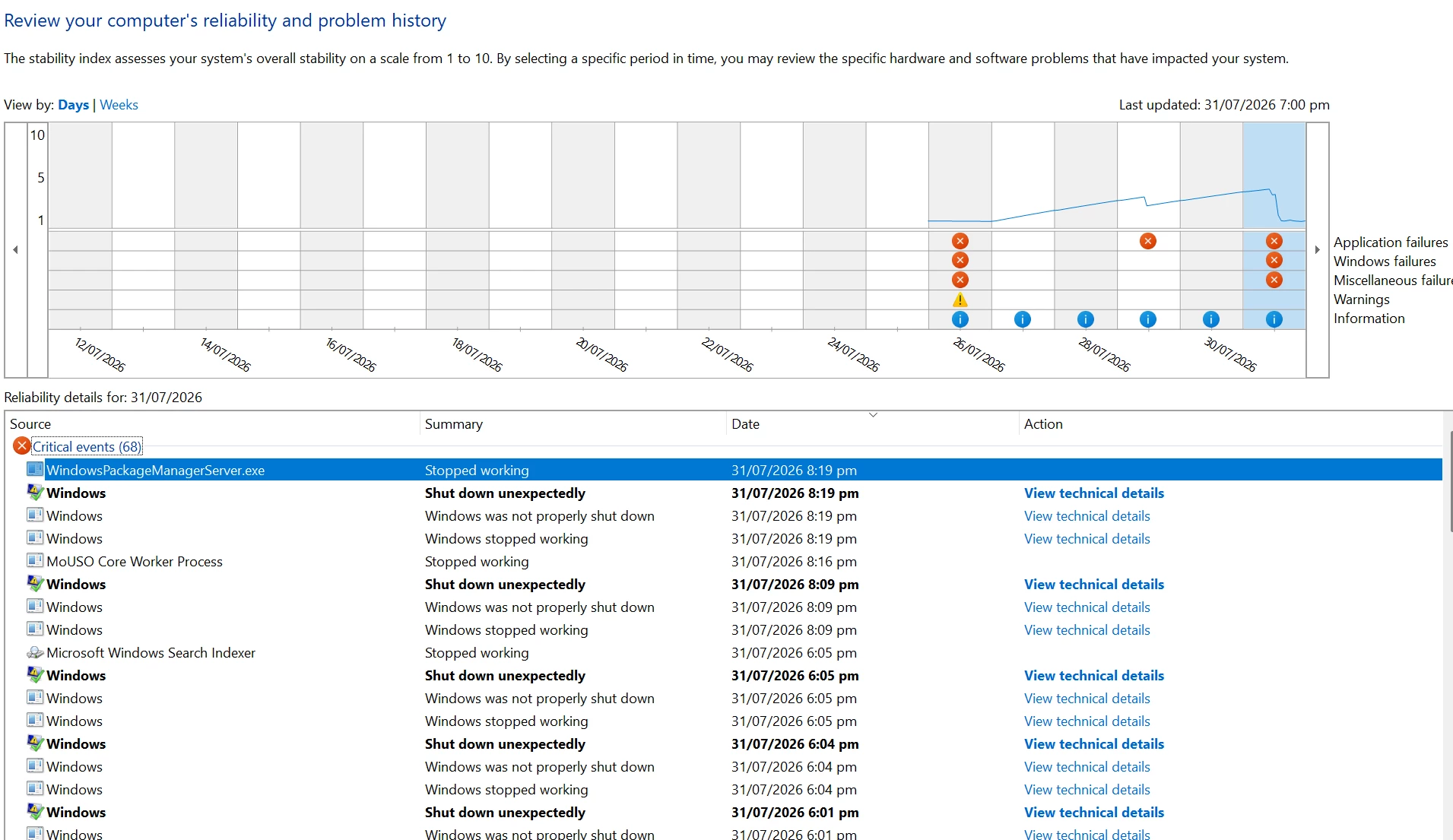
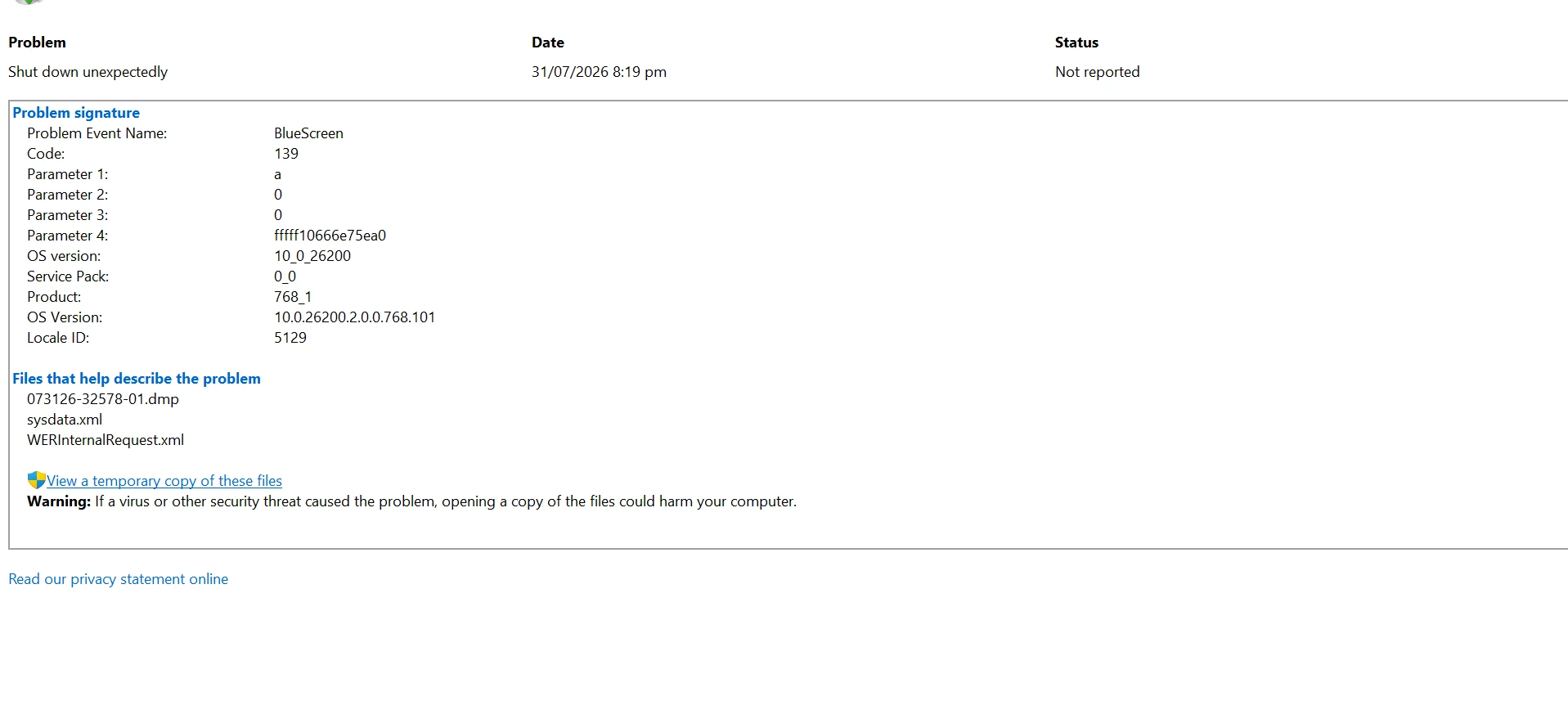
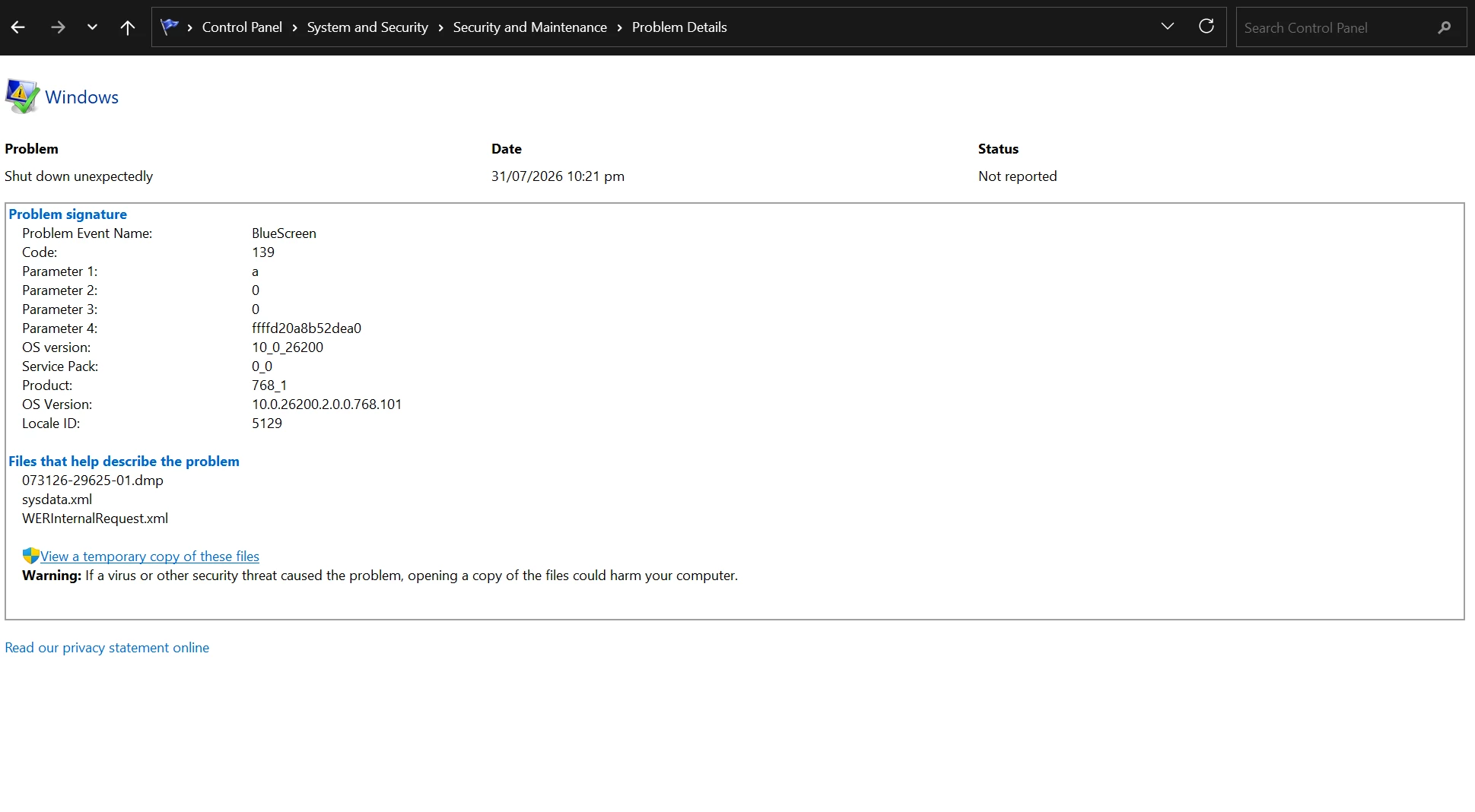
Continious bluescreen errors after installing Premiere - os crashes on running premiere / Have tried two fresh installs after running full clean with AdobeCreativeCloudCleanerTool.exe
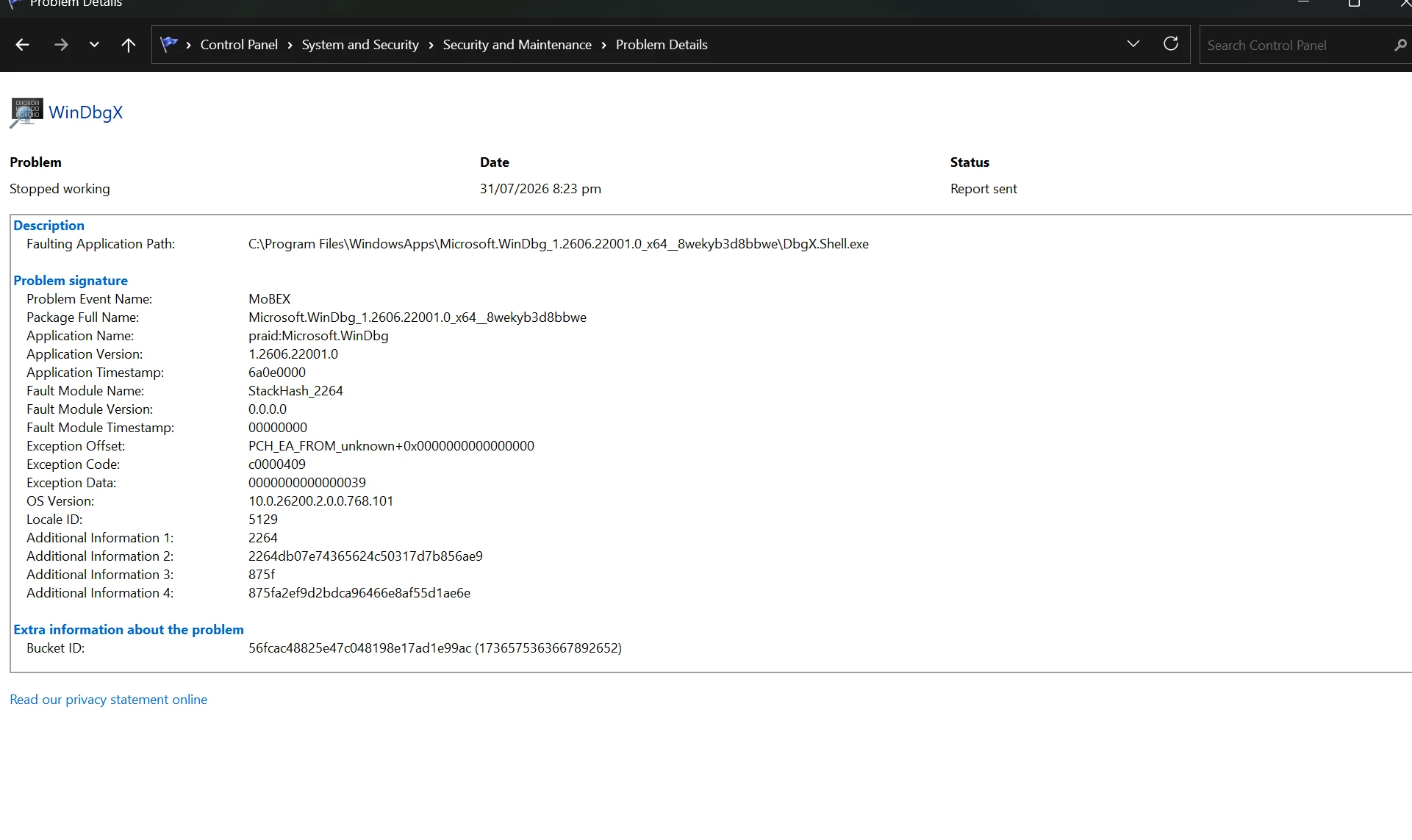
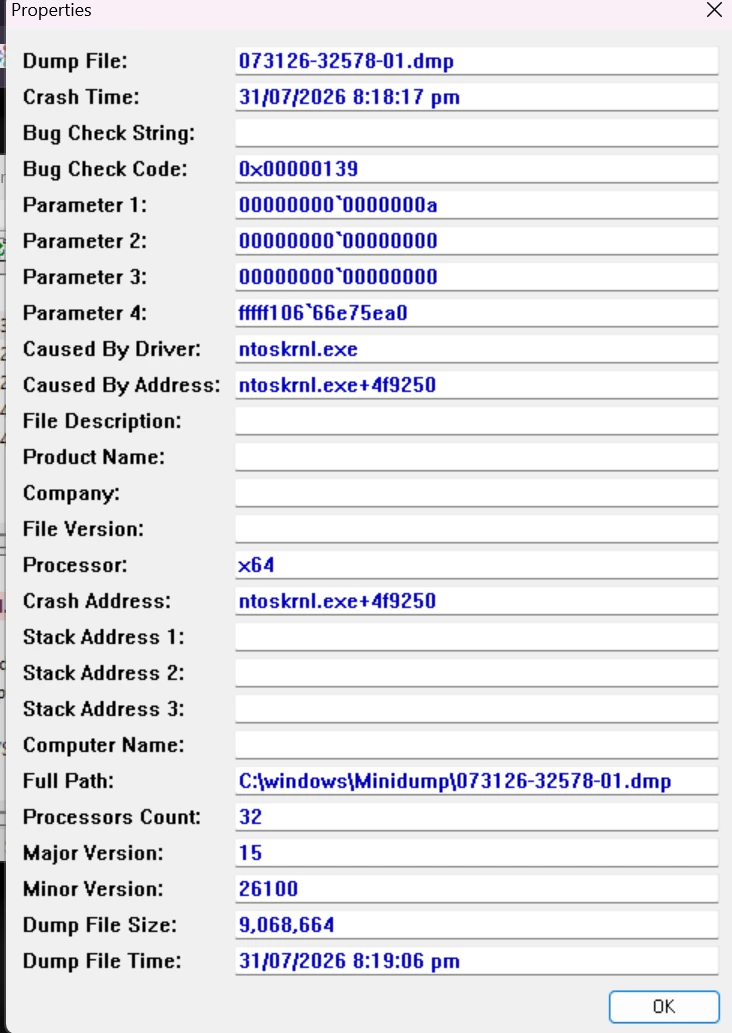
there is some driver conflict which I cannot isolate in the dump /
ntoskrnl.exe ntoskrnl.exe+6b4d2e fffff800`dc800000 fffff800`ddc50000 0x01450000 0x4a63af4e 20/07/2009 11:42:06 am
Micro-Star International Co., Ltd. Vector 17 HX A14VHG
Processor Intel(R) Core(TM) i9-14900HX (2.20 GHz)
Installed RAM 32.0 GB (29.7 GB usable)
Graphics card NVIDIA GeForce RTX 4080 Laptop GPU (12 GB)
Intel(R) UHD Graphics (128 MB)
Storage 865 GB of 4.66 TB used
System type 64-bit operating system, x64-based processor
Edition Windows 11 Home
Version 25H2
Installed on 26/07/2026
OS build 26200.8875
Experience Windows Feature Experience Pack 1000.26100.334.0
 AdChoices