


Inspiring
June 7, 2026

Node.js JavaScript Runtime uses 100% of a core all the time

  • June 7, 2026
  • 2 replies
  • 20 views

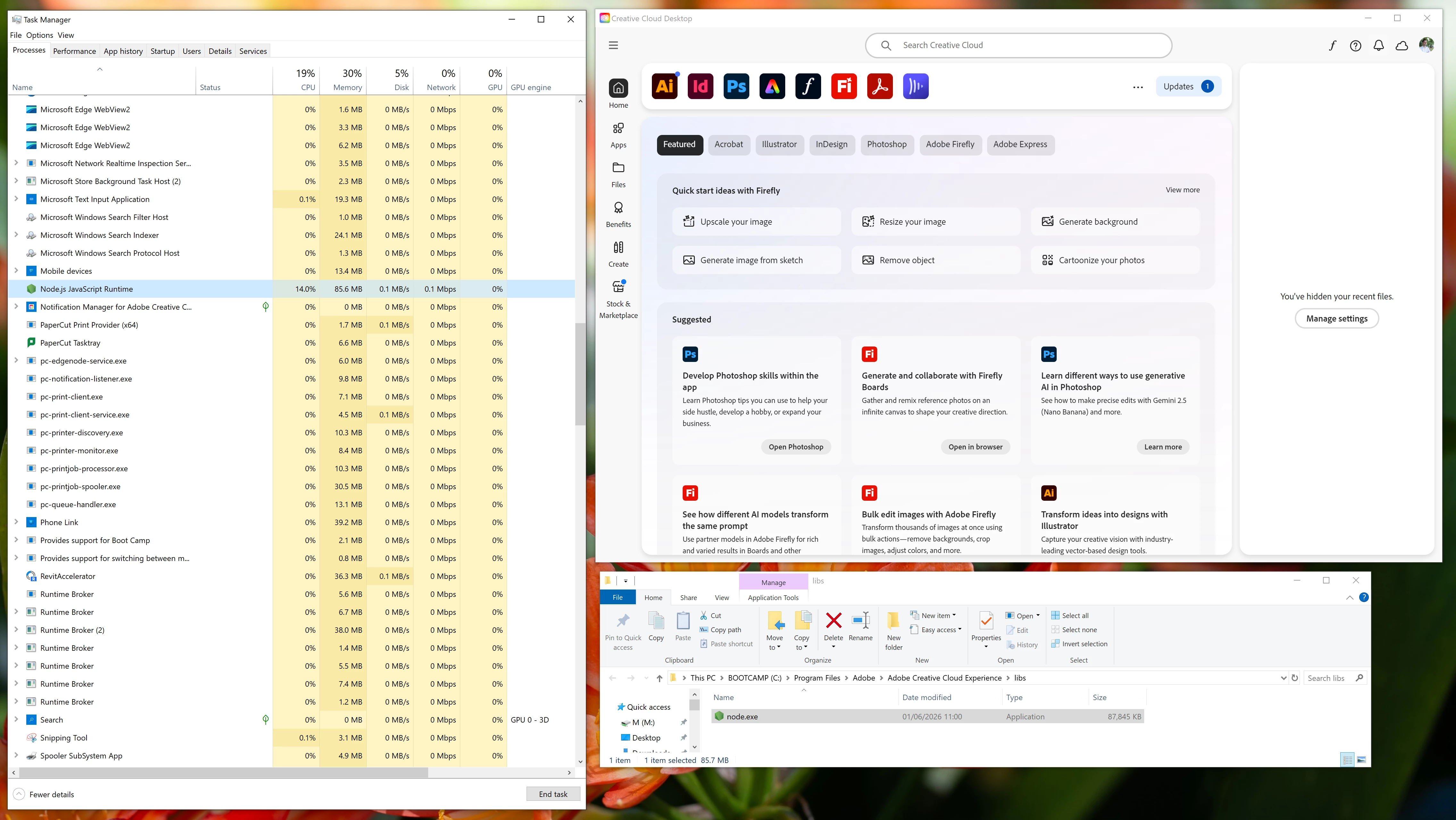
On Windows 10, using the latest version of Adobe CC, the process “Node.js Javascript Runtime” uses 100% of a core, all the time.  This is a relatively new problem.  My computer’s fans are running non-stop as a result.

The Node.js thing is located in: C:\Program Files\Adobe\Adobe Creative Cloud Experience\libs


    2 replies

    JflemayAuthor
    Inspiring
    June 8, 2026

    I’ve deleted node.exe from C:\Program Files\Adobe\Adobe Creative Cloud Experience\libs and for now, this appears to have solved the problem.  My computer runs normally and quietly again.  See my other reply below for other things I tried.

    kglad
    Community Expert
    Community Expert
    June 8, 2026

    as long as your not using any adobe’s cloud services you shoud be ok.

    kglad
    Community Expert
    Community Expert
    June 7, 2026

    replace node.js with the current version.

    JflemayAuthor
    Inspiring
    June 8, 2026

    I’ve tried repairing the Adobe Creative Cloud installation in Windows’s Apps and Features, it didn’t work.  I’ve also tried installing Node.js separately as a piece of software from nodejs.org, it didn’t work.  Node.js JavaScript Runtime still runs and takes a full core.  I’ve disabled all auto-updates and synching in the Creative Cloud preferences; no avail.  When I terminate the Node.js process, it reappears.