


Substance 3D Painter will not install to the correct location
I am trying to install Substance 3D Painter (version 11.0.3) onto my C: Drive using Adobe Creative Cloud (current version) to my Windows 11 Pro Desktop PC and every time I attempt I get an (error: 189) and the error log states "Exit Code: 189 -------------------------------------- Summary --------------------------------------
• 2 fatal error(s), 0 error(s), 1 warnings(s)
FATAL: Total size required for installation is '7445140585' bytes, but only '103194624' bytes are available on the installation drive 😧 FATAL: Error occurred in install product workflow with error code 189 error message 7445140585#@#103194624 WARN: GetIEProxyInfo - Failed to get proxy for the url, error:12180 -------------------------------------------------------------------------------------" even though my default install location is on my C drive and even if I change my install location to my C drive manually it still tries to install to the D drive.
I have recently rebuilt my PC and installed Windows 11 so this problem is weird because previously when I installed it on Windows 10 I didn't have this problem
I have been able to install every other Adobe app on my plan successfully and in the correct location. The plan I am on is the Substance 3D Collection which I have because I am a student
The reason I can't just install it to my 😧 drive is because it's System Reserved. I've tried to get support from the chat help bubble but it ends the coversation while I'm in the queue waiting for a specialist, so any help is appreciated

e Substance 3D Collection which I have because I am a st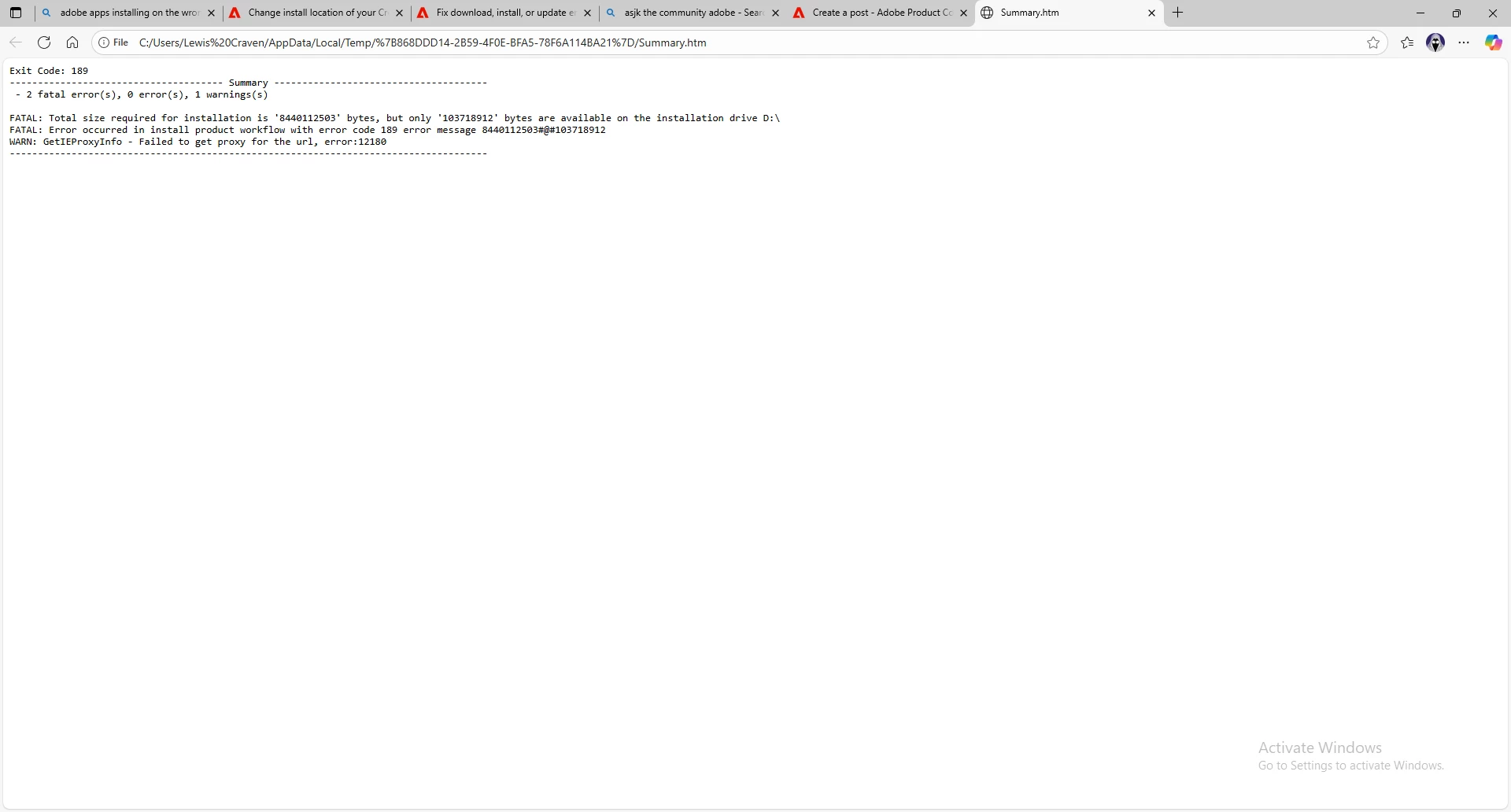
 AdChoices