


Known Participant
October 20, 2023

Synchronisation setzt aus - ohne Fehlermeldung

  • October 20, 2023
  • 1 reply
  • 530 views

Neues Problem ohne Lösung. Seit neuestem bekomme ich in der Creative Cloud ein rotes Ausrufezeichen, was mich aber leider nicht weiterbringt. In Lightroom Classic zeigt das System bei der Sync an "syncronisiert" und grünes Symbol. Man kann aber keine neuen Bilder vom lokalen System in die Cloud schieben. Alle syncronisierten Ordner vermissen nun das Häkchen der Syncronisation. Dann hilft nut bei der Creative Cloud abmelden. Beim Mac den user ab- und wieder anmelden. Dann wieder neu bei der Creative Cloud anmelden und dann finktioniert das System wieder. Blöderweise tritt der Fehler aber immer wieder neu auf (beim Neustart des Macs).

System: Apple Mac OS 14.0 Sonoma

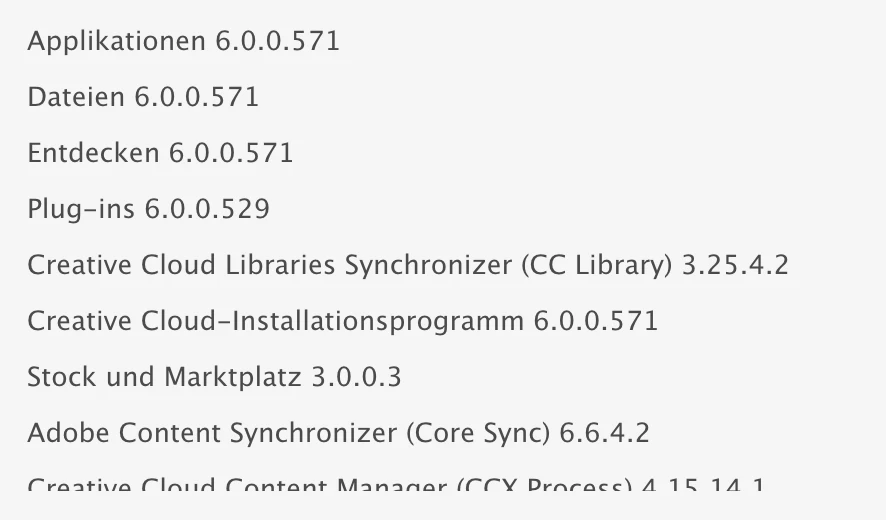
Creative Cloud: 
 

1 reply

kglad
Community Expert
Community Expert
October 20, 2023


reset the cc desktop app by making sure it's in the foreground, then press:Win: Ctrl + Alt + R Mac:

Cmd + Opt + R


if that fails, repair per https://helpx.adobe.com/download-install/kb/creative-cloud-install-stuck.html


if that fails and you have windows, open your control panel > add/remove programs > cc desktop app > repair

if that fails, uninstall using the correct uninstaller from https://helpx.adobe.com/creative-cloud/help/uninstall-creative-cloud-desktop-app.html#sa_src=web-messaging and then reinstall using*


if that fails, do a clean cc install carefully following each applicable step:

uninstall every cc app including preferences per https://helpx.adobe.com/creative-cloud/help/uninstall-remove-app.html

then uninstall the cc desktop app, again using the correct uninstaller per https://helpx.adobe.com/creative-cloud/help/uninstall-creative-cloud-desktop-app.html#sa_src=web-messaging

clean your computer of cc files per http://www.adobe.com/support/contact/cscleanertool.html

check for, and if available, update your os

if windows is your os, repair all ms visual c++ versions that can be repaired (use google if you don't know how to do this)if windows is your os update your ms visual c++, if it can be updated (use google if you don't know how to do this)restart your computer (don't skip this)


reinstall the cc desktop app using the "alternative download links" at the bottom of the page at https://helpx.adobe.com/download-install/kb/creative-cloud-desktop-app-download.html

use the desktop app to install your cc programs/trials

NOTE: win 11 users that have trouble with the latest win 10 installer often have success with the older win 10 installer.