



Paul5EB2
Participant
May 4, 2026

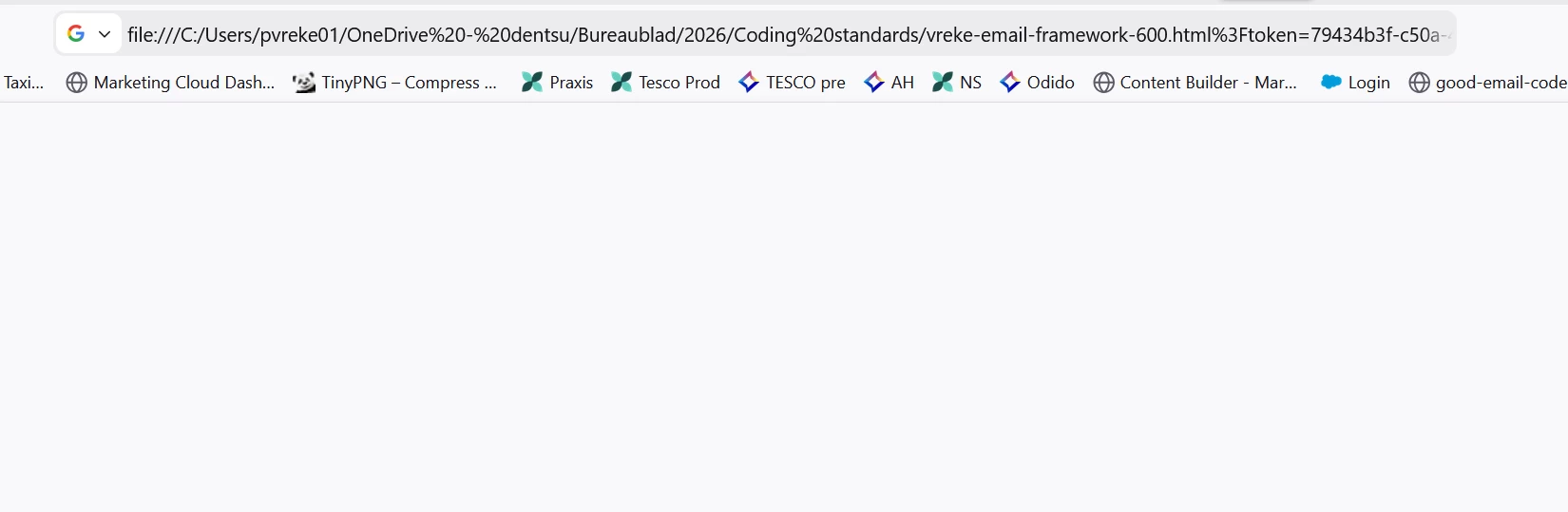
right click on tab open in browser adds encoded question mark %3F, which breaks the path to the file. If I remove the added query string it works well. But I don't like this inefficient behaviour.
  • May 4, 2026
  • 7 replies
  • 109 views

This is what happens with the encrypted question mark.
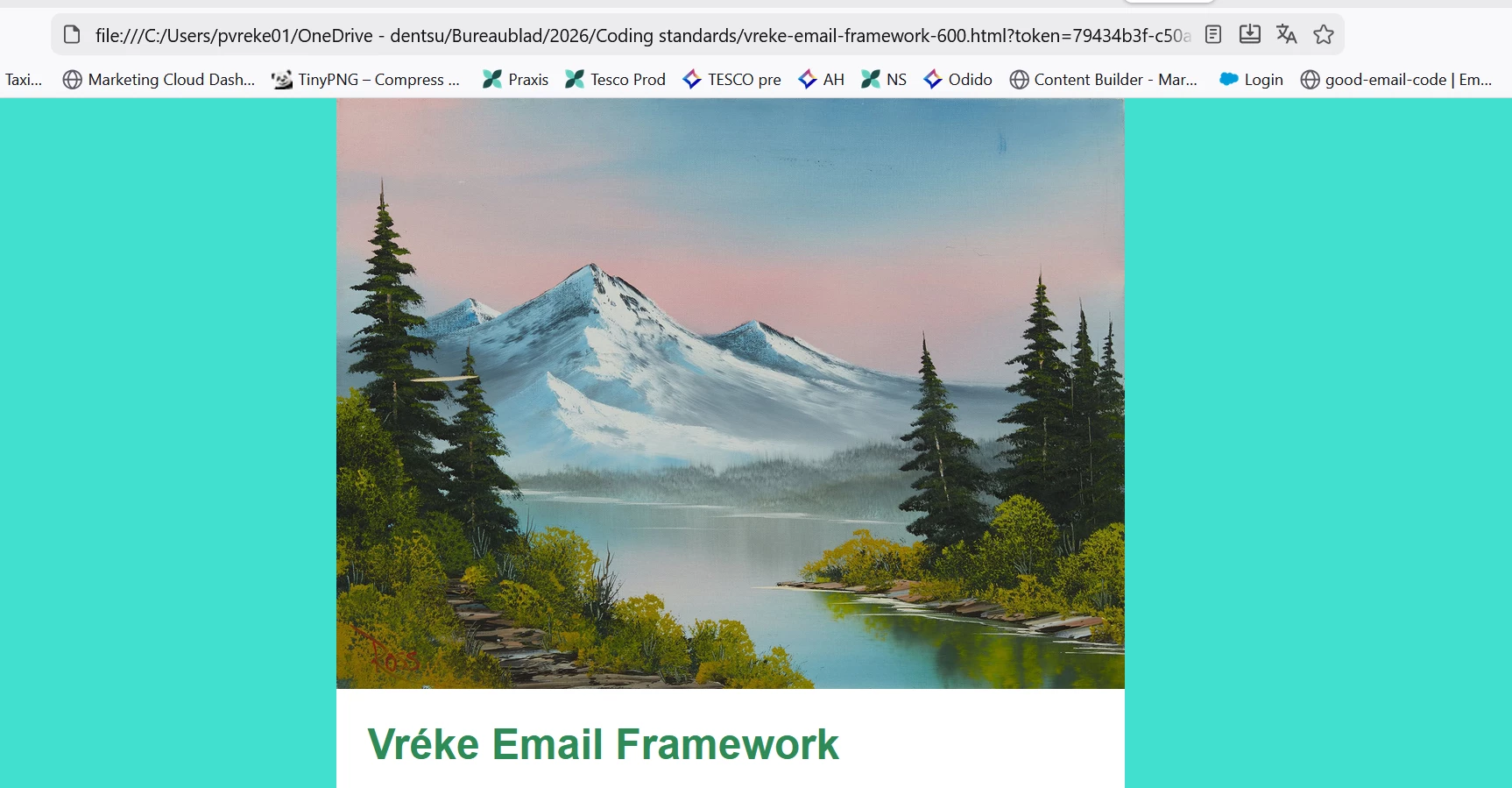
 

 This is with a normal question mark.

I use Dreamweaver for more than 2 decades. This was never a problem. I don't know why the query string is added anyway. In 21.6 this was not added.


    7 replies

    Participating Frequently
    May 21, 2026

    About Dreamweavers misbehaviour - experiences:
    1 The token produced when trying to view a page in the browser is always the same, if you do it that way several times. 
    (for instance %3Ftoken=03d75d99-4507-4277-a33f-b49425028e9d

    2 Closing DW und reopening DW causes the addition of an other token.
    (for instance %3Ftoken=e5559410-1d1f-4ae4-8a8e-3d266449380a)

    3 There is a file named "TrustTokenKeyCommitments" in C:/User/AppData/Roaming/Adobe/Dreamweaver2021/de_DE/Configuration/Cef. Anything to do with the bug?

    I confirm, using DW Version 21.6 does not cause the bug.
    Best regards
    Herbert
     

    Known Participant
    May 18, 2026

    This is a dreamweaver bug and has been brought in in v21.8

    I have been using one drive for my files for quite a while as its a shared design folder and its only the last update of dreamweaver that has broken this.

    It’s nothing to do with browsers, as the same ?token=xxxx query string gets added to all preview in browser. 

    If I go direct to the file in file explorer and open with chrome/firefox the page loads no problem.

    The question is where is this token query string coming from. I have looked through all settings and cannot find anything to remove it. It needs removing. 

    Also the same thing happens with a completely new blank document.

    I have gone back to version 21.6 - that works fine for me. So I will stick with that version until this adding a random token query string is fixed.

    Participating Frequently
    May 19, 2026


    “The question is where is this token query string coming from. I have looked through all settings and cannot find anything to remove it. It needs removing.” 

    You spoke the words right out of my mouth.

    Best regards

    Herbert

    Nancy OShea
    Community Expert
    Community Expert
    May 13, 2026

    Real-Time Preview should be disabled in Preferences. You don’t need it to preview files in a local browser. 


    Nancy O'Shea— Product User & Community Expert
    Participating Frequently
    May 13, 2026

    Dear Nancy,
    also setting up a site by C:\Testsite evokes  a "ERR_FILE_NOT_FOUND" and a added %3F Token as well as using Dropbox or OneDrive.

    Enabling in preferences: 
    Option: preview with temporarily file - envokes the error
    Enabling static browser preview: idem.
    Not enabling both: works (not supporting the "autoplay" attribute for videos) 
    preview by 
    http://127.0.0.1:49771/preview/app/index.html?token=e0dda0f4-9869-47b7-bdd6-ff6d5b1aac95
    adds the token.
    Chrome was updated recently. security bug caused by Google?

    Best regards

    Herbert
     

    Nancy OShea
    Community Expert
    Community Expert
    May 13, 2026

    “Autoplay” is never reliable, especially when there’s an audio track. Many web devices block it.


    https://developer.mozilla.org/en-US/docs/Web/Media/Guides/Autoplay

    Nancy O'Shea— Product User & Community Expert
    Jon Fritz
    Community Expert
    Community Expert
    May 12, 2026

    This doesn’t really sound like a DW issue per se, I think your browsers might be getting confused by something in your code.

    Run your page through a validator. It’s possible a small error somewhere in the code is causing the browser to get confused, making it treat your query string as regular text.

    I don’t know how many times I’ve been driven to the brink of insanity by a misplaced apostrophe or mismatched quote pair that wasn’t being picked up by DW’s error checkers.

    Participating Frequently
    May 14, 2026

    Hallo Jon,

    I can experience what happend to you while searching for the mismatched quote.

    For that in the meantime I reopened several Projects again in DW. which were made with Dreamweaver more than six months ago and did not cause any Trouble in previewing in a browser, 
    Opening the older Projects (in DW) produces the same error as in the actual project.
    The bug to be caused by bad code seems to my not very likely for that.
    Which does not exclude having the codebugs in elder sites.
    Locating the primary folder does not have any influence to the bug. Ocurrs having it on Onedrive, Dropbox or C:\Testsite.
    Opening the file via Explorer: no problem.
    Maybe you have a further idea, why there is a  “%3Ftoken=03d75d99-4507-4277-a33f-b49425028e9d” addition to the file.

    Best regards

    Herbert 

    Nancy OShea
    Community Expert
    Community Expert
    May 11, 2026
    To disable OneDrive on Windows, unlink your account in settings, stop it from running at startup, or uninstall it via the Apps settings. The most effective method is unlinking the account and disabling it in the Task Manager's Startup apps to prevent it from running.
     
    Nancy O'Shea— Product User & Community Expert
    Community Expert
    May 8, 2026

    hello ​@Paul5EB2 ,

    Just wondering, it looks like you’re working directly from a file:/// path (for example from a local or OneDrive folder),

    Sometimes DW behaves a bit differently when files are opened directly from the file system instead of through a defined site.

    It might be worth checking:

    • if the issue still happens when the project is set up as a proper site in Dreamweaver
    • and possibly when the site is located on a local drive rather than a synced folder


    That could help narrow down whether this is related to the environment or something else.

    Participating Frequently
    May 11, 2026

    Hallo,

    I am using Dreamweaver for more than 10 years.
    Up to 1 week ago preview in browser (Chrome, Firefox) did not cause any trouble.
    Now: 
    added to the file path by Dreamweaver  (?!) automatically a %3Ftoken=…..,(file:///C:/Users/Herbert%20oben/OneDrive/___WieDuMir/TMPw7u1fg.htm%3Ftoken=e0dda0f4-9869-47b7-bdd6-ff6d5b1aac95) which evokes Chrome (and Firefox) to say: ERR_FILE_NOT_FOUND.
    Very annoying.
    Error occurs when using as path for the site:
    OneDrive
    Dropbox
    C:/
    Any idea to prevent this?

    Removing the added expression by the browser: all works well.
    Starting the file from the explorer: all works well.
    Best regards

    Herbert Wagner
     

    Nancy OShea
    Community Expert
    Community Expert
    May 11, 2026

    Yes. Stop using OneDrive or any cloud drive as your local site folder. 


    Ideally, your local site should reside your computer’s primary hard drive-- C:MyTestSite -- and be defined in Dreamweaver’s Site Setup panel. See screenshot.


    Feel free use cloud drives as backups to protect against data loss.


    Hope that helps


    Nancy O'Shea— Product User & Community Expert