


Participant
August 14, 2026

P: Assisted Culling popup locks application

  • August 14, 2026
  • 14 replies
  • 275 views

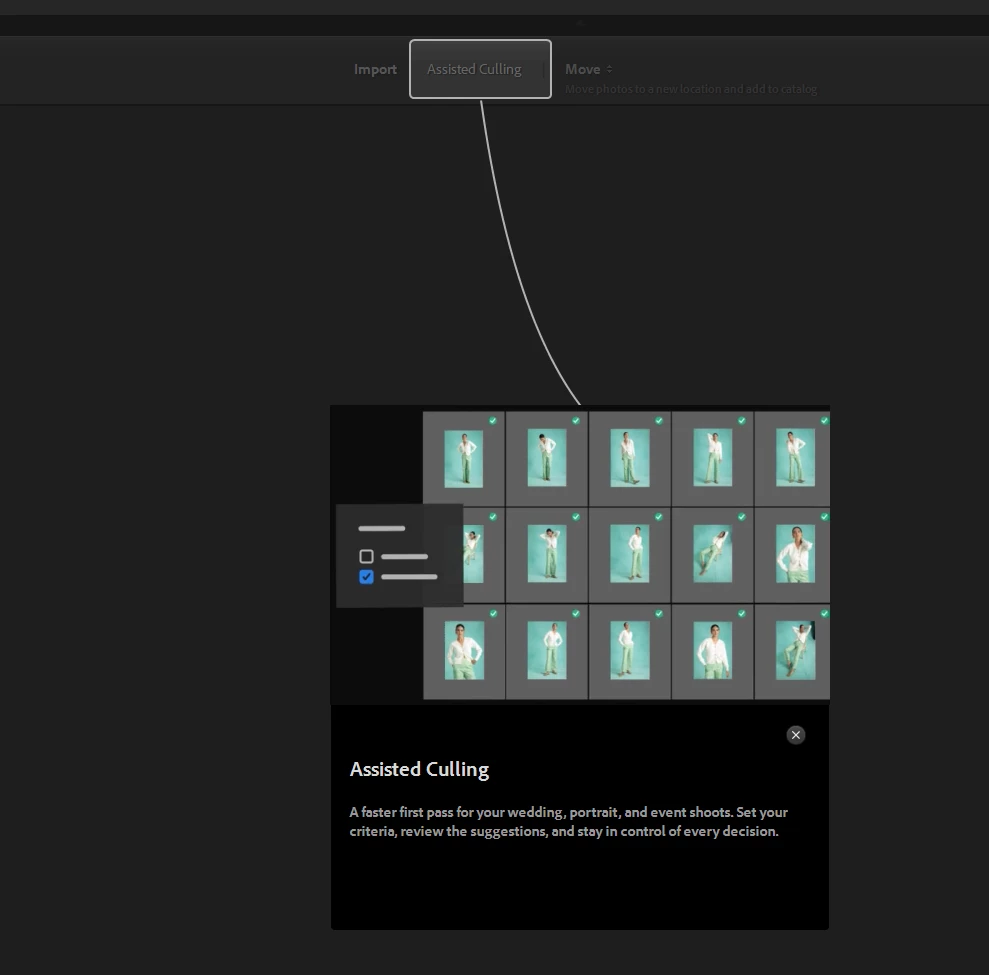
When I try to import picture files, I get a popup for assisted culling that locks the application. I need to go to task manager to shut down the application.  
 

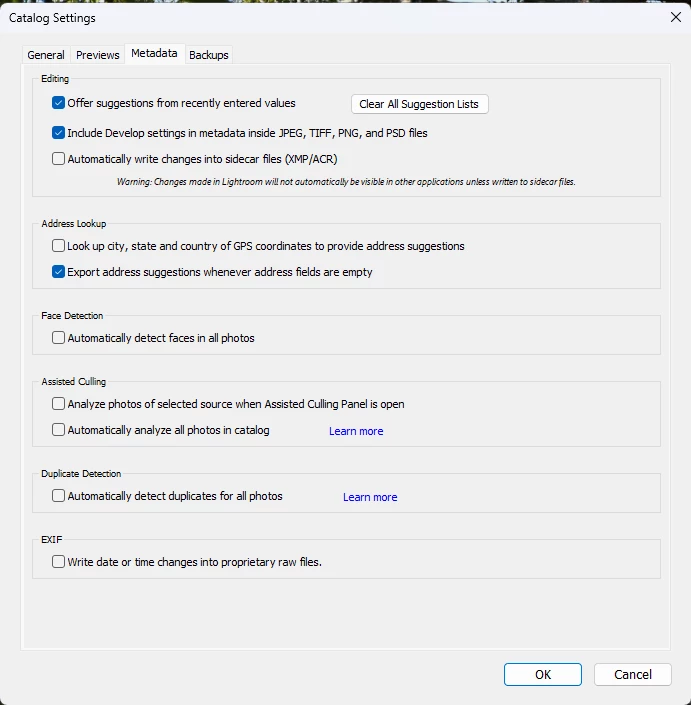
I turned off assisted culling under catalog settings, but this does not correct the issue.
 

Is anybody else experiencing this issue.


I cannot import new files!


    Pinned Reply By Sameer K

    Hey, all! Thank you for bringing this to our attention, and including the details. The team is working on this. 

    If you’re working on Lightroom Classic v15.5 and see crash, or app hang even after start Assisted Culling, please head here: 


    Best, 
    Sameer K

    14 replies

    Participant
    August 9, 2026
    Participant
    August 7, 2026

    My situation:

    • Lightroom Classic 15.5
    • macOS Tahoe 26.6
    • Mac Studio M4 Max, 36 GB unified memory
    • Sony a7R V, 61 MP RAW
    • Untouched RAW: ~2.5 GB combined Lightroom cache
    • Denoise/AI-edited RAW: ~17 GB combined cache
    • Lightroom retains the ~17 GB processed image after navigating to another photo
    • GPU allocation rose as high as 28.45 / 28.75 GB (98%)
    • Swap reached 11.86 GB
    • Entire macOS UI became extremely sluggish
    • Fresh 10-photo catalog reproduced the large allocation after Denoise + AI mask
    • Main catalog can allocate ~23 GB immediately after opening, before making new edits
    • GPU Preview Generation OFF
    • HDR Library OFF
    • Same workflow performed normally until recently


    This is still occurring in Lightroom Classic 15.5, even though 15.5 contains fixes related to excessive memory usage. My reproduction does not require Assisted Culling. Denoise + AI masking on 61 MP Sony RAW files is sufficient to trigger extremely high GPU/unified-memory allocation.