johnrellis
Legend
October 13, 2021

P: Develop zoom interpolation algorithm incorrectly including input pixels from outside the crop bou

  • October 13, 2021
  • 21 replies
  • 921 views

[Update: The bug is caused by the Develop zoom interpolation algorithm incorrectly including input pixels from outside the crop boundary.  See here:

https://community.adobe.com/t5/lightroom-classic-bugs/small-display-glitch-in-develop/idc-p/12456139#M20245]


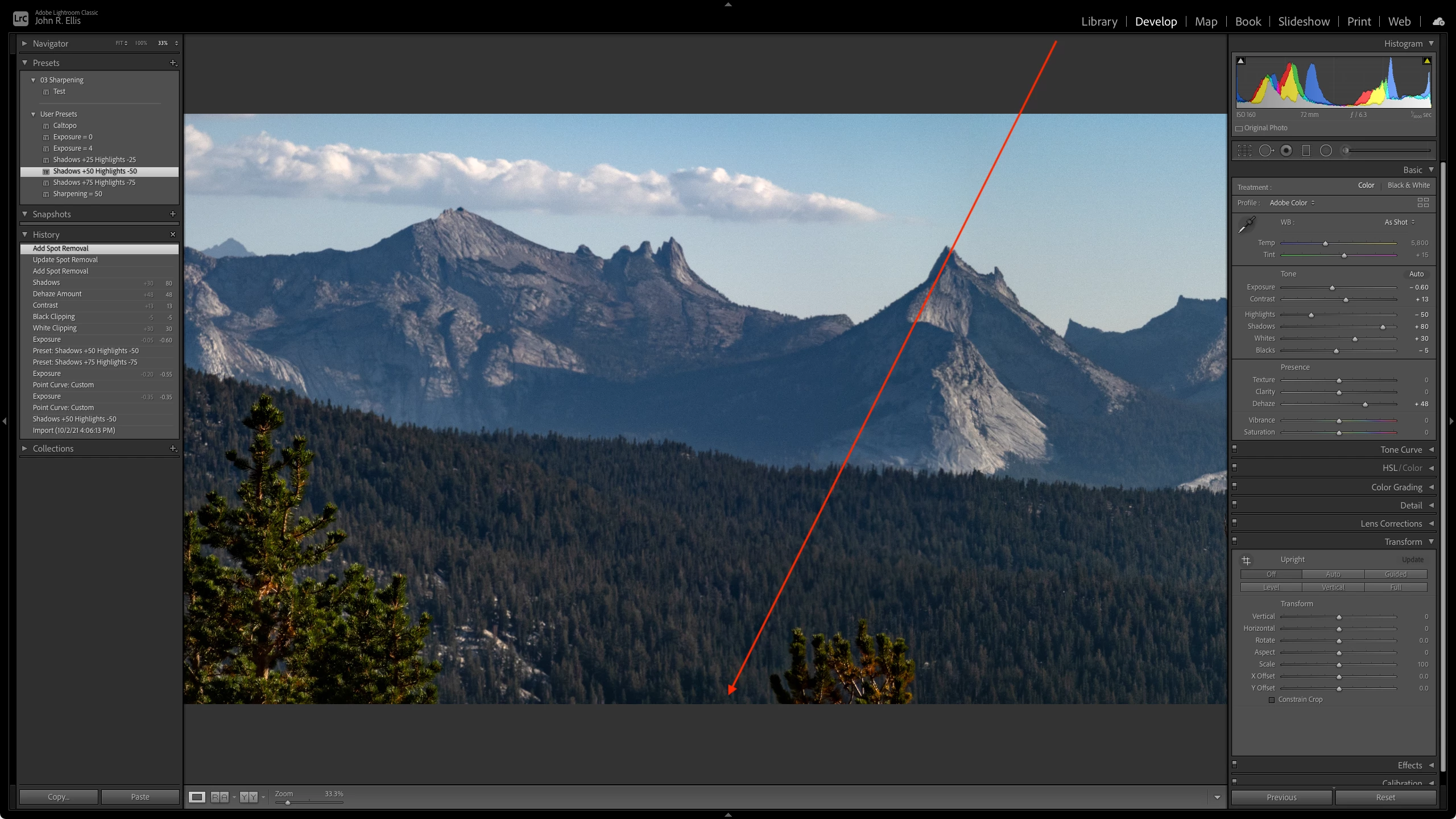
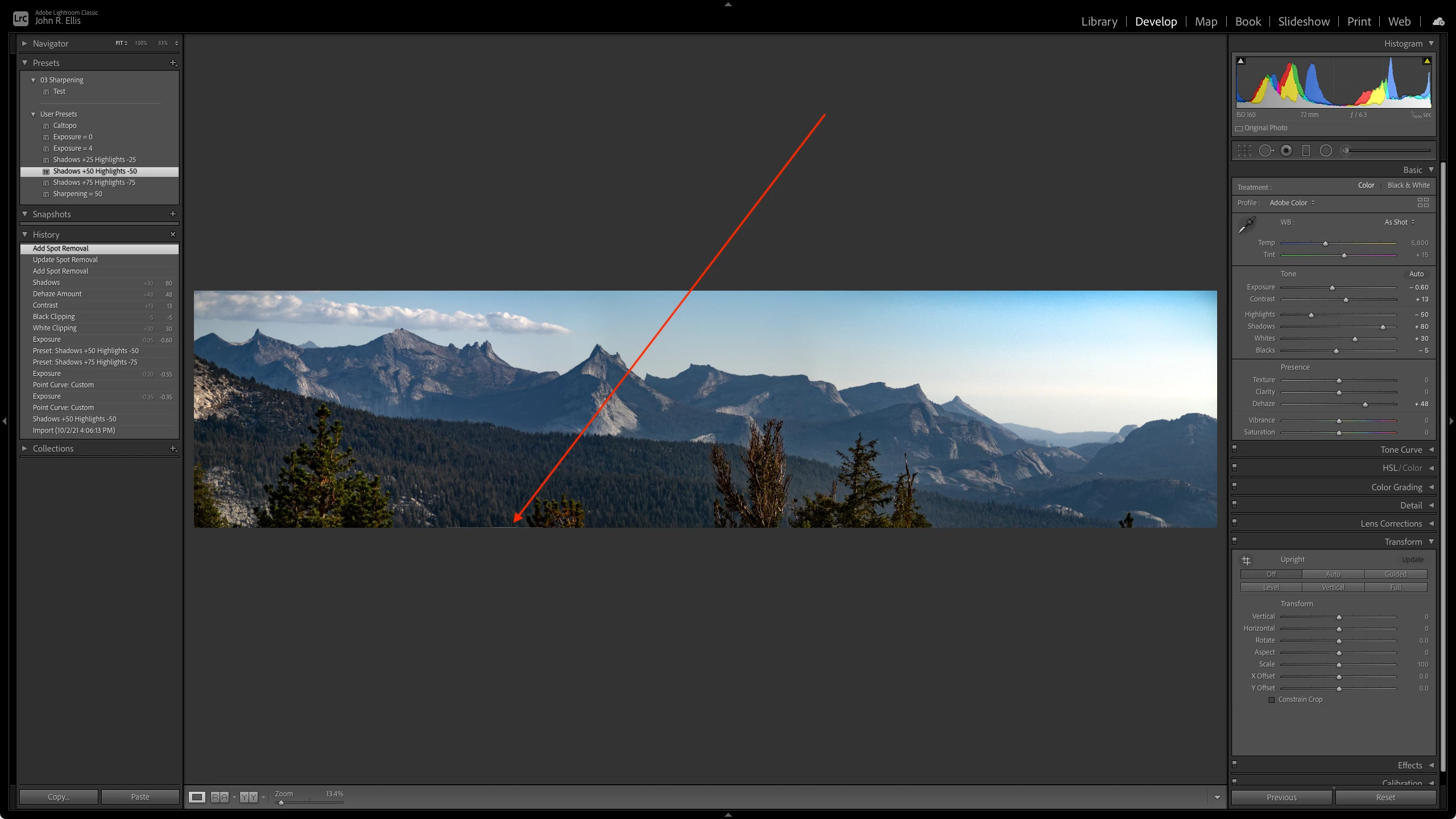
Develop at Fit zoom shows a small glitch on the bottom edge of a LR-made panorama.  The glitch appears at zooms of 25% and smaller but disappears at zooms 33% and larger. Disabling the GPU has no effect. The glitch doesn't appear in Library Loupe at any zoom. LR 10.4 / Mac OS 11.6. 


Here's the offending DNG:

https://www.dropbox.com/s/1nu6fvp9d26lmn0/DSC00452-Pano.dng?dl=0 
 

This topic has been closed for replies.

21 replies

Sahil.Chawla
Adobe Employee
Adobe Employee
October 14, 2021

Hi there,

I'm not able to see the problem at my end. Also, the issue is not clear in the screenshots. Would you mind telling us what exactly are you seeing at your end?

Is it possible to record a video and share it here?

You may also try resetting Lightroom's Preferences and let us know if that helps: 

https://helpx.adobe.com/lightroom-classic/help/setting-preferences-lightroom.html


Regards,

Sahil