
Participant
June 19, 2025

P: Lightroom V14.4 - Error when attempting to use new Denoise - Attempt to index a nil value

  • June 19, 2025
  • 32 replies
  • 5809 views

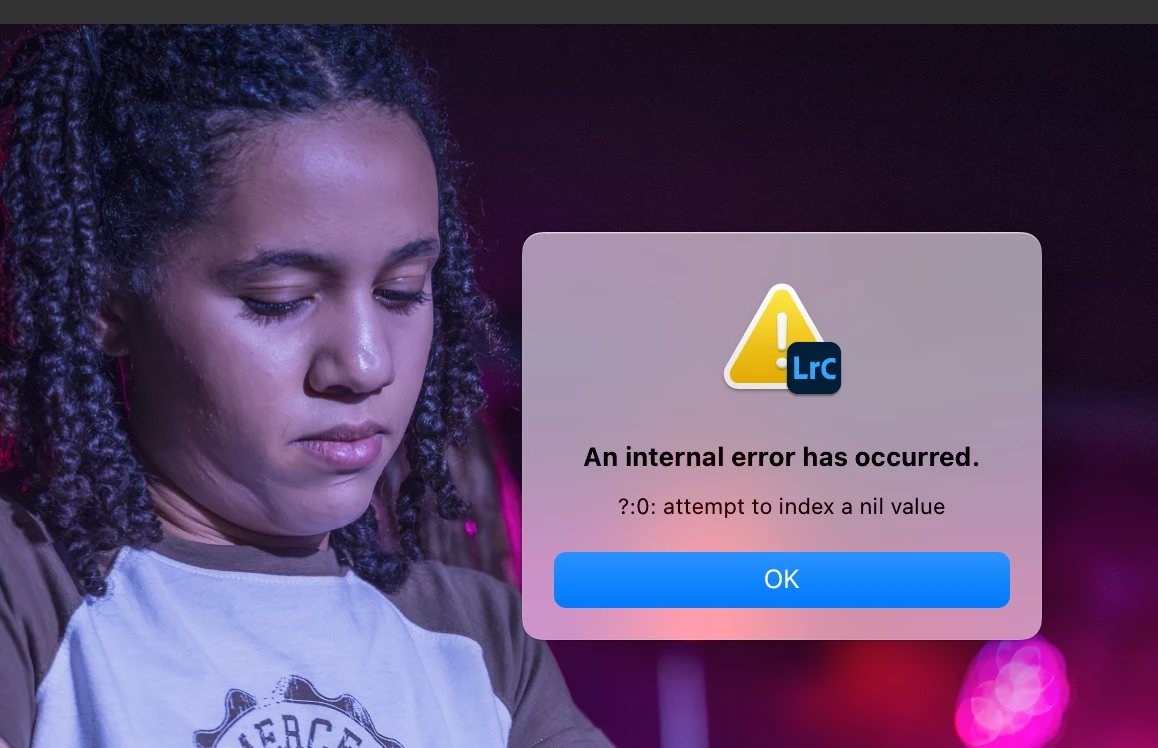
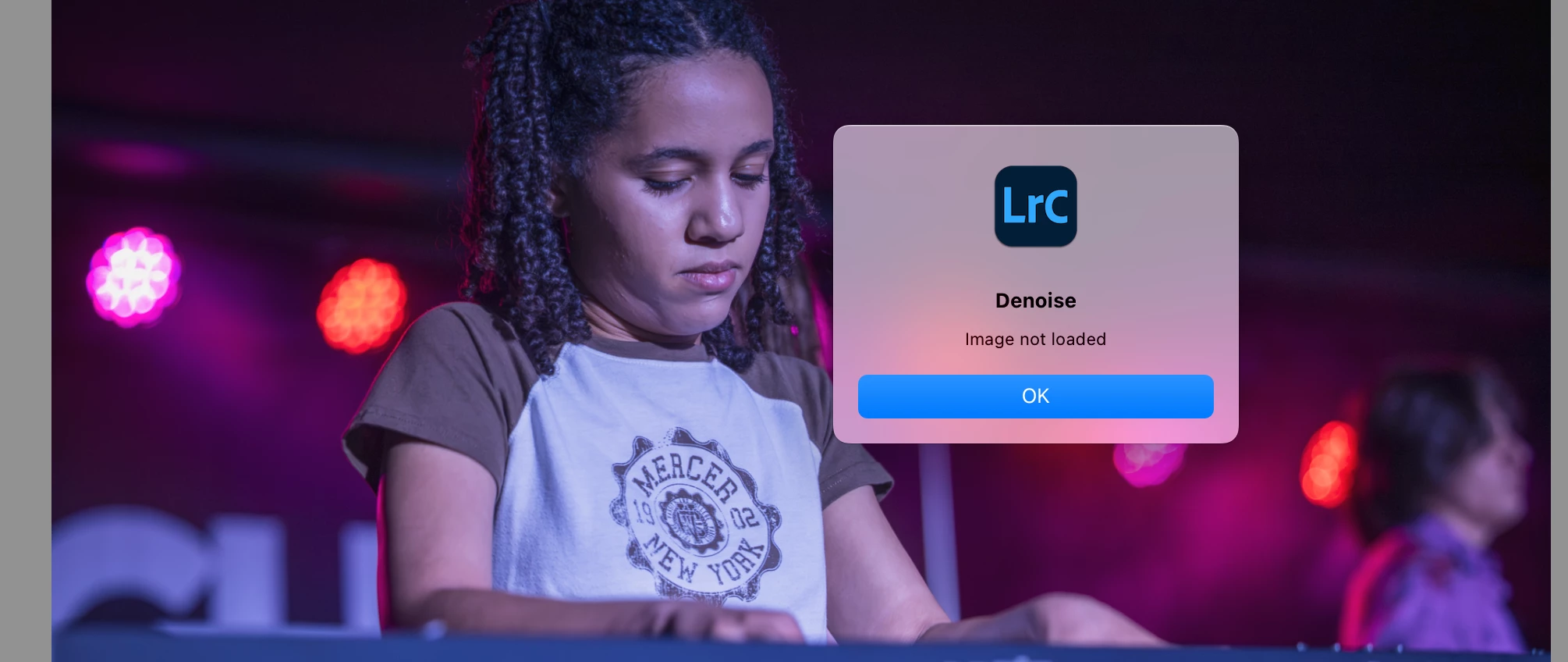
I installed the new version 14.4 today. Whenever I attempt to use the new denoise slider, I get this error "attempt to index a nil value".  And then, when I try to use the old-fashioned denoise, I get "image not loaded". I am working on a MacBook Pro with an M2 chip and I already reset Lightroom preferences. Anyone else having this issue?


32 replies

kglad
Community Expert
Community Expert
June 21, 2025

in the future, to find the best place to post your message, use the list here, https://community.adobe.com/

p.s. i don't think the adobe website, and forums in particular, are easy to navigate, so don't spend a lot of time searching that forum list. do your best and we'll move the post (like this one has already been moved) if it helps you get responses.


<"moved from cc desktop">
Participant
June 21, 2025

Not a frequent poster, so my familiarity is limited. Thanks for the assist. 

kglad
Community Expert
Community Expert
June 21, 2025

no problem .

Participant
June 19, 2025

Hi,
I'm experiencing an error when trying to use the AI Denoise tool in Lightroom Classic version 14.4 (Camera Raw 17.4).

Every time I attempt to apply Denoise, I get this message:

Internal error: ??:0: attempt to index a nil value

This happens even when:

  • Using a new catalog

  • Working with different RAW (NEF) files

  • GPU acceleration is enabled or disabled

  • Camera Raw cache is cleared

  • My NVIDIA RTX 4060 drivers are fully updated

I’m using a modern machine (Asus Vivobook Pro 15, Intel Core Ultra 9, NVIDIA RTX 4060), and everything else works fine.
I’ve tried resetting preferences and reinstalling Lightroom, but the issue persists.

I noticed other users are also reporting similar Denoise errors in version 14.x. Is there any fix coming or further guidance?

Thanks in advance for your support!

Community Manager
June 19, 2025

Hi @zanine_9957, and welcome to the community!
Thanks for sharing the details! I tried reproducing the issue on my end but haven’t had any luck so far.

Could you help us out by sharing a quick screen recording that shows your full workflow and highlights the issue? That would be super helpful!

Also, if you could share your System Info, that’d give us more context. You can find it in Lightroom Classic under Help > System Info. Just copy the info into a text file and attach it here, or feel free to share it via Google Drive, WeTransfer, or any file-sharing service you prefer.

Thanks so much!
Alek

*(If you mention me with an @, like @Aleke, I’ll get a notification and can respond faster.)*
Participant
June 20, 2025

Hello, I contacted Adobe support and a technician assisted me remotely by accessing my computer. Apparently, after the recent Lightroom update, the catalog somehow became partially corrupted. He copied the files to a new catalog, and the issue was resolved! Without his support, I probably wouldn’t have been able to fix it... but just a heads-up — there might be a bug in this latest update!