
Participant
June 19, 2025

P: Lightroom V14.4 - Error when attempting to use new Denoise - Attempt to index a nil value

  • June 19, 2025
  • 32 replies
  • 5809 views

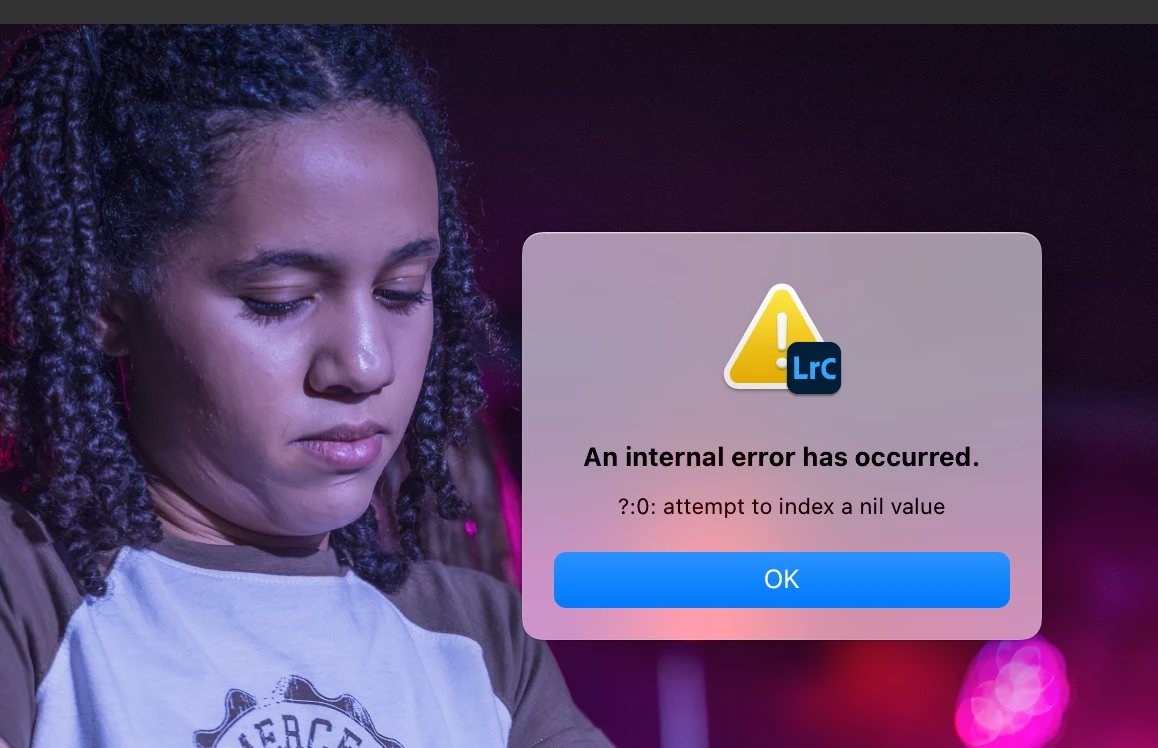
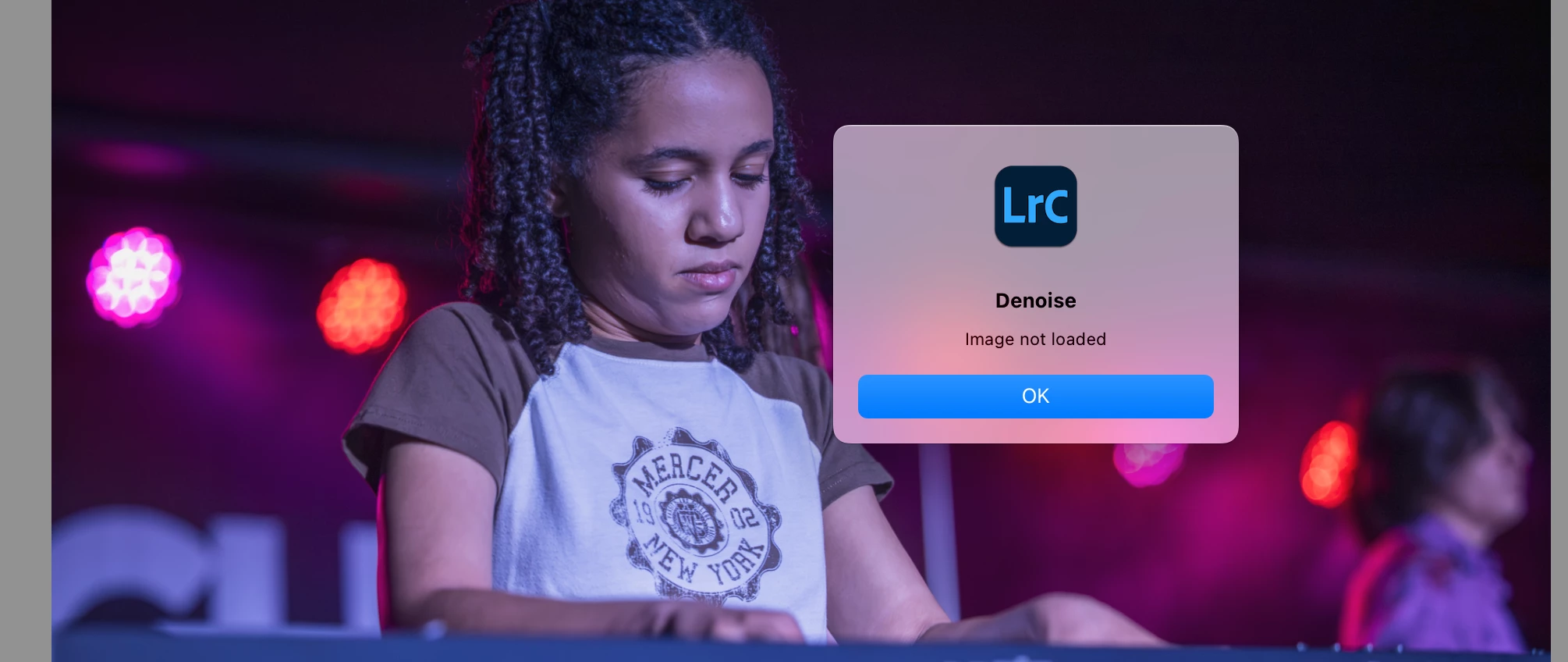
I installed the new version 14.4 today. Whenever I attempt to use the new denoise slider, I get this error "attempt to index a nil value".  And then, when I try to use the old-fashioned denoise, I get "image not loaded". I am working on a MacBook Pro with an M2 chip and I already reset Lightroom preferences. Anyone else having this issue?


32 replies

Sameer K
Community Manager
Community Manager
July 15, 2025

@Warren Krige, Thanks for sharing the catalog. Please check my recent post or my direct message to you. 

Sameer K

Participant
July 15, 2025

@Sameer K Ive saved it to the same location


tonyhartphoto
Participating Frequently
July 12, 2025

@Sameer K When you say the catalog 'folder' are we talking all the files in there? Catalog/previews etc? My catalog folder is large ~85GB? 

wonderful_heart0D4D
Participant
July 12, 2025

Começou a aparecer este erro: Erro interno: ?:0: tentativa de indexar um valor nulo e não consigo resolver!
Alguém aqui poderia me ajudar?

Sameer K
Community Manager
Community Manager
July 14, 2025

Hey, @tonyhartphoto. I should've clarified this. Just the catalog is fine; you can optionally add We'll need the Lightroom Catalog .lrcat & Lightroom Catalog Helper.lrdata. 


Awaiting your response. Thanks! 
Sameer K

(Type '@' and type my name to mention me when you reply)

C.Cella
Inspiring
July 11, 2025

Users that are seeing this have what I call a "broken connection" with the lrcat-data.


What you can attempt is delete all history and appy Enhance (Denoise)


Also pelase verify that the Denoise checkbox is actually ticked.

Participant
July 11, 2025
Participating Frequently
July 10, 2025
tonyhartphoto
Participating Frequently
July 10, 2025
Participant
July 10, 2025

Ich habe das neueste MacBook Pro und kann mit dem neuen Lightroom Update die Bilder nicht mehr entrauschen. Es zeigt mir dann eine Fehlermeldung an: ein interner Fehler ist aufgetreten. ?:0: attempt to index a nil value

Die CR3 Dateien sind in einem Ordner und nicht über Cloud....

Ich musste wieder auf eine ältere Version switchen, weil ich so nicht arbeiten kann. Echt mega ärgerlich!!!!

Hope for help. Vielen lieben Dank! 

Noel Orridge
Community Manager
Community Manager
July 10, 2025

Hi @stefanieh54261563, Thanks for reaching out! I'm sorry to hear about your trouble with LrC. I can understand how frustrating it can be.


Could you please share more information, such as your system configuration (from Help> System Info> Copy and paste it into a text file and attach it to your response)? Is this happening with just CR3 files or other Raw formats, too? 


You can try out these fixes and see if they will fix up the issue.


Try Resetting Lightroom Classic's preferences: Please look at this helpx article for steps and more information on resetting Lightroom Classic preferences.


Check out the correct answer in this thread: Solved: Re: Lightroom CC: An internal error has occurred: ... - Adobe Product Community - 9255630 


Please use @ before mentioning my username so that I can be notified as soon as possible, and you can get the Help you deserve.

Cheers!

Noel
Participating Frequently
June 30, 2025

Nl? Sedert de laatste update waar we personen en reflectie konder verijderen werkt, mijn LR classic niet meer. Ik kan geen ruis meer verwijderen en krijg telkens de melding dat er geen foto geladen is. Kan ook niks, bewerken en als ik opsla is mijn foto zoals voorheen. Wie kan mij helpen

Community Manager
June 30, 2025

Hi @V�roken! Welcome to the community.

I am sorry to hear the latest Lightroom Classic update is causing trouble. Could you send us a screenshot of the error message you are seeing when trying to denoise your photo? That will help us take a closer look.

Also, if you can, please share your System Info. You can find it in Lightroom Classic by going to Help > System Info. Just copy the info into a text file and attach it to your reply, or share it with us through Google Drive, WeTransfer, or any file-sharing service you prefer.

Thanks so much. Looking forward to helping you out.
Alek

*(If you mention me with an @, like @Aleke, I’ll get a notification and can respond faster.)*
Participating Frequently
July 2, 2025
Beste Alek,

Ik zal je zo vlug mogelijk de info doorsturen maar momenteel nog bezig met
fotobewerking in de vorige backup. In afwachting ben ik terug naar de
vorige backup gegaan.

Zodra deze klaar is, ga ik opnieuw naar de laatste update en zal ik je de
gevraagde info doorsturen.

Mvg, Véronque Coens

<>
Virusvrij.www.avast.com
<>
<#DAB4FAD8-2DD7-40BB-A1B8-4E2AA1F9FDF2>

--
<>
Participant
June 25, 2025

@Aleke In più, non riesco assolutamente ad applicare la riduzione disturbo, i messaggi di riscontro sono questi: