
Participant
June 19, 2025

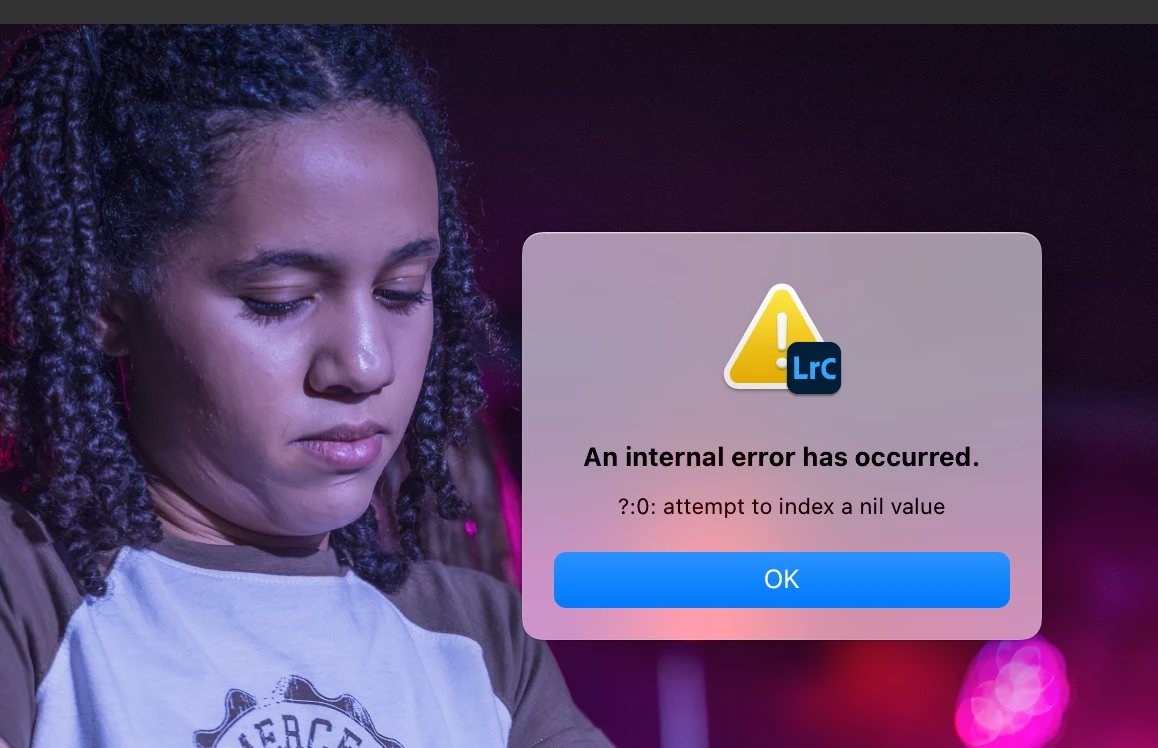
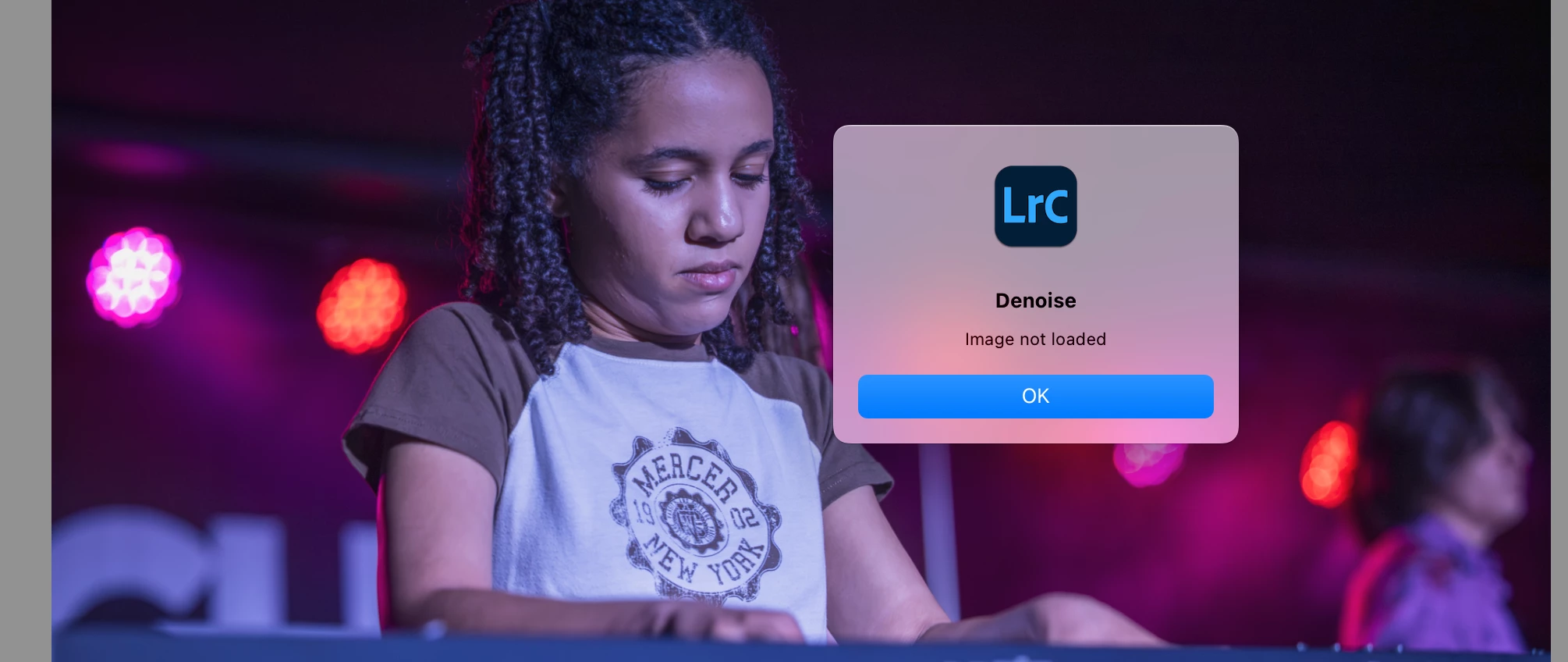
P: Lightroom V14.4 - Error when attempting to use new Denoise - Attempt to index a nil value

  • June 19, 2025
  • 32 replies
  • 5809 views

I installed the new version 14.4 today. Whenever I attempt to use the new denoise slider, I get this error "attempt to index a nil value".  And then, when I try to use the old-fashioned denoise, I get "image not loaded". I am working on a MacBook Pro with an M2 chip and I already reset Lightroom preferences. Anyone else having this issue?


32 replies

raeuberli
Participating Frequently
August 4, 2025

@C.Cella

What do you mean by "erase history" Where can I delete this?

Once the error has occurred, I can no longer tick the checkbox.

C.Cella
Inspiring
August 4, 2025

@raeuberli Tick the checkbox manually again.

If that fails, erase history AND tick the checkbox

Tell us if any of that works.

raeuberli
Participating Frequently
August 4, 2025
raeuberli
Participating Frequently
August 4, 2025

I have the same problem with a Windows PC

Participant
August 3, 2025

I have the same issue on v14.4.
I can't use the enhance function to denoise a photo.
Adobe, get your SHI*T together!!! If it's not broken, don't try to fix it.
There is enough broken stuff all around to fix... 

Participant
August 1, 2025

 lors de la reduction du bruit ce message apparaissait, j'ai réinitialiser les préférences sans succès. Comme suggéré dans une réponse de 2021: 

".... en créant un NOUVEAU CATALOGUE, puis en important les images du catalogue d’origine dans celui-ci, pour ensuite l’exporter. J’espère que le fait de partager cela aidera quelqu’un d’autre. Voici les étapes.

Fichier > Nouveau catalogue > (nommez-le) Créez > le nouveau catalogue s’ouvrira alors...

Fichier > Importer à partir d’un autre catalogue > (trouver le catalogue d’origine) Double-cliquez pour ouvrir ou cliquez sur Choisir > (case à cocher) Importer."


Pour moi cela a fonctionné.


Participant
July 24, 2025

I'm having this same issue! So frustrating.

Claire H.
Community Manager
Community Manager
July 24, 2025

Hi @Kerry_Langel1016, Welcome to the Lightroom Classic Community forums! If you're experiencing the same behavior, we would love to get more information from you. Please go to the following locations on your devices to collect the logs. Then, use any cloud file-sharing service to upload the folder and share a public link to the logs with us here. We'll need the Lightroom Catalog .lrcat & Lightroom Catalog Helper.lrdata. Can you also send your system info? You can find your system info by going to Help > System Info, copying and pasting it into a text file, and attaching it here. Thanks! ^CH

Participant
July 20, 2025

This new denoise update is giving me a run for my money. I don't know what i am doing wrong and I am a newer photographer so that may play into this. When I click on the denoise button is says "an internal error has occured, attempt to index a nil value"

johnrellis
Legend
July 20, 2025

Adobe is actively investigating this bug:

https://community.adobe.com/t5/lightroom-classic-bugs/p-lightroom-v14-4-error-when-attempting-to-use-new-denoise-attempt-to-index-a-nil-value/idi-p/15382270


Skimming through that thread, it doesn't look like there are any good workarounds, but you might want to read it more carefully. You could roll back to LR 14.3.1 and use the old DNG-based version of Denoise, but it won't see any applications of Denoise you've made to photos in LR 14.4.

Participant
July 18, 2025

Hey! 


i have the same problem. How did he copied the files? 

i don't know how to do this. 

Thanks 

Participating Frequently
July 21, 2025
Hallo,

Je gaat gewoon naar je Catalogus van LR die op je harde schijf staat en je
doet het volgende om dan door te sturen zodat je ze kunnen helpen :
- op de harde schijf in de map "cataloog". je zal daar het .lrcat en het
lrcatdata bestand moeten sturen dat je eerst in een zip bestand zet door op
je rechtermuisknop te klikken om te zippen, dan doorsturen
Hopelijk heb ik je hiermee kunnen helpen.

--
<>