


Participant
Jun 19, 2025 1:42 PM UTC
Needs More Info

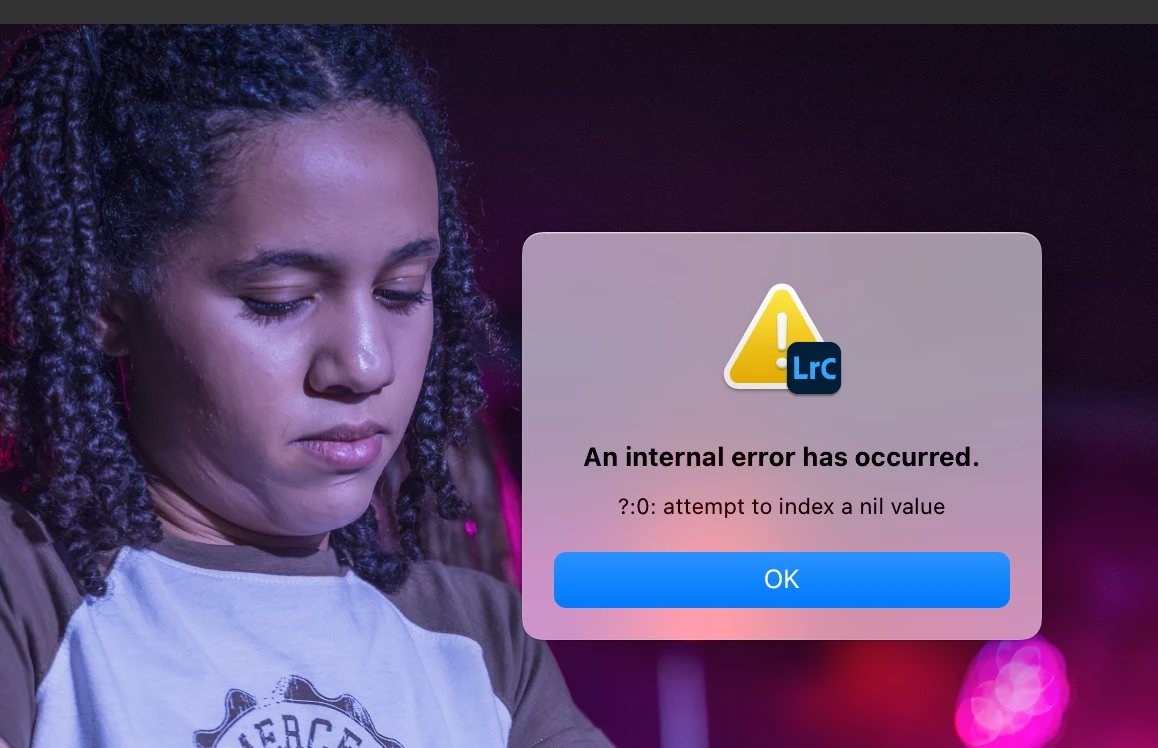
P: Lightroom V14.4 - Error when attempting to use new Denoise - Attempt to index a nil value

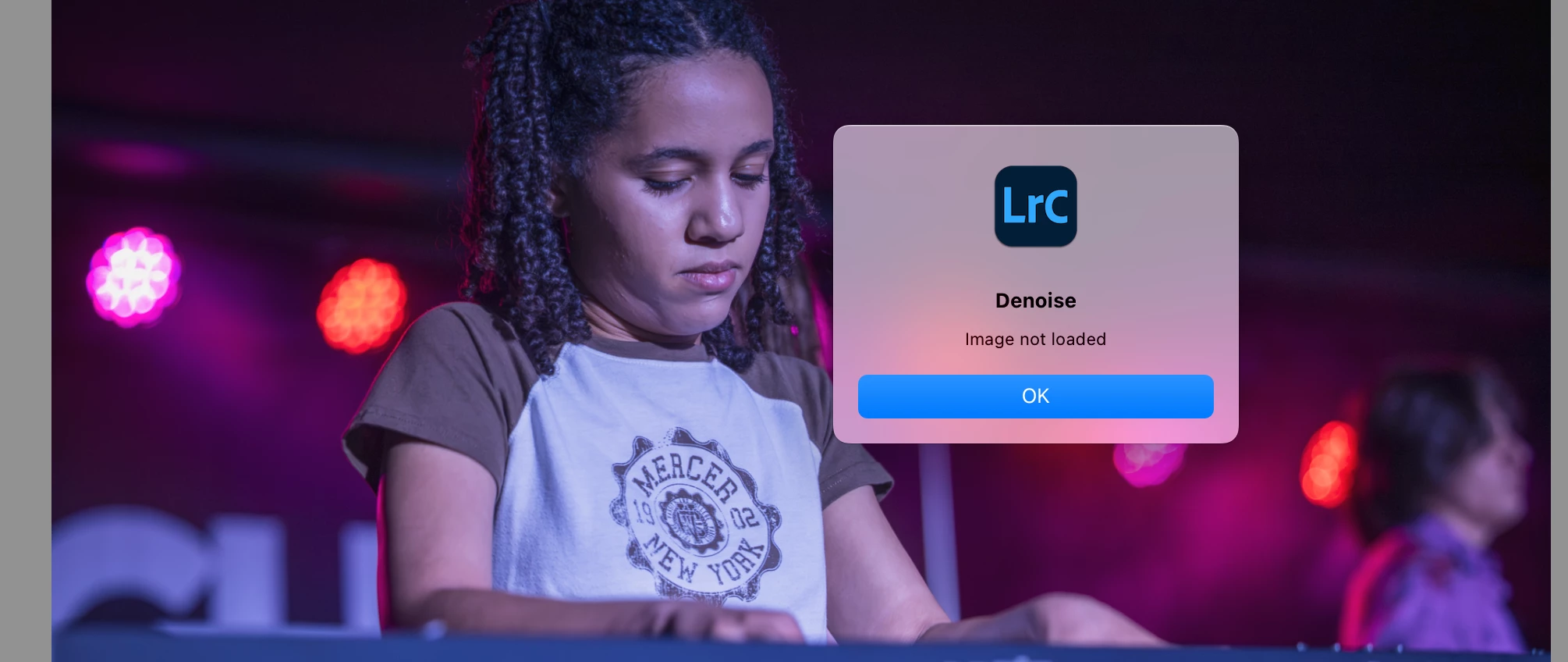
I installed the new version 14.4 today. Whenever I attempt to use the new denoise slider, I get this error "attempt to index a nil value".  And then, when I try to use the old-fashioned denoise, I get "image not loaded". I am working on a MacBook Pro with an M2 chip and I already reset Lightroom preferences. Anyone else having this issue?


60 replies

Inspiring
Oct 15, 2025 11:59 AM UTC

@anne_9459 

- (backup your photos and) make note of the number of photos in your catalog

- create a New Catalog (in the same folder for other references)

- make sure to pause Syncing with the web before you continue

- Import from Another Catalog and select your current catalog file; this can take some time

- check the number of photos in your catalog (reimport the missing folders if necessary)

If you've created XMP files before, LrC will show an exclamation symbol for conflicting edits: click to choose for external or for your LrC edits. To keep your LrC edit history, choose the latter. (Are there official Adobe recommendations for this?)

You should be able to Denoise, Remove Distractions etc. now.

- make sure to Optimize and set up Backup of your new catalog.

Translate
Participant
Aug 11, 2025 11:09 PM UTC

I created a new catalog and have had no problems at all. I didn't want to create a new catalog, but in it everything works fine. The Denoise feature works well and the file names don't end up with that obnoxious NR addition. So, create a new catalog and motor right along. 

Translate
Participant
Aug 11, 2025 10:53 PM UTC

Hi, new to this forum, but what I am reading here is exactly what I am getting.

LR upgraded to the latest - I didn't request it so must have automatically done it (annoying!)

And now I cannot denoise any existing photo or any new one I import, everything else is perfectly fine.

The error is 
?:0: Attempt to index a nil value 

Just as I am needing to use LR more and more for photography, its been so good up until this. 

Translate
Participant
Aug 5, 2025 4:36 AM UTC

I am still having the error. Has anyone figured out a way around this?

Translate
raeuberli
Participating Frequently
Aug 4, 2025 12:23 PM UTC

The problem is with all images

Translate
C.Cella
Legend
Aug 4, 2025 10:50 AM UTC

@raeuberli 

Ok so for that image the workaround with History/Protokoll is not doable.

You can't click the Denoise checkbox ONLY for that image or all images


.

Translate
C.Cella
Legend
Aug 4, 2025 10:24 AM UTC

@raeuberli 
History can be found in Develop module on the elft side panel (see screenshot)
 

If you don't see it then you hid it.
To make it visible then right click on the presets panel (which I see you have enabled) and tick "History"


Translate
raeuberli
Participating Frequently
Aug 4, 2025 10:20 AM UTC

Jetzt habe ich es gefunden:

In German it is called Protokoll (History) 🙂

The history is empty after I try to start the denoising process. No entry is made there.

Translate
raeuberli
Participating Frequently
Aug 4, 2025 10:11 AM UTC

@C.CellaSorry, but I am somehow too stupid for this 🤓
Where can I find the "History" window?

Translate
C.Cella
Legend
Aug 4, 2025 9:55 AM UTC

@raeuberli 

Click the X in the History panel to clear all (see screenshot)


Or right click on the Step before doing Enhance and do "Clear History Above This Step" (see screenshot)


Or hold Alt/option modifier and click the step to do "Clear History Above This Step" fast.


Translate