


didierc69515119
Known Participant
May 11, 2021

P: Local Adjustment or Synced spot removal to a cropped copy not sampling from the same as in the or

  • May 11, 2021
  • 16 replies
  • 1825 views

1. Editing an image

2. Create a virtual copy

3. Crop the copy

4. Adding a spot removal to the original

5. Synching spot removal from original to copy

6. Interrogate spot removal


Expected - spot removal over the same part of the image and sampling from the same part

Actual - spot removal does not always sample exactly from the same place

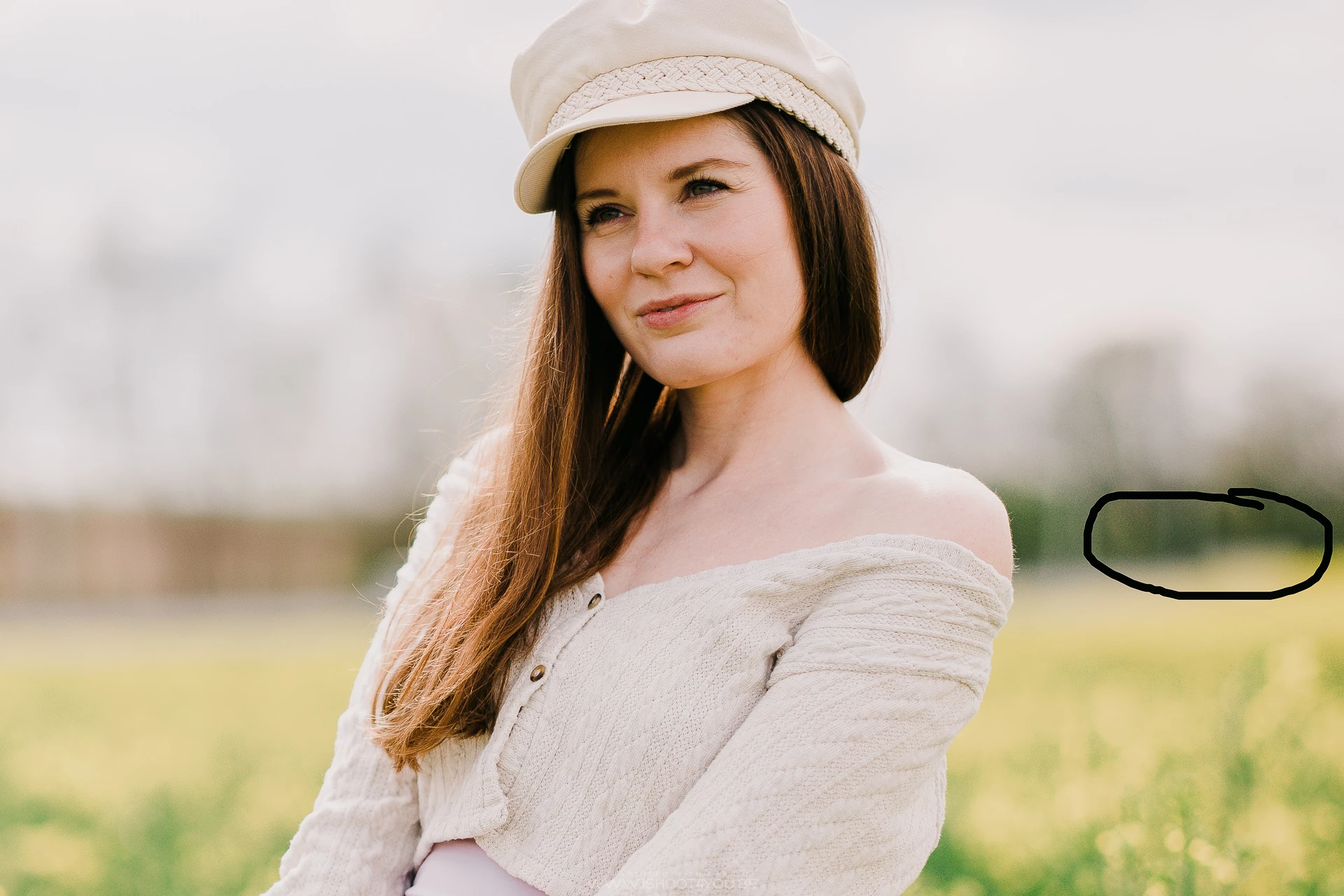
This is an example in which the shift is very slight, sometimes the sampling area completety change!


Bokeh ball removed by sampling just from next to it...


Image 1 (original)
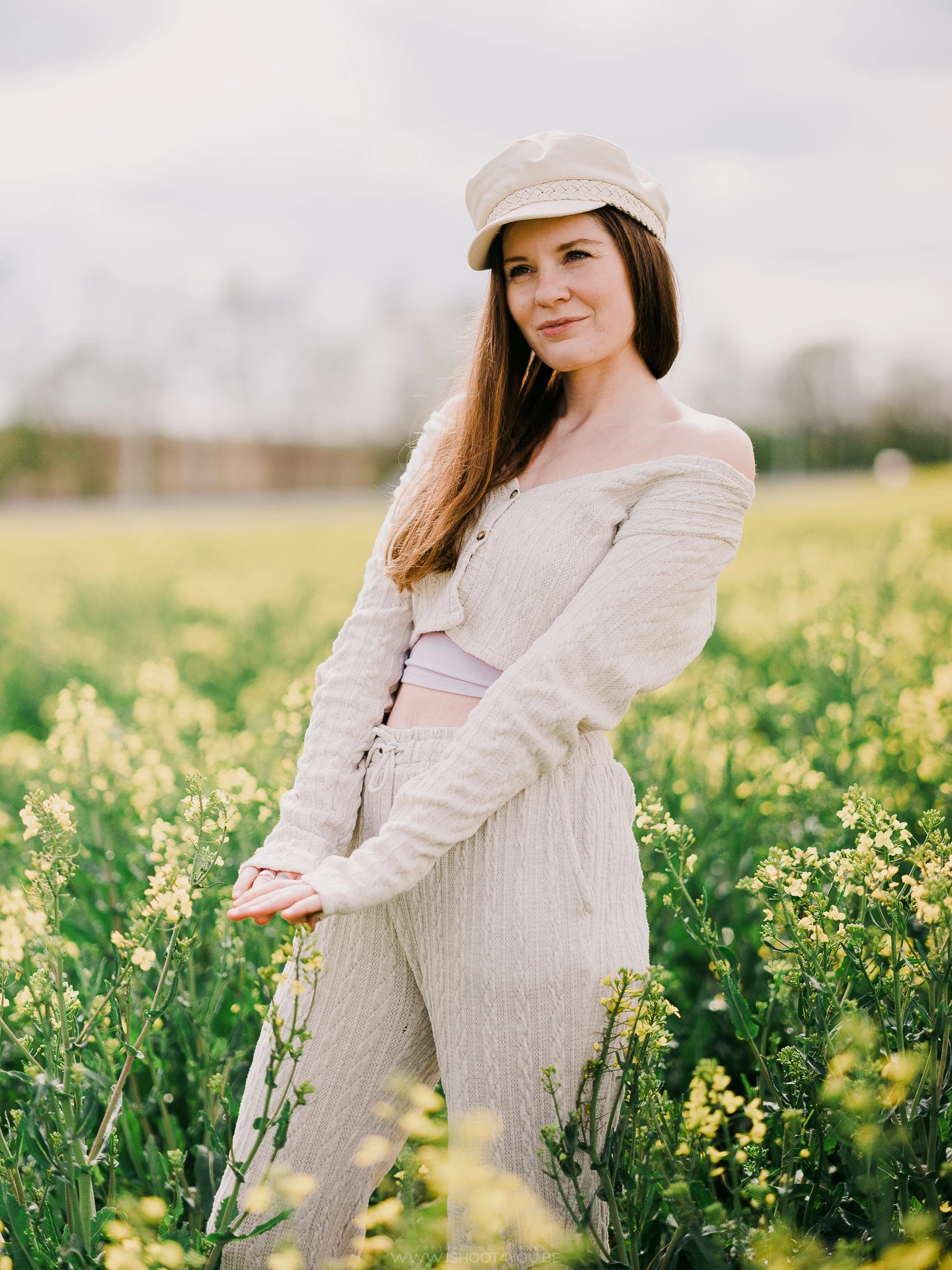


Image2 (virtual copy of the original on which I use the spot removal)
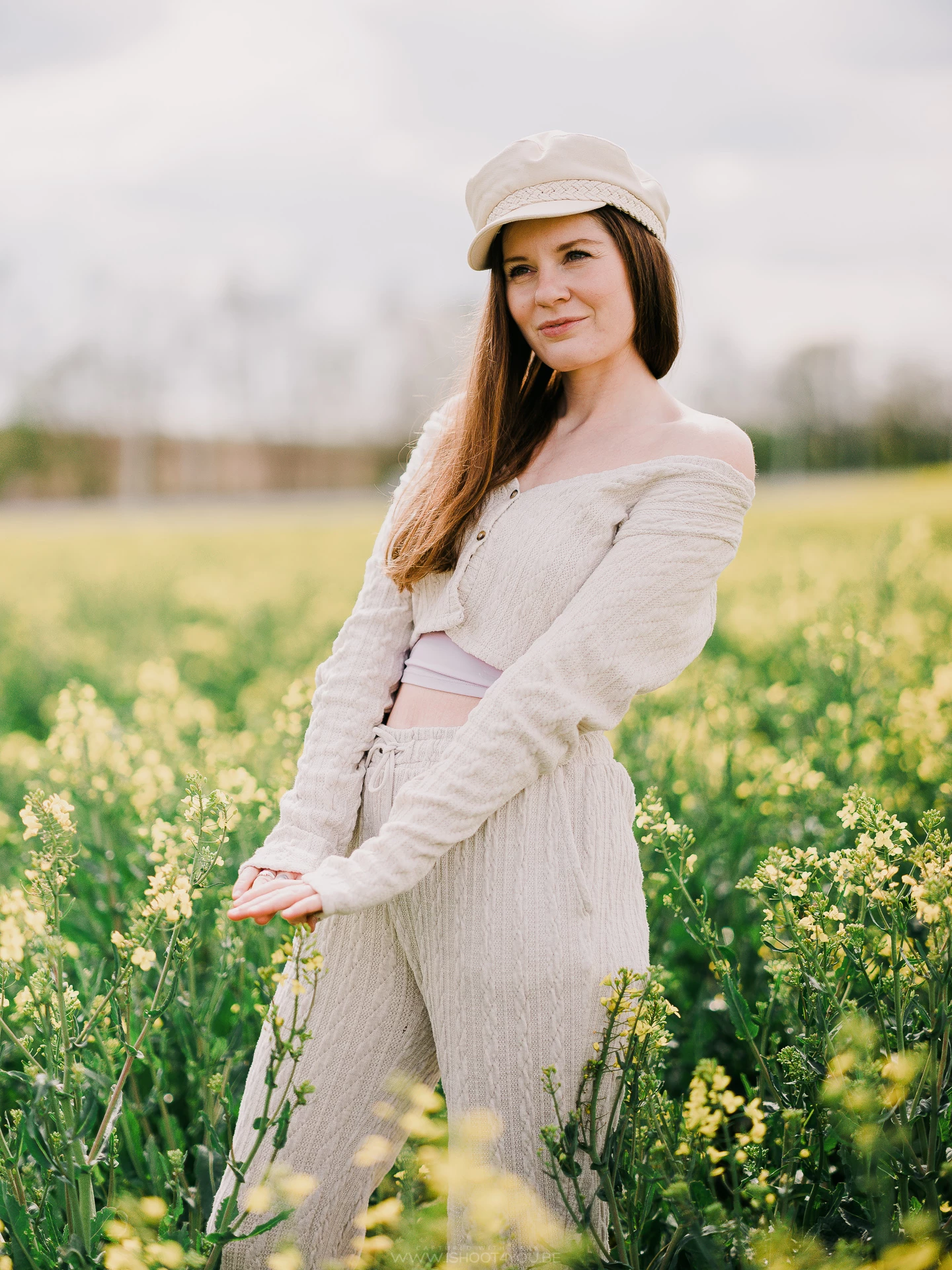


Image3 (a cropped virtual copy of image1 to which I synch the spot removal tool from image2 - see the shift on the right)


This topic has been closed for replies.

16 replies

Participating Frequently
July 13, 2021

@didier_chr_tien 
sorry, this was a sarcastic answer, highlighting that they take so long to release updates and when they do, often unimportant issues are in the fix list, but critical stuff remains broken for ages and even more serious bugs keep piling up on top of this mess.
There are so many issues with how this product is managed: dev. outsourcing, different teams for LR itself and main photo engine - ACR, QA, bugfix prioritization, hotfix scheduling and general approach to releases. list goes on and on. I've personally lost confidence in the company and software and just waiting for the closest feature-comparable replacement from competition...

Participating Frequently
July 12, 2021

I know this has been reported to Adobe in other posts but it seems they're just not listing (as per usual). So here goes again.

There is a bug with how LR Classic 10.3 handles copying and syncing adjustment brushes between frames if some of them have been rotated or cropped. Instead of copying the brushes relative to the original frame LR repositions them relative to the new crop / rotation. This is not how previous versions of LR have functioned and makes LR almost unusable for me. 

Adobe. Please, please, please fix this ASAP. This bug has already cost me hours of work.

johnrellis
Legend
June 29, 2021

I released the Copy Settings plugin, which correctly copies local adjustments, spot removals, transforms, and crops between photos. It also lets you define presets for which settings should be copied.  I'm hoping that Adobe will fix all the bugs with Copy/Synchronize Settings soon, but meanwhile, this plugin will get the job done.

didierc69515119
Known Participant
June 15, 2021

@John_R_Ellis 

V10.3 and no correction...

So no correction planned ?

didierc69515119
Known Participant
June 12, 2021

This answer is completely inappropriate.

I don't know how you work but for me, creating virtual copies was a common thing to compare different treatments as my eye is fairer in relative than in absolute.

Now since V10.2, if my preference is for the first virtual copy, I don't even dare to synchronize the settings on the original photo anymore like the brush, the graduated filter, etc. no will not be placed above the same pixels !

So for me it's really very far from being a stupid stuff as you say.

I am now working with snapshots until this issue is resolved but it s far less convenient


Participating Frequently
June 11, 2021

Folks, forget this issue, now we finally have column-aligned icons in MacOS and send to Apple Mail works, this is so much more important than some stupid copy-sync stuff and other develop bugs... it was definitely worth the 3 months of waiting. It feels so refreshing to be heard and have those nasty issues fixed.

didierc69515119
Known Participant
June 10, 2021

Hello John,

V10.3 and no correction 🙂

Idem for the brush etc...

johnrellis
Legend
May 13, 2021

I've written a memo analyzing the various problems with copying crops and local adjustments and providing a straightforward method for correcting them:

https://feedback.photoshop.com/conversations/lightroom-classic/lightroom-correct-copying-of-crops-and-local-adjustments/609cafb1577a0e42cab0ae09 

JohanElzenga
Community Expert
Community Expert
May 12, 2021

You may be right. Resampling is done (and makes sense) when you copy between different images. It does not make sense when you copy between virtual copies and the master image.

-- Johan W. Elzenga
johnrellis
Legend
May 12, 2021

"When you sync a spot removal, Lightroom will resample."

I don't think this accounts for the behavior observed here. Copying a spot-removal clone from a virtual copy to an original, with no cropping, usually shifts the location of the clone source.  The shift is the same each time you do the copy, ruling out the possibility that the algorithm for choosing the source is stochastic (using randomness).

LR 10.2 tried to fix a longstanding bug with copying local adjustments between photos with different orientations (rotation), e.g. from a photo rotated in-camera to a TIFF created from that photo in Photoshop.  This worked for a couple of the adjustment tools but not others, and it introduced more bugs to common use cases that are reported elsewhere.

Internally, each adjustment tool represents the coordinates of the adjustment slightly differently, and I'd bet that the attempted bug fix in 10.2 didn't apply the right "fix" to the coordinates of the spot-removal clone source.  (I'm intimately familiar from the internal representations of the adjustment tools, incorporating them into my Any Filter and Any Crop plugins.)