


didierc69515119
Known Participant
May 11, 2021

P: Local Adjustment or Synced spot removal to a cropped copy not sampling from the same as in the or

  • May 11, 2021
  • 16 replies
  • 1825 views

1. Editing an image

2. Create a virtual copy

3. Crop the copy

4. Adding a spot removal to the original

5. Synching spot removal from original to copy

6. Interrogate spot removal


Expected - spot removal over the same part of the image and sampling from the same part

Actual - spot removal does not always sample exactly from the same place

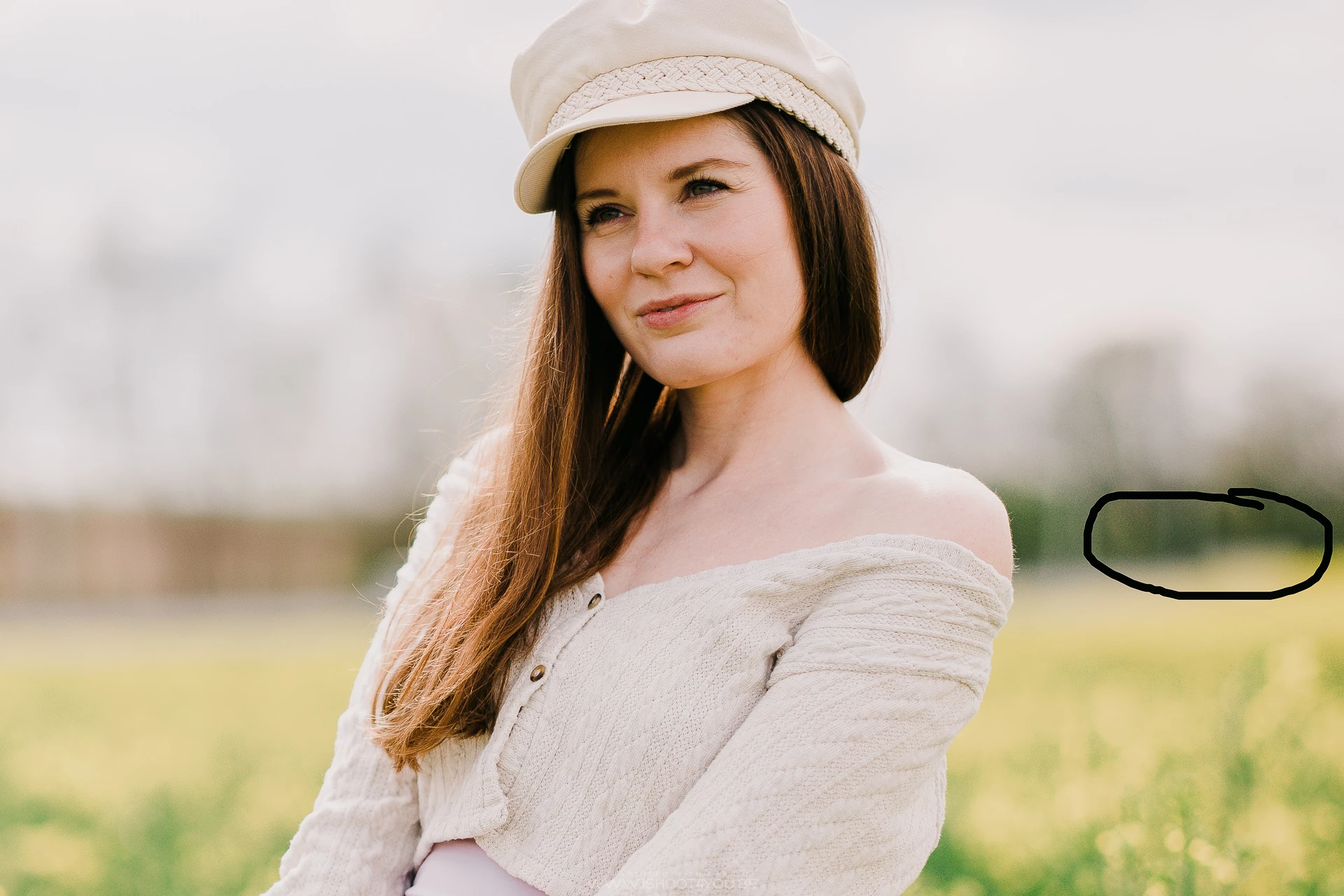
This is an example in which the shift is very slight, sometimes the sampling area completety change!


Bokeh ball removed by sampling just from next to it...


Image 1 (original)
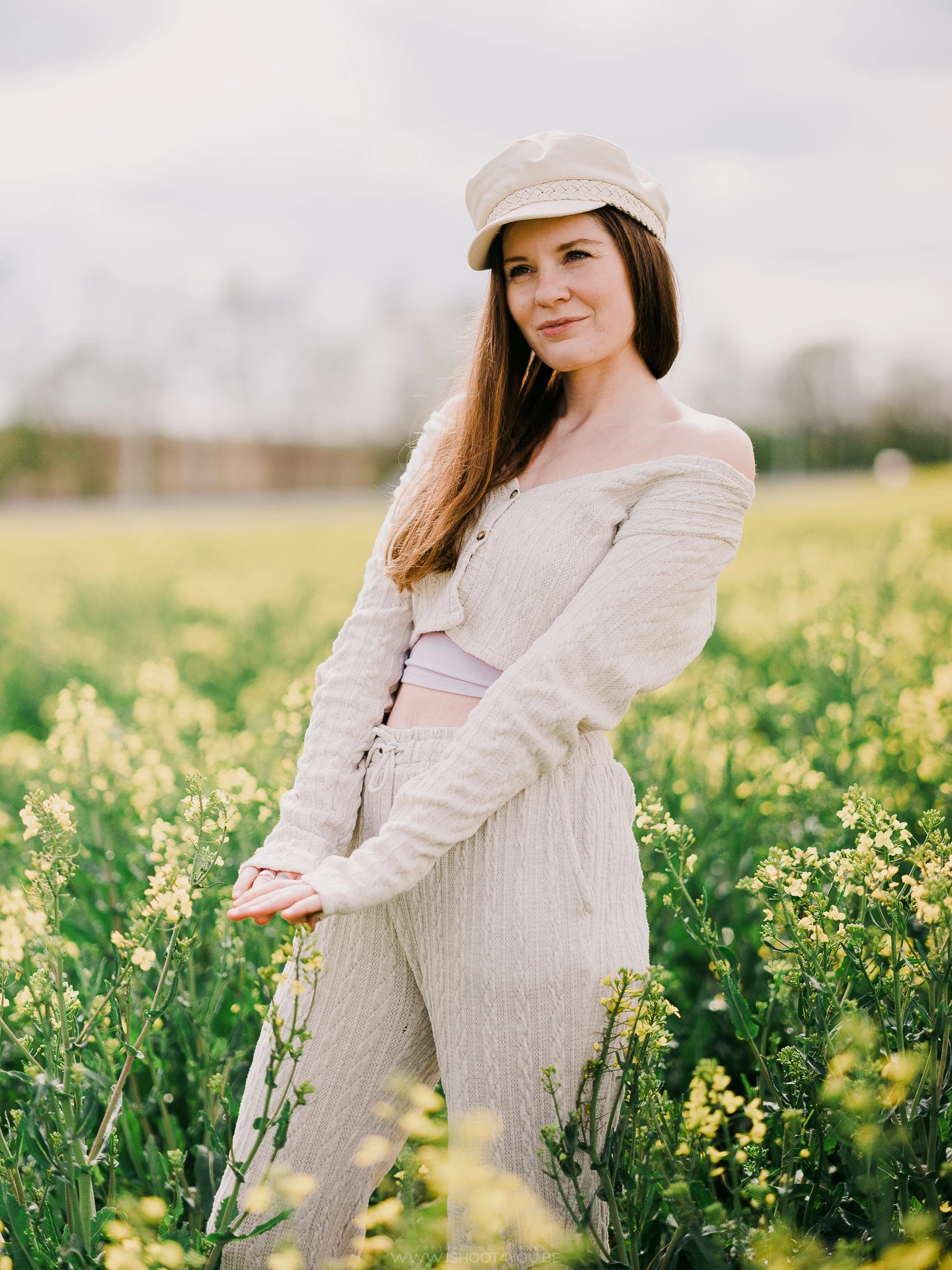


Image2 (virtual copy of the original on which I use the spot removal)



Image3 (a cropped virtual copy of image1 to which I synch the spot removal tool from image2 - see the shift on the right)


This topic has been closed for replies.

16 replies

johnrellis
Legend
May 12, 2021

I'm seeing easy-to-reproduce shifts in the clone source when copying from virtual copy to original:

didierc69515119
Known Participant
May 12, 2021

Yes I am aware 🙂

Thank you for your comment.

JohanElzenga
Community Expert
Community Expert
May 12, 2021

Just to make sure: are you aware that you can manually move the clone source to get the best possible result? Using multiple VC’s and then syncing the best result to the original sounds rather cumbersome to me compared to just moving the source to where you want it.

-- Johan W. Elzenga
didierc69515119
Known Participant
May 12, 2021

@John_R_Ellis 

The biggest concern for me is that sometimes without involving a crop, synchronizing the spot removals to a copy also leads to some kind of modifications!

Before V10.2 I sometimes did different attempts of spot removal by using virtual copies and then synch the best result to the original. Now I don't trust LR anymore.

johnrellis
Legend
May 12, 2021

This behavior changed from LR 10.1.1 to LR 10.2.  In LR 10.1.1, copying a Spot Removal > Clone to a cropped virtual copy doesn't change the source of the clone, while it does in LR 10.2.

Here's the original and the cropped virtual copy in LR 10.2:

Here's the location of the target and source of the clone in the original and the virtual copy (I've removed the crop from the virtual copy so you can see the source):

Note that the source has changed considerably.

For comparison, here are the locations of the target and source in the original and the virtual copy in LR 10.1.1 -- they're exactly the same:

Note that in both LR 10.1.1 and 10.2, the source of the clone is not within the crop of the virtual copy.

JohanElzenga
Community Expert
Community Expert
May 11, 2021

Expected - spot removal over the same part of the image and sampling from the same part

When you sync a spot removal, Lightroom will resample. The reason is that you would normally not sync between two identical images, but for example a sensor spot in a series of similar, but not identical images. Because the images are not identical, the best sample spot may not be the same place for each image. Sampling from the same spot will only take place if you manually moved and replaced the sample point on the first image.

Why don’t you simply create a second virtual copy of the first virtual copy, and then crop that?

-- Johan W. Elzenga